HS175D Plus — More for Your First GPS Flight


HS175D Plus 1.webp
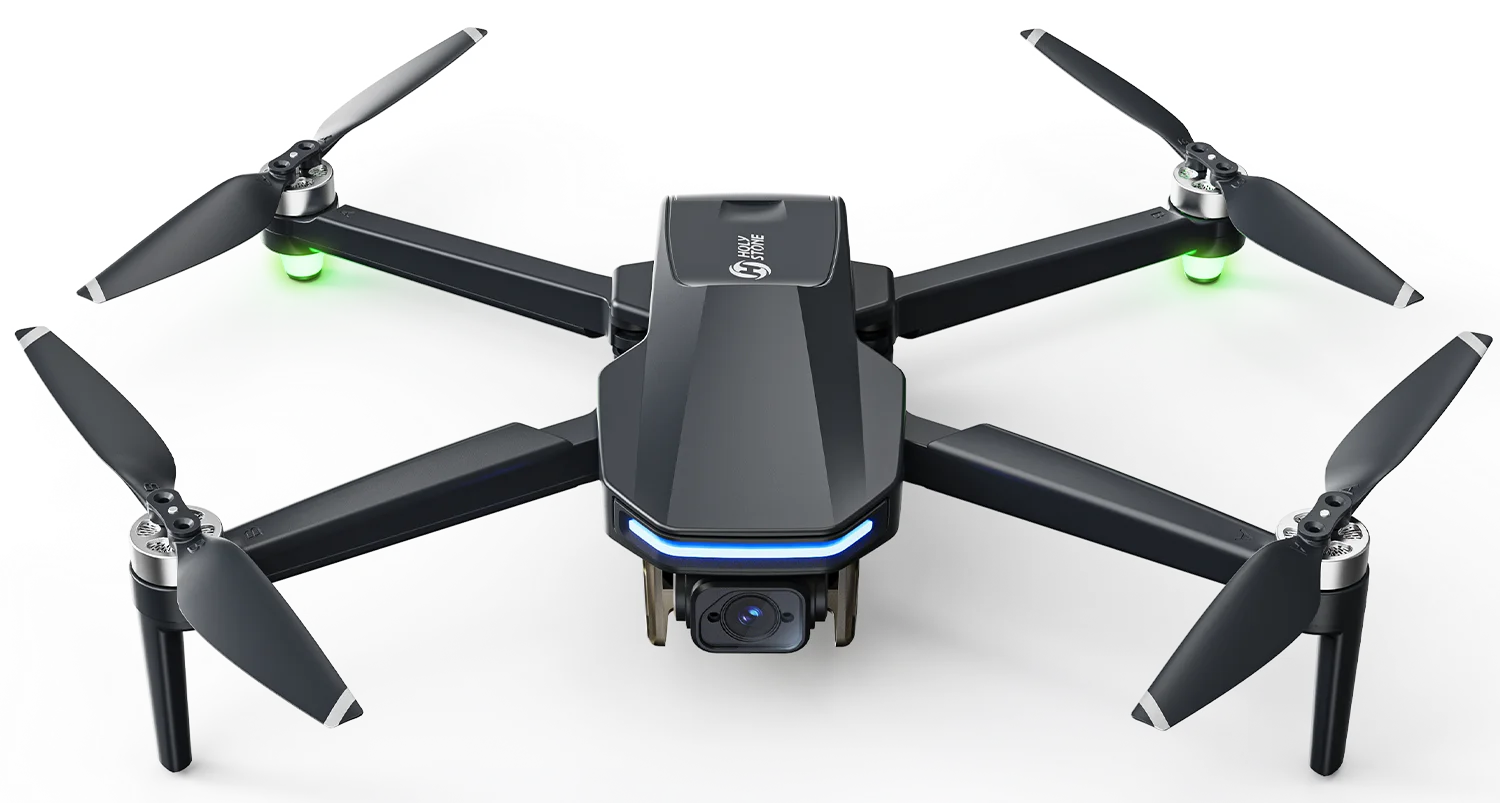
HOLY STONE HS175D PLUS

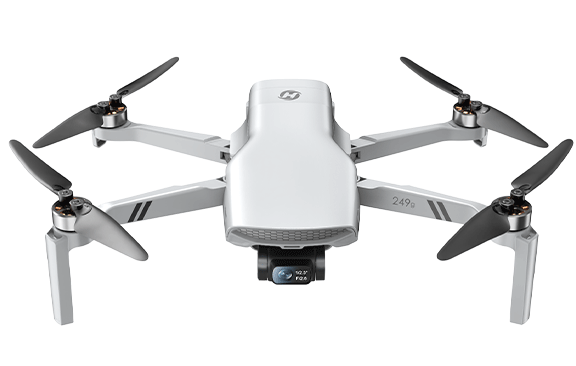
More From Your First GPS Drone

Light to carry. Easy to learn. More time, more range, and more ways to fly.

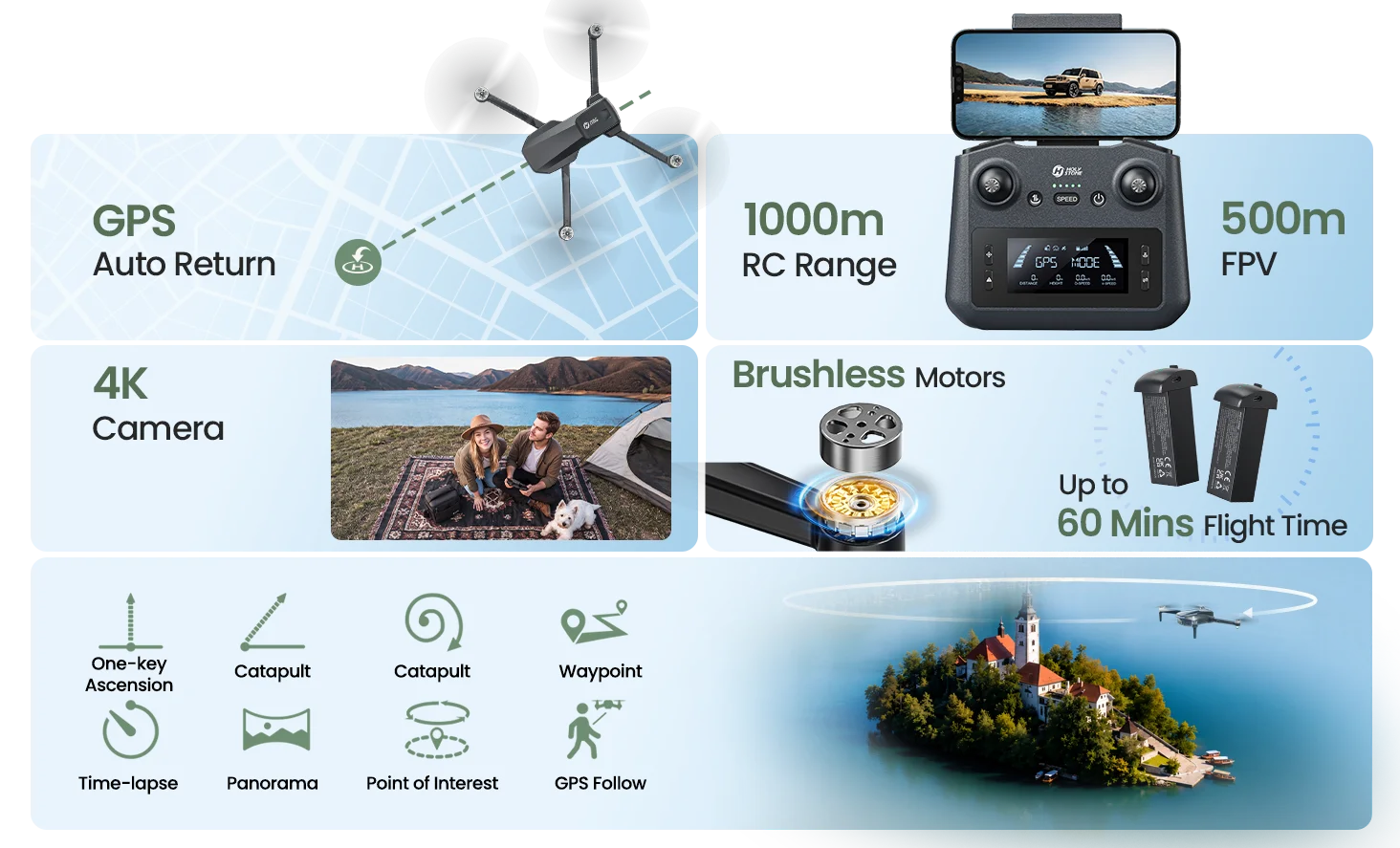
Beginner Friendly GPS Return to Home Brushless Motors Smart Flight Modes
247 g LIGHTWEIGHT AIRFRAME
30 min MAX FLIGHT TIME / BATTERY
1,000 m MAX CONTROL RANGE
4K TF-CARD VIDEO RECORDING
MEET HS175D PLUS

See What More Looks Like

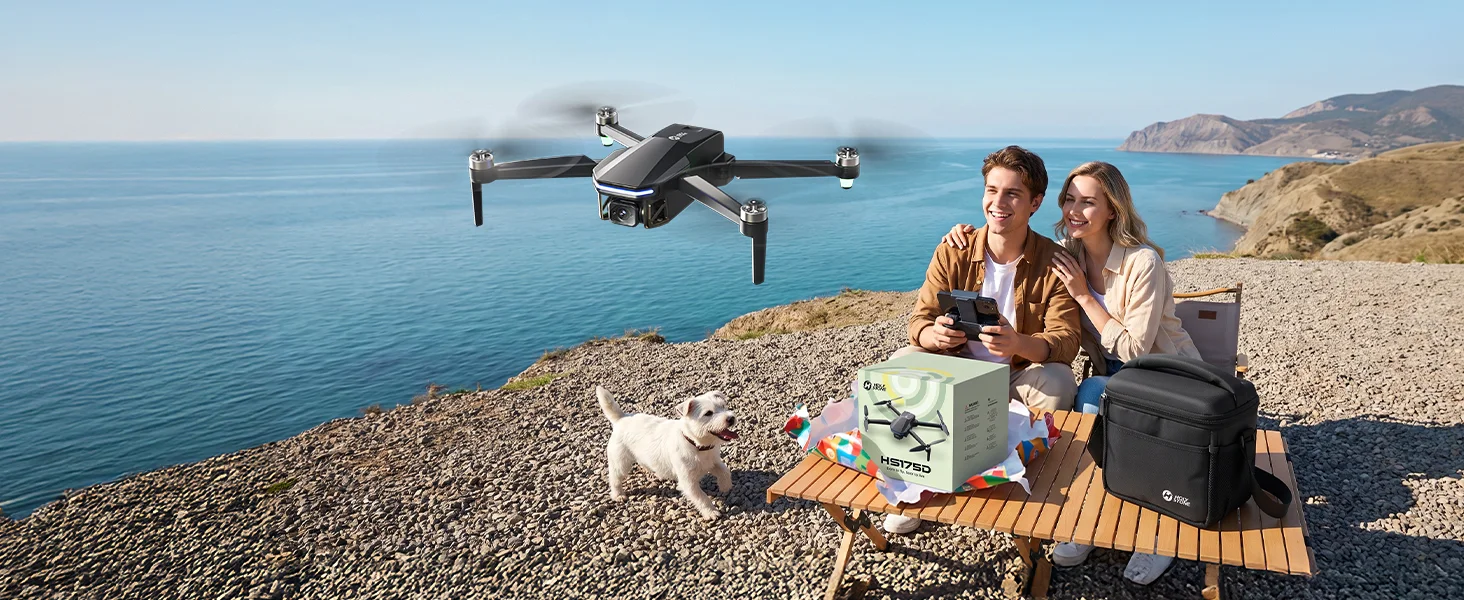
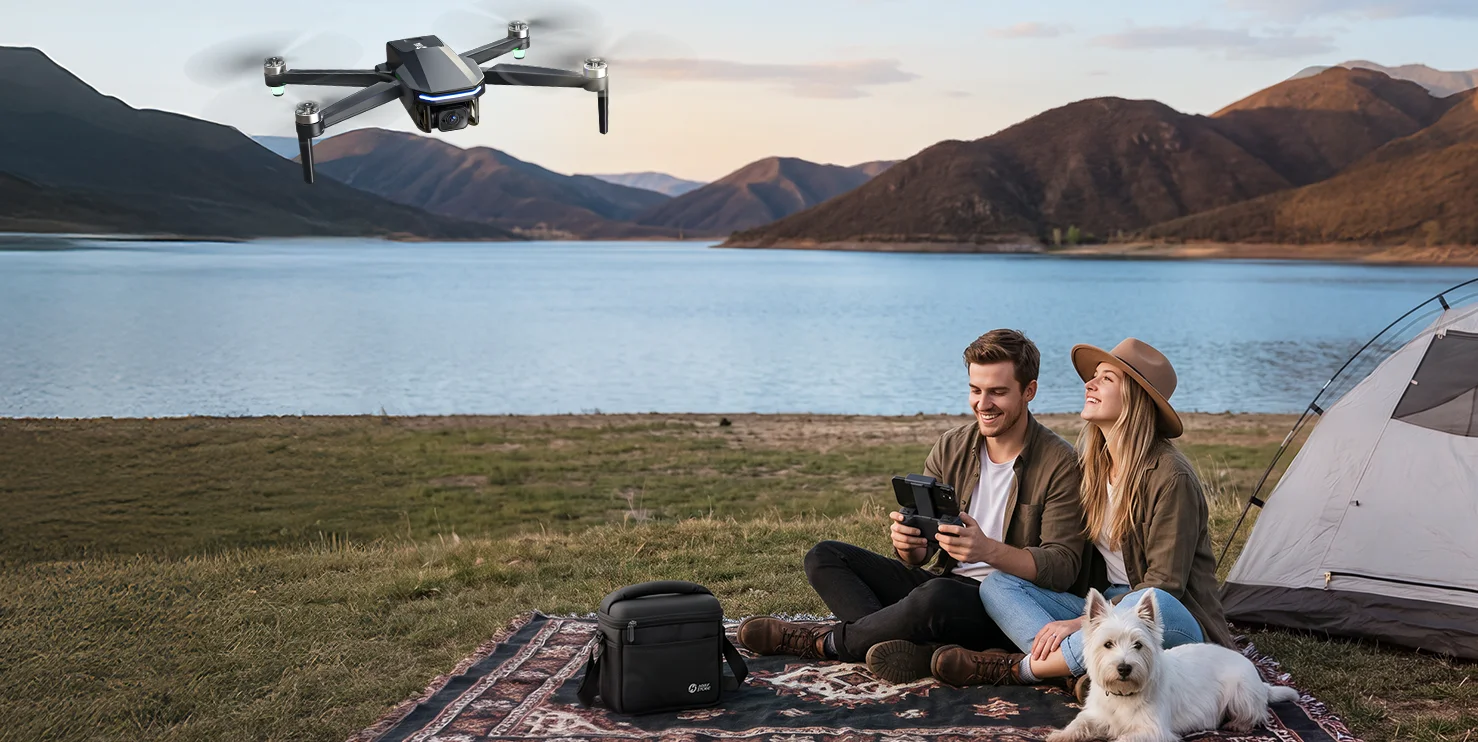
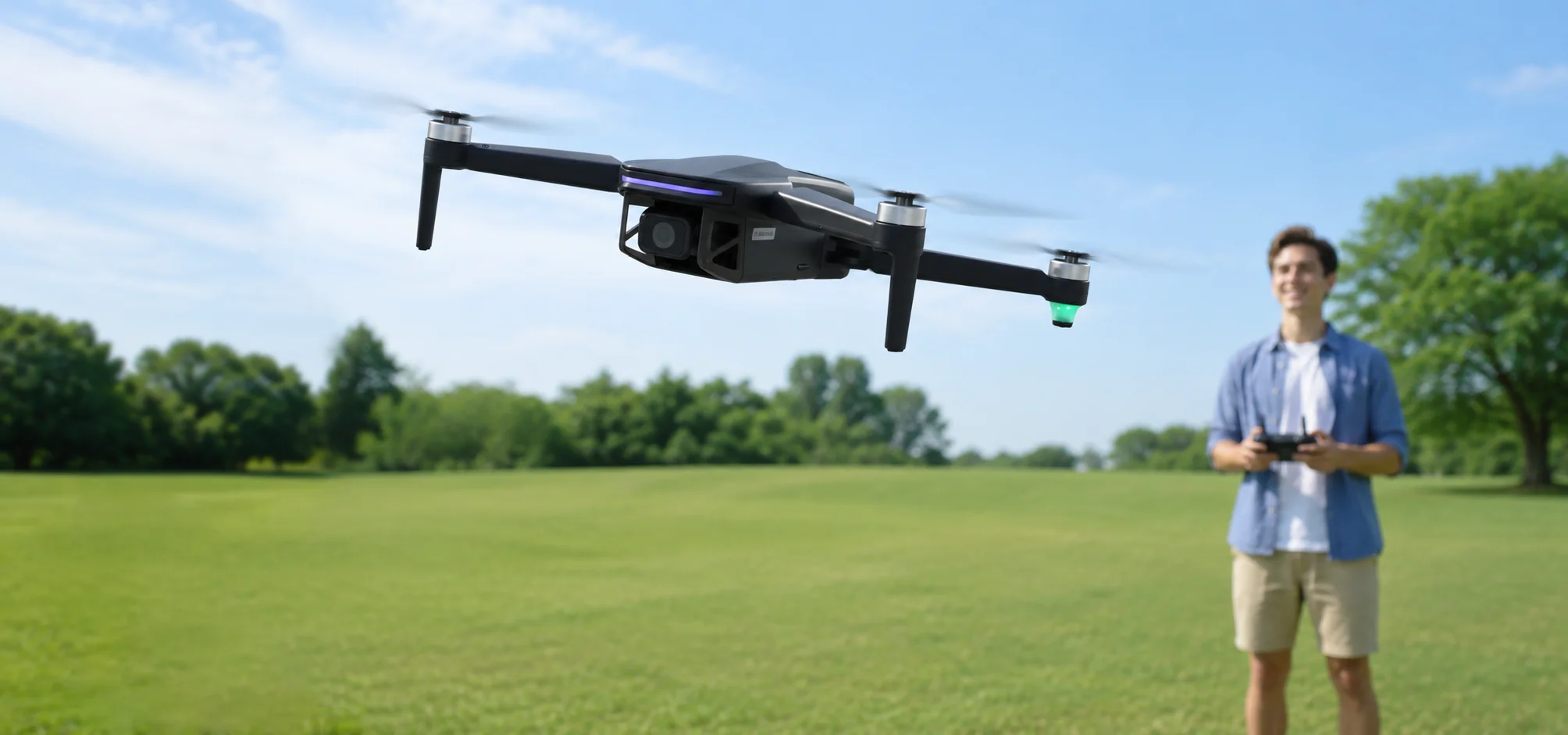
See how lightweight GPS flight, Return to Home, longer flight time and automatic flight modes come together in one beginner-friendly outdoor drone.

WHY HS175D PLUS

What Do You Get With HS175D Plus?

Short answer: the familiar first-GPS-drone experience, with more time in the air, more room to explore, 4K recording and more automatic flight modes to try as you learn.

Fly with More Confidence GPS positioning and Return to Home give a first-time outdoor pilot more support while learning.
Stay in the Air Longer Up to 30 minutes of rated flight time per battery gives you more time to repeat the basics without rushing.
Try More Ways to Fly Follow, orbit, rise, spiral, trace a route, panorama and time-lapse modes let you experience more than manual flight.
why HS175D plus.webp
FLY WITH CONFIDENCE

The GPS Basics That Help You Learn Outdoors

GPS positioning, Return to Home and low-battery protection work behind the scenes to make a first outdoor GPS-drone experience easier to manage.

01
GPS positioning icon GPS Positioning Helps the drone hold position outdoors when GPS signal is available.
02
Return to Home icon Return to Home Smart RTH and Failsafe RTH give you clearer ways to bring the aircraft back when needed.

03
Low Battery RTH.png Low-Battery Protection Low-voltage return or landing logic helps reduce the chance of simply flying until battery power runs out.
Optical Flow also supports low-altitude positioning when GPS conditions are limited and the surface is suitable.

HS175D plus Easy for Beginner.webp
AUTOMATIC FLIGHT & SHOOTING MODES

Try More Ways to Fly

These modes are not about turning an entry-level drone into a cinematic camera. Their real value is letting a beginner experience automatic drone movements that are harder to reproduce manually.

POINT OF INTEREST

Orbit Around a Selected Point

Set a point of interest and let the drone circle around it automatically while you observe how an orbit movement is created.

Best for

Learning the basic idea behind automatic orbiting without manually coordinating the full circular path.

CATAPULT

Pull Back and Reveal More

The drone flies backward and upward along a programmed move, then returns to the starting area after the sequence.

Best for

Experiencing a simple automated reveal movement.

ONE-KEY ASCENSION

Rise Straight Into the View

The drone climbs vertically while recording, then flies back toward its starting point after the automatic sequence.

Best for

Seeing how a vertical reveal can change the perspective of a simple outdoor scene.

SPIRAL UP

Circle Upward Automatically

The drone ascends while circling around the subject area, then returns after the programmed sequence.

Best for

Trying a movement that would be more difficult for a beginner to reproduce manually.

TAPFLY

Plan a Simple Route on the Map

Create a route by selecting points on the app map, then let the drone fly through the submitted path.

Best for

Understanding route-based GPS flight. Always keep the planned route clear of obstacles.

Use automatic modes only in open areas, keep the full flight path clear, and maintain visual line of sight.

MORE TIME TO LEARN
30min × 2

Practice Without Rushing

More time in the air gives a new pilot room to repeat takeoffs, turns, basic framing and Return to Home routines before landing to recharge.

1,000 m Max rated control range
500 m Max rated video transmission

Maximum ranges are specified for outdoor, unobstructed and low-interference conditions. Actual performance varies with environment, interference and local operating conditions.

4K RECORDING

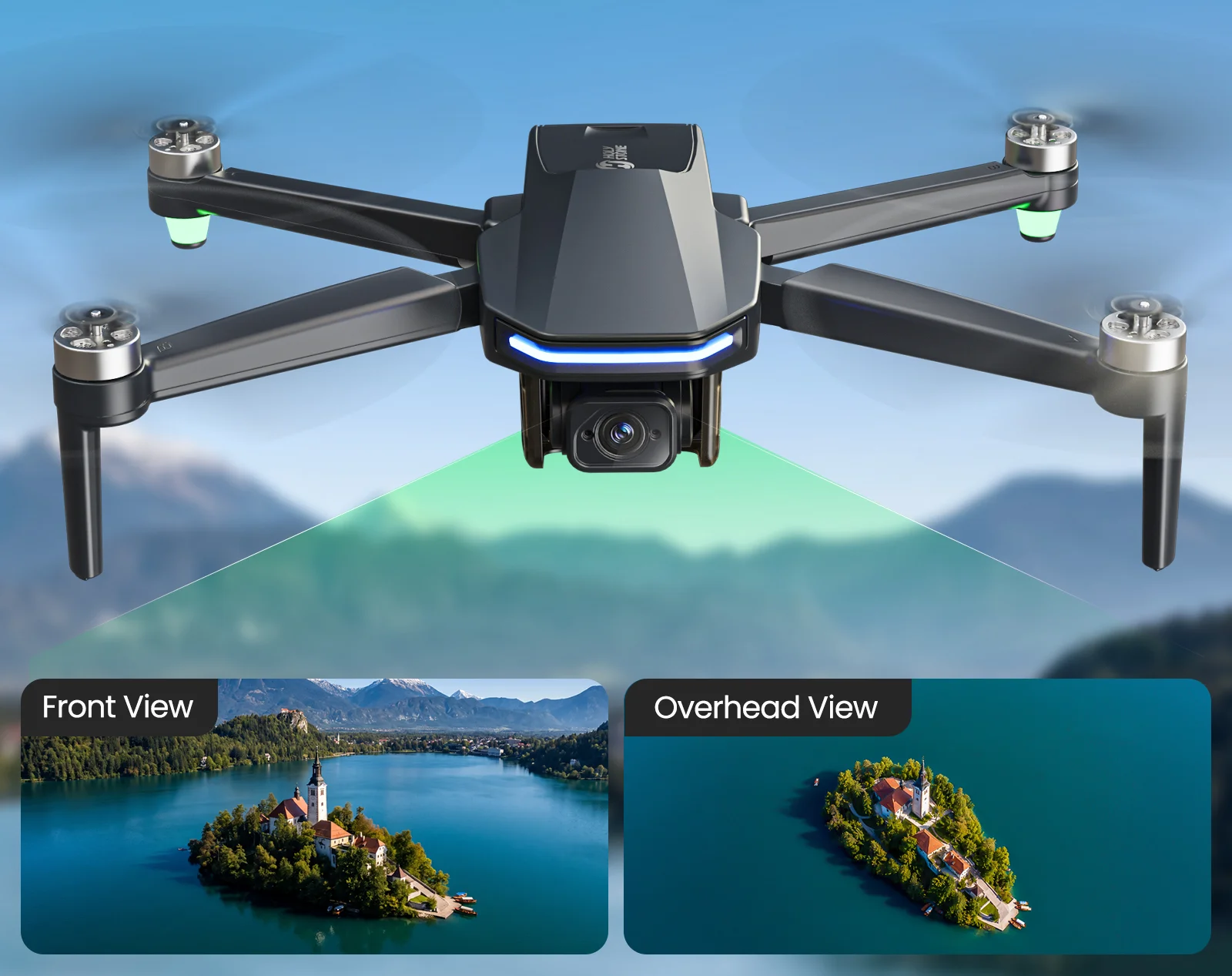
4K Recording for Your First Aerial Views

Capture your first aerial views while learning the basics of GPS flight.

4K · 20fps 3840 × 2160 recording
1680P · 30fps 2976 × 1680 recording
Up to 256GB TF Card Support TF card not included.

Good to know: HS175D Plus does not use a gimbal or EIS, so it is designed for casual aerial recording rather than stabilized cinematic footage.

4K recording.webp
画板 3 拷贝.webp
247 G LIGHTWEIGHT DESIGN
247g

Easy to Pack. Easy to Bring.

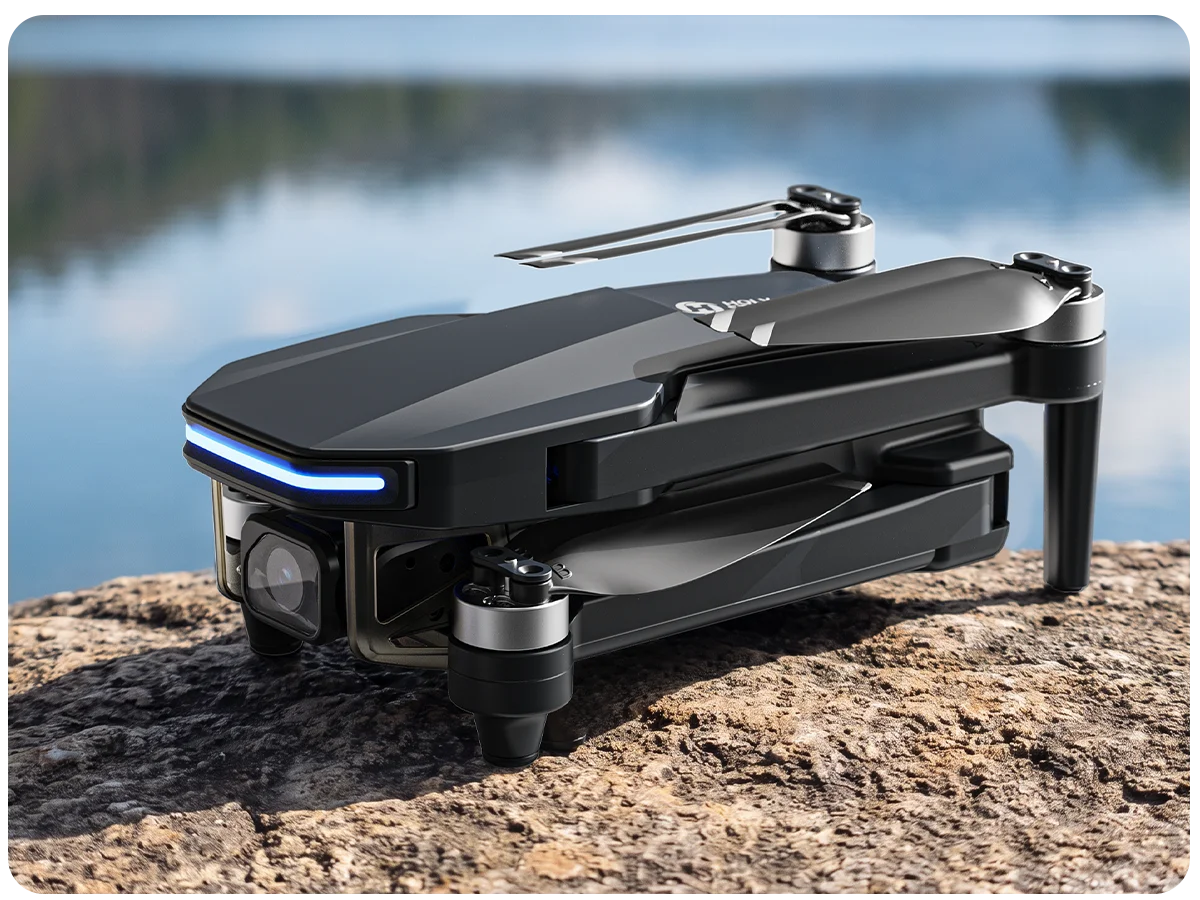
The under-250g airframe keeps the HS175D Plus compact and portable, so it fits the role of a first outdoor GPS drone without feeling like a large piece of flight equipment.

Always check and follow the current drone rules that apply where you fly. Weight alone does not determine every operating requirement.

USEFUL FIRST-FLIGHT FEATURES

Simple Controls You Can Grow Into

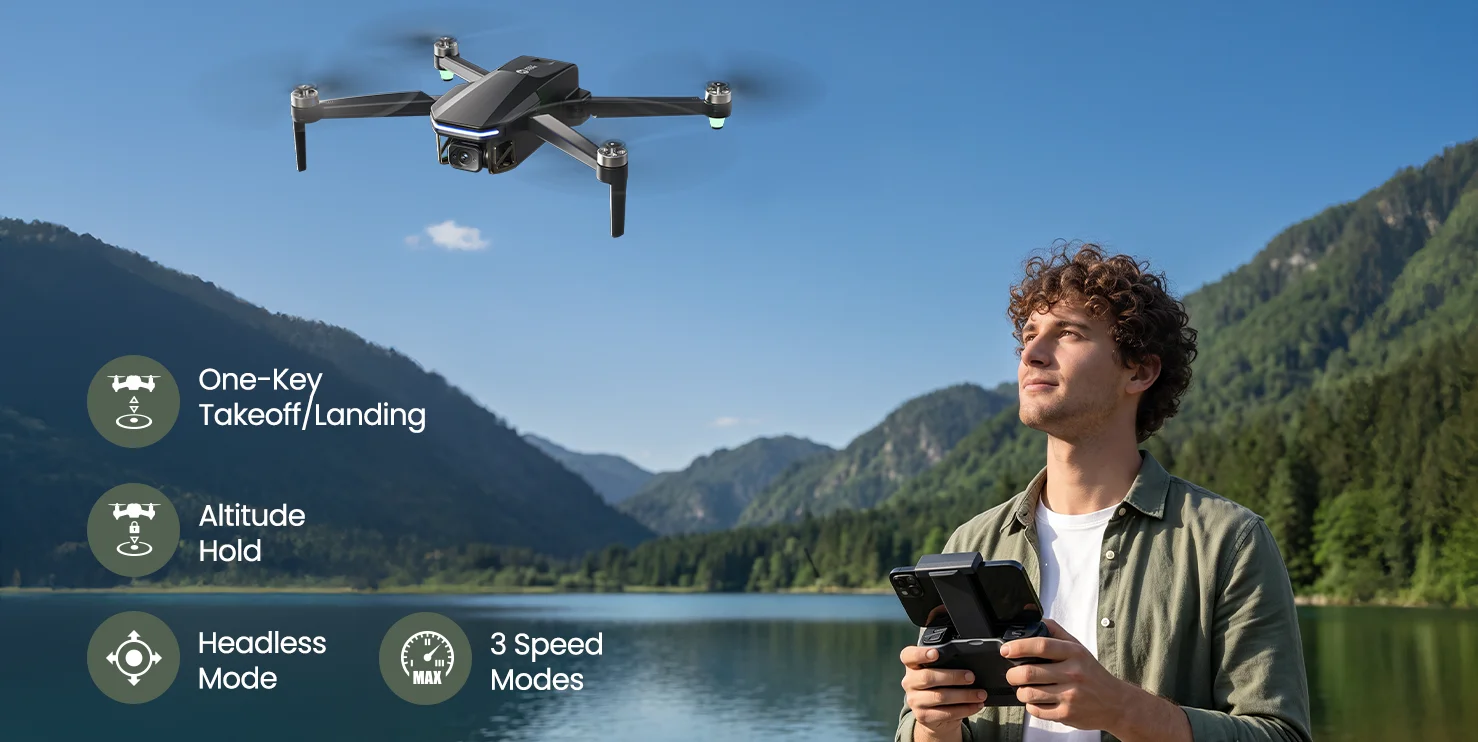
HS175D Plus keeps several everyday controls easy to understand, so a new pilot can start simple and gradually try more as confidence builds.

01
Beginner-Mode-Icon-Exact.png Beginner Mode Starts with limited flight distance and altitude so a new pilot can learn within a smaller practice area.

02
Speed Switch.png Three Speed Levels Start slower, then move through Camera, Normal and Sport speed modes as your control confidence improves.

03
Headless Mode Icon.png Headless Mode A training aid that can make directional control easier to understand while you are still learning drone orientation.
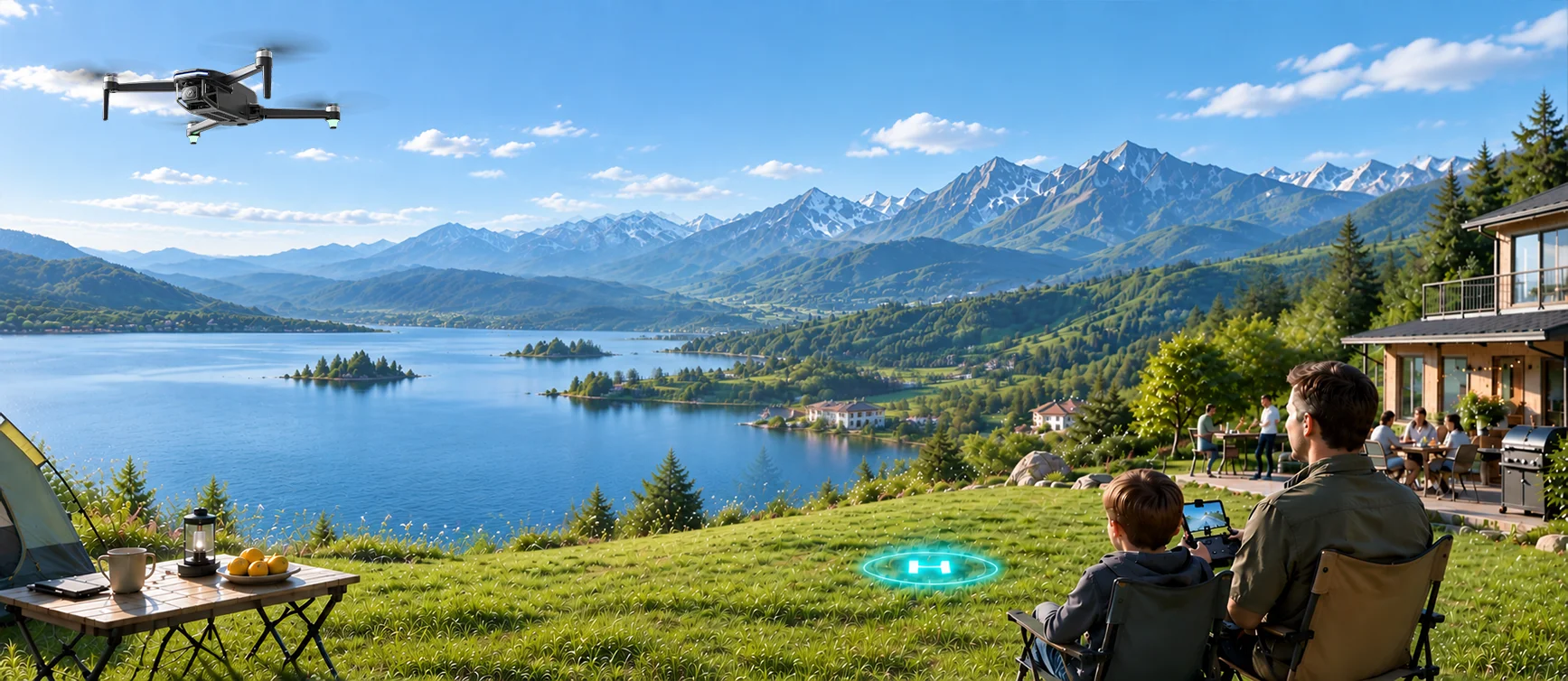
WHO IT'S FOR

Is HS175D Plus a Good First GPS Drone?

Yes — when your goal is to learn outdoor GPS flight, get comfortable with Return to Home, and try automatic flight modes before moving to a more advanced stabilized camera drone.

A Good Fit If You...

Are buying your first GPS drone for outdoor use.
Want more flight time than a basic toy drone typically offers.
Want to learn GPS positioning and Return to Home.
Are curious about Follow, POI, Spiral Up, Catapult and other automatic modes.
Want 4K recording for basic aerial memories and practice.

Consider a Different Drone If You...

Need stabilized cinematic video from a gimbal.
Specifically want EIS for smoother aerial footage.
Need obstacle avoidance for automated flight paths.
Are shopping primarily for professional or advanced aerial imaging.
LEARN YOUR FIRST GPS FLIGHT

From Setup to Return to Home

Jump to the part you need and follow the complete first-flight workflow at your own pace.

HS175D PLUS

Start With GPS. Explore More as You Learn.

Start with the GPS essentials, then explore more as you learn — more time in the air, more room to fly and more automatic modes to experience along the way.

HS175D.webp
HS175D Plus — More for Your First GPS Flight SPECS

DRONE

Model:
HS175D Plus
Dimensions (Unfolded):
335 × 236 × 60mm
Dimensions (Folded):
150 × 81 × 60mm
Weight:
247g
Max Flight Speed:
29.5 ft/s (9 m/s)
Max Flight Height:
394 ft / 120m
Max Takeoff Altitude:
11,483 ft / 3,500m
Max Wind Speed Resistance:
18 ft/s (5.5 m/s)
Operating Temperature:
32°F to 104°F (0°C to 40°C)
Max Flight Time:
30min per battery (in a windless environment)

DRONE BATTERY

Model:
753075G
Capacity:
2100mAh
Voltage:
7.7V
Max Charging Voltage:
8.8V
Rated Power:
16.17Wh
Battery Type:
Lithium-ion Polymer Battery
Charging Temperature Range:
41°F to 104°F (5°C to 40°C)
Charging Time:
About 1.5 hours with a compatible fast charger

TRANSMITTER

Operating Frequency:
5745–5805 MHz
Battery:
3.7V 1800mAh lithium-ion battery
Max Control Distance:
3280 ft / 1000m (outdoor and unobstructed)
Charging Time:
About 2 hours
Usage Time:
About 4 hours
Operating Temperature:
32°F to 104°F (0°C to 40°C)

CAMERA

Operating Frequency:
5500–5700 MHz
Max Transmission Distance:
1640 ft / 500m (outdoor and unobstructed)
Photo Resolution:
3840 × 2160P (TF card or cellphone)
Video Resolution (TF Card):
3840 × 2160P @ 20fps / 2976 × 1680P @ 30fps
Video Resolution (Cellphone):
1280 × 720P @ 30fps
Controllable Range:
-90° to 0°
Supported File System:
FAT32
Supported TF Card:
Class 10 or above, up to 256GB
Photo Format:
JPEG
Video Format:
MP4

FLIGHT STABILIZATION

Optical Flow Recommended Height:
1.6–9.8 ft (0.5–3m)
Altitude Hold:
Supported
GPS Mode:
Enabled by default after power-on; can be disabled before GPS lock for indoor flight

USB CHARGING CABLE

USB Input:
5V / 2A
Rated Power:
10W
HS175D Plus — More for Your First GPS Flight IN THE BOX
画板 10.webp

*Accessories configuration may vary depending on the purchase channel. Please refer to the actual product package on the purchasing platform for final confirmation.*

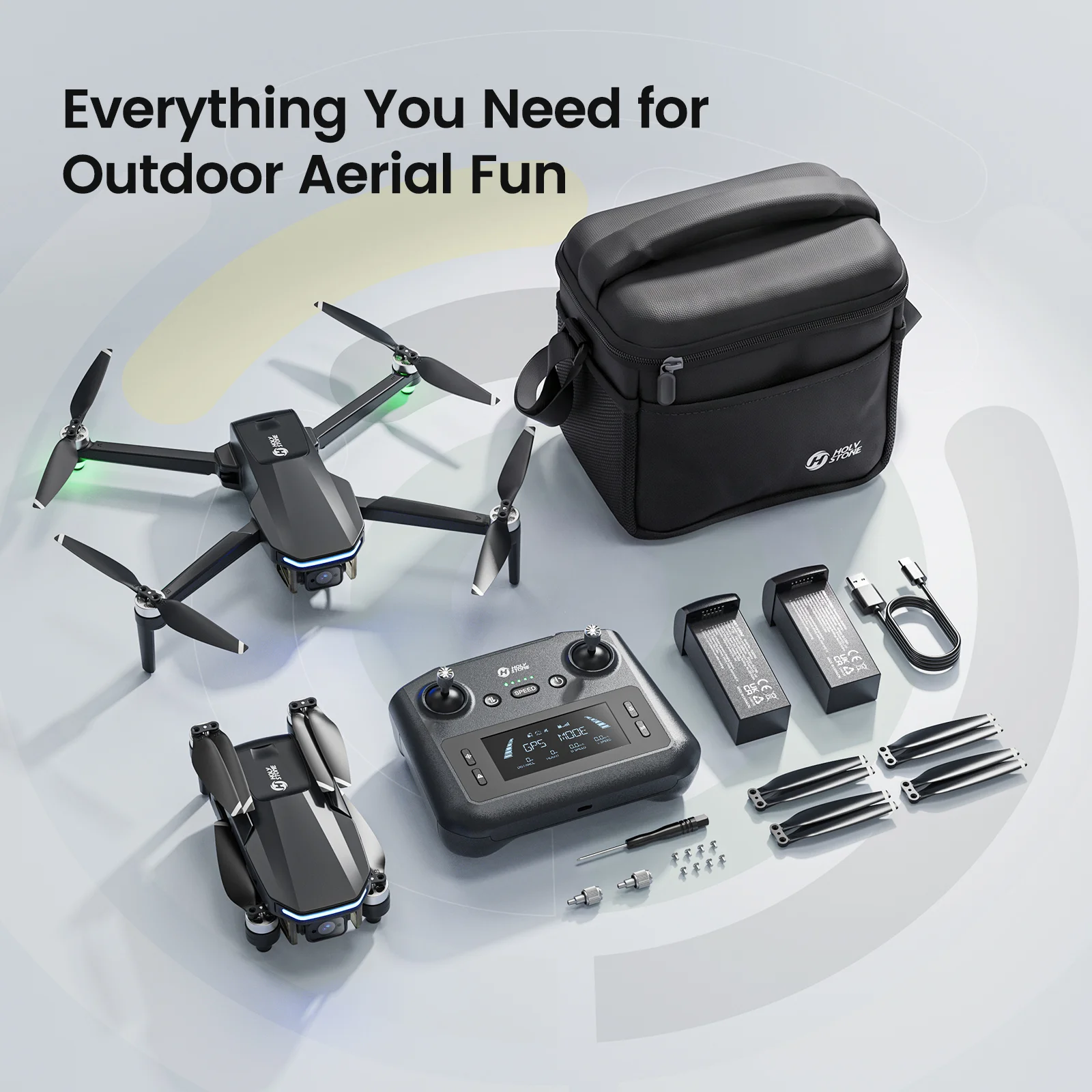
Package Content

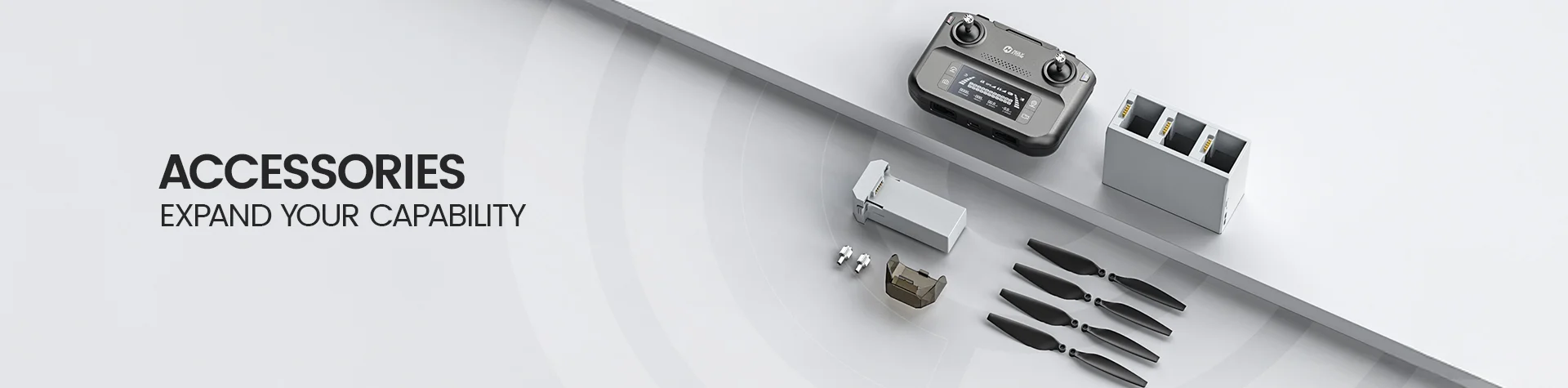
  • 1× HS175D Plus Drone

  • 1× Transmitter

  • 1× Drone Battery (7.7V 2100mAh)

  • 1× USB Charging Cable

  • Spare Propellers

  • 1× Propeller Blade Clamp

  • 1× Joystick

  • 1× Screwdriver

  • 1× User Manual

HS175D Plus — More for Your First GPS Flight DOWNLOAD

HS FLY App

Flight Control & Live View

Download the HS FLY app for live image transmission, camera controls, GPS-assisted features and automatic flight modes.

*App interface and functions may vary as the software is updated. Actual experience is based on the installed software version.*

Tutorial & User Manual

Setup, Safety & Flight Guide

Watch the HS175D Plus tutorial video, then download the official user manual for setup, pairing, calibration, basic flight, Return to Home, app functions and troubleshooting.

HS175D Plus — More for Your First GPS Flight FAQ

Buying Decision

Is HS175D Plus a good first GPS drone?

Yes. HS175D Plus is designed as an entry-level outdoor GPS drone with GPS positioning, Return to Home, optical-flow support, a 247g airframe, up to 30 minutes of flight time per battery and multiple automatic flight modes.

It is a good fit for pilots who want to learn GPS flight and basic aerial recording before moving to a more advanced stabilized camera drone.

Does HS175D Plus have obstacle avoidance?

No. HS175D Plus does not include obstacle avoidance.

Fly in open areas and keep clear of trees, buildings, people, power lines and other obstacles. This is especially important during Return to Home and automatic flight modes.

Does HS175D Plus have a gimbal or EIS?

No. HS175D Plus uses an entry-level fixed camera without a gimbal or EIS.

It is intended for basic aerial recording and learning different flight and shooting modes rather than stabilized cinematic footage.

Camera & Smart Features

Does HS175D Plus record 4K video?

Yes. When recording to a TF card, HS175D Plus supports 3840 × 2160P at 20fps and 2976 × 1680P at 30fps.

Recording to a cellphone is 1280 × 720P at 30fps. The camera can be tilted remotely from 0° down to -90°.

What TF card does HS175D Plus support?

It supports Class 10 or above TF cards with a capacity of up to 256GB and FAT32 file system.

Insert the TF card before powering on the drone.

What automatic flight and shooting modes are available?

The HS FLY app includes GPS Follow, Point of Interest, Catapult, One-key Ascension, TapFly, Spiral Up, Panorama, Time-lapse, Slow Motion and gesture-based photo/video functions.

Use these modes only in open areas, keep the complete flight path clear and maintain visual line of sight.

Flight Performance

How long can HS175D Plus fly?

The rated maximum flight time is up to 30 minutes per battery in a windless environment.

Actual flight time can vary with wind, speed, temperature, camera use, battery condition and flight style.

How far can HS175D Plus fly?

The rated maximum control distance is 3280 ft / 1000m in outdoor, unobstructed conditions. The rated maximum image transmission distance is 1640 ft / 500m.

Actual range depends on interference and the surrounding environment. Always maintain visual line of sight and follow local flight rules.

What are the three speed modes?

Camera Mode is 16.4 ft/s, Normal Mode is 23 ft/s and Sport Mode is 29.5 ft/s. Normal Mode is the default.

Begin with the slower speed while learning and move to faster modes only after you are comfortable with the controls.

What does Beginner Mode limit?

Beginner Mode is the default app mode. It limits flight distance to 98 ft, flight altitude to 98 ft and Return to Home altitude to 65 ft.

Turn Beginner Mode off in the app settings only when you are ready to use custom flight parameters.

GPS & Return to Home

When is the Home Point recorded?

After power-on, the drone searches for GPS. When a strong GPS signal is acquired, the drone records its takeoff position at that moment as the Home Point.

Always wait for a strong GPS signal before takeoff when you plan to use GPS-assisted features or Return to Home.

What Return to Home modes does HS175D Plus have?

HS175D Plus supports Smart RTH, Failsafe RTH and Low Voltage RTH.

RTH is available only in GPS Mode. During RTH the drone cannot avoid obstacles, so the return path must be kept clear.

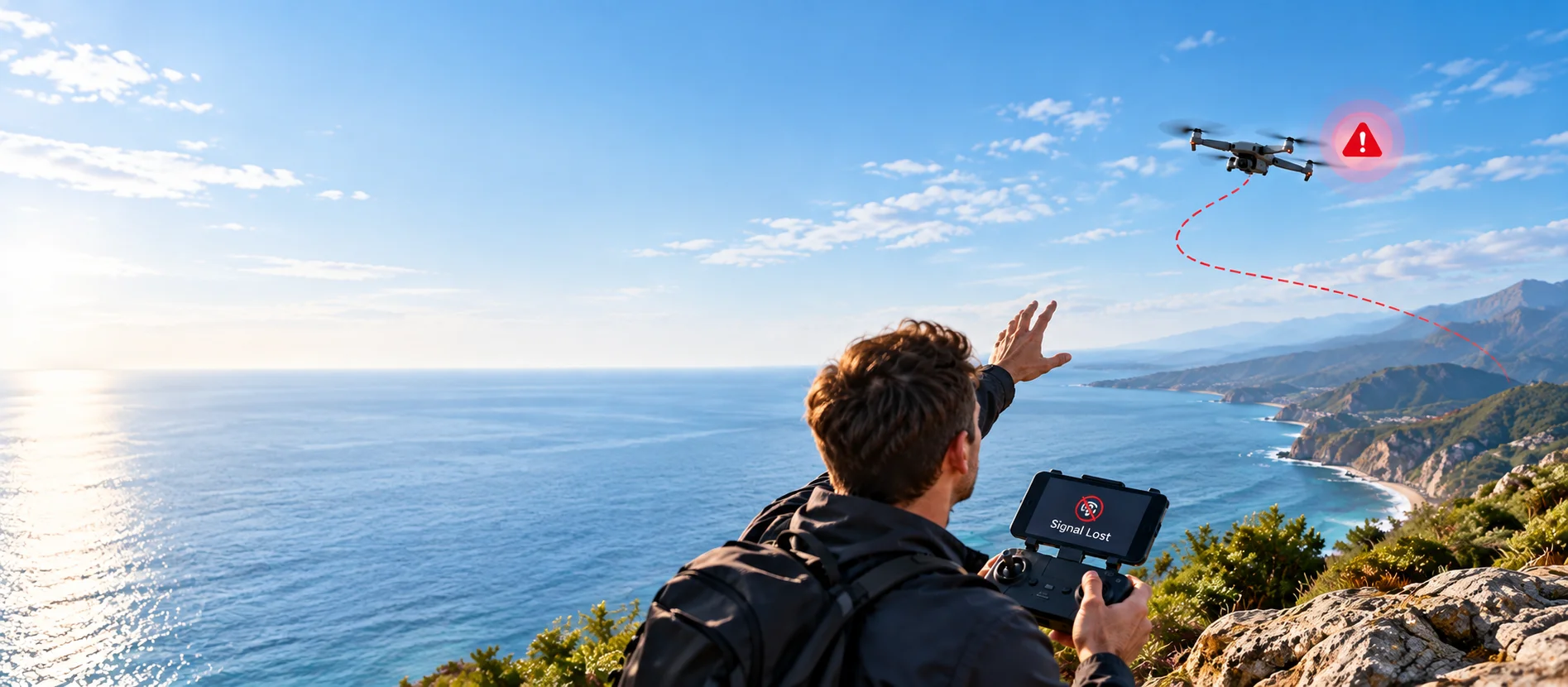
What happens during Failsafe RTH?

Failsafe RTH can activate when the drone has strong GPS, a recorded Home Point, the transmitter connection is lost and the compass is not experiencing interference.

If the transmitter reconnects during the procedure, press the RTH button again to cancel RTH and regain control.

How does RTH altitude work?

When the RTH distance is over 98 ft, the drone climbs to the preset RTH altitude before returning if it is currently below that altitude. When the app is not connected, the default RTH altitude is 164 ft.

At 16–98 ft from Home Point, the drone climbs to 65 ft before returning if needed. At 16 ft or less, it lands directly.

First Flight Setup

What should I do before the first flight?

Fully charge the drone battery and transmitter, unfold the arms, install the battery securely, check the propellers, prepare the transmitter and place the drone on a flat open surface.

Power on the drone and transmitter, allow them to pair, connect the phone to the drone Wi-Fi, open HS FLY, complete the required calibration and wait for a strong GPS signal.

Do I need to calibrate the compass?

The manual recommends compass calibration before each flight.

Calibrate outdoors in an open area, approximately 3 ft above the ground, away from magnetic interference and large metal structures.

When should I calibrate the gyroscope?

Gyroscope calibration is recommended before first use, when noticeable drifting occurs after takeoff, or after the drone has experienced a collision or drop.

Place the drone on a flat, stable surface and do not move or shake it during calibration.

Troubleshooting

Why won’t the motors start?

Possible causes include weak GPS signal, low drone battery, compass calibration required, or incorrect joystick movement during the unlock process.

Move to an open area, recharge the battery if needed, complete compass calibration and follow the motor-unlock stick command shown in the manual.

Why is the drone drifting or flying unstably?

Weak GPS signal, compass interference, propeller deformation/damage or challenging surroundings can affect flight stability.

Land safely, move to an open area, check GPS status and propellers, and recalibrate if necessary.

Why is the video feed lagging or limited?

Video lag or limited range can be caused by signal interference, incorrect transmitter/phone orientation, overly rapid joystick movements, or too many background apps on the phone.

Fly in an open area away from buildings and power lines, keep the transmitter and phone oriented toward the drone, use smooth control inputs and close unused apps.