 Sign in
 Sign up


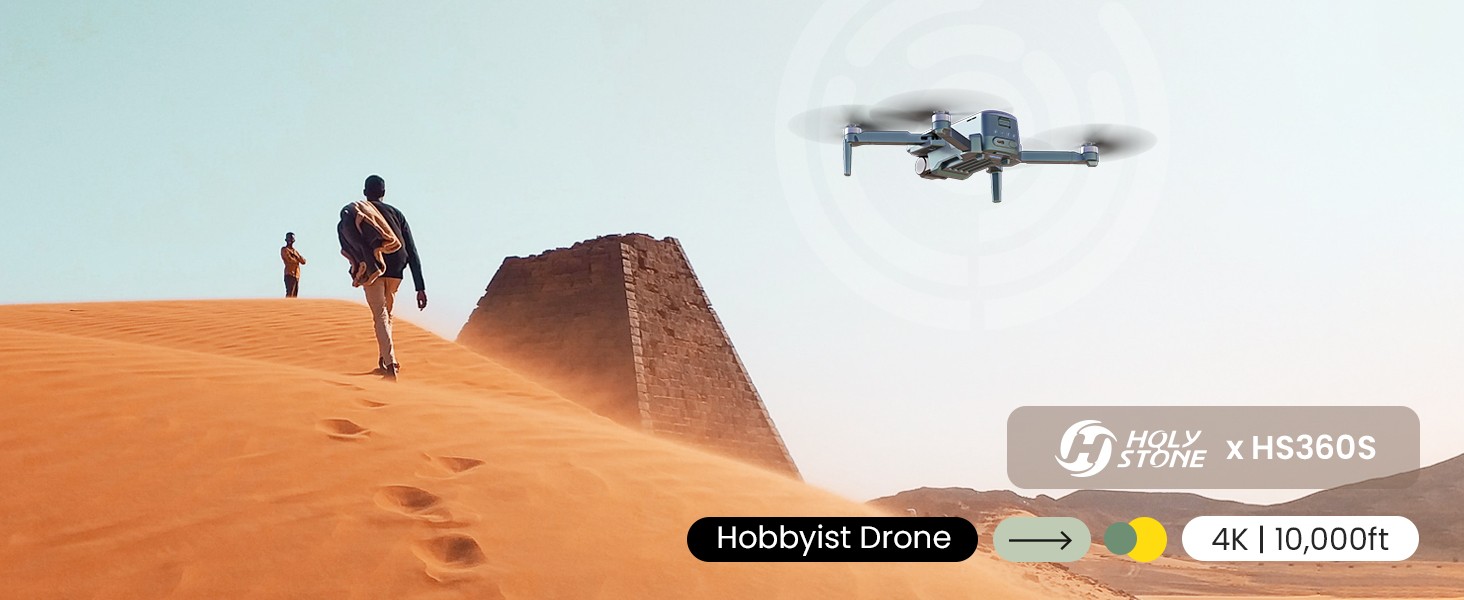
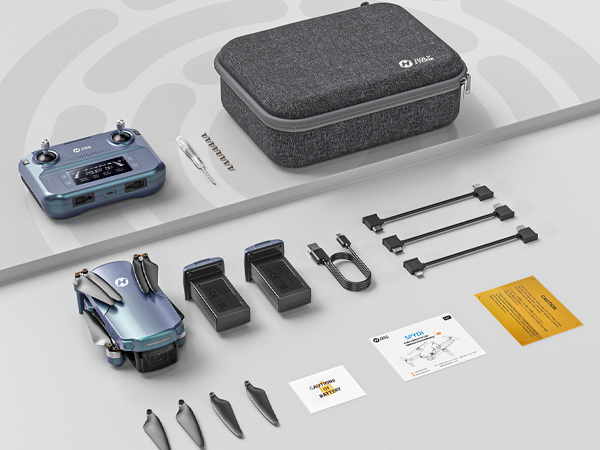
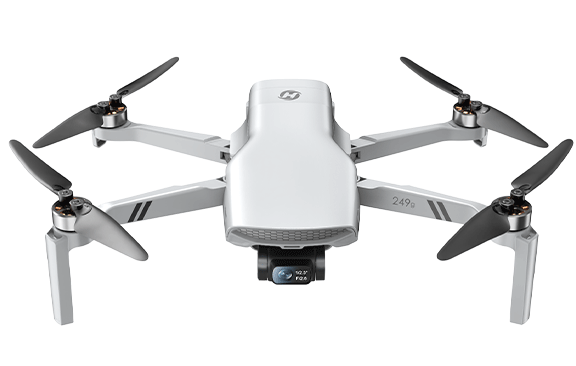
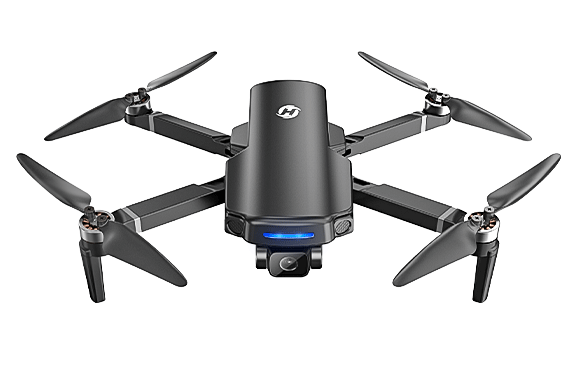
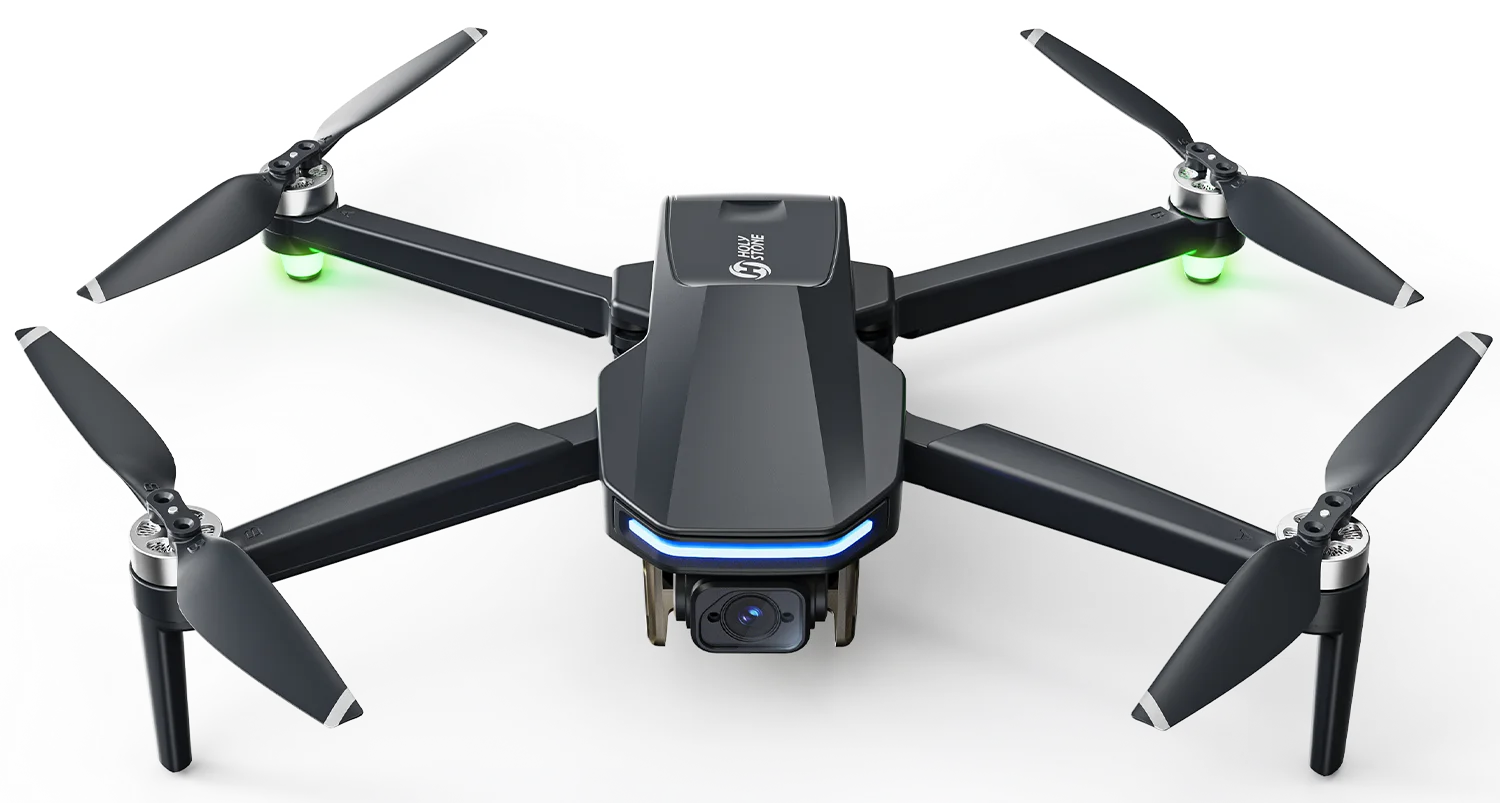
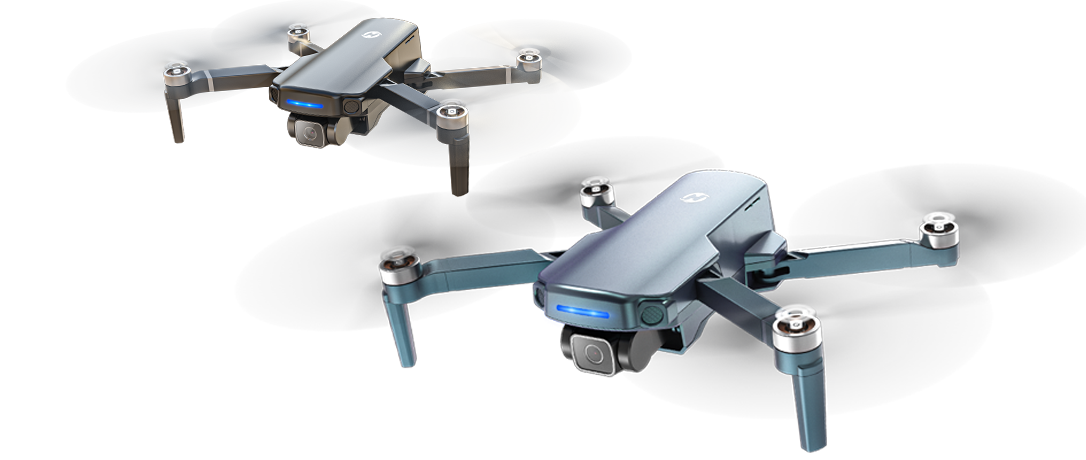
HS360S 4K Long-Range FPV Camera Drone
Model No.: HS360S, Weight: 249g
Dare to Fly
— 3KM Control. 3KM FPV. 4K Clarity. Smart Shooting Modes.


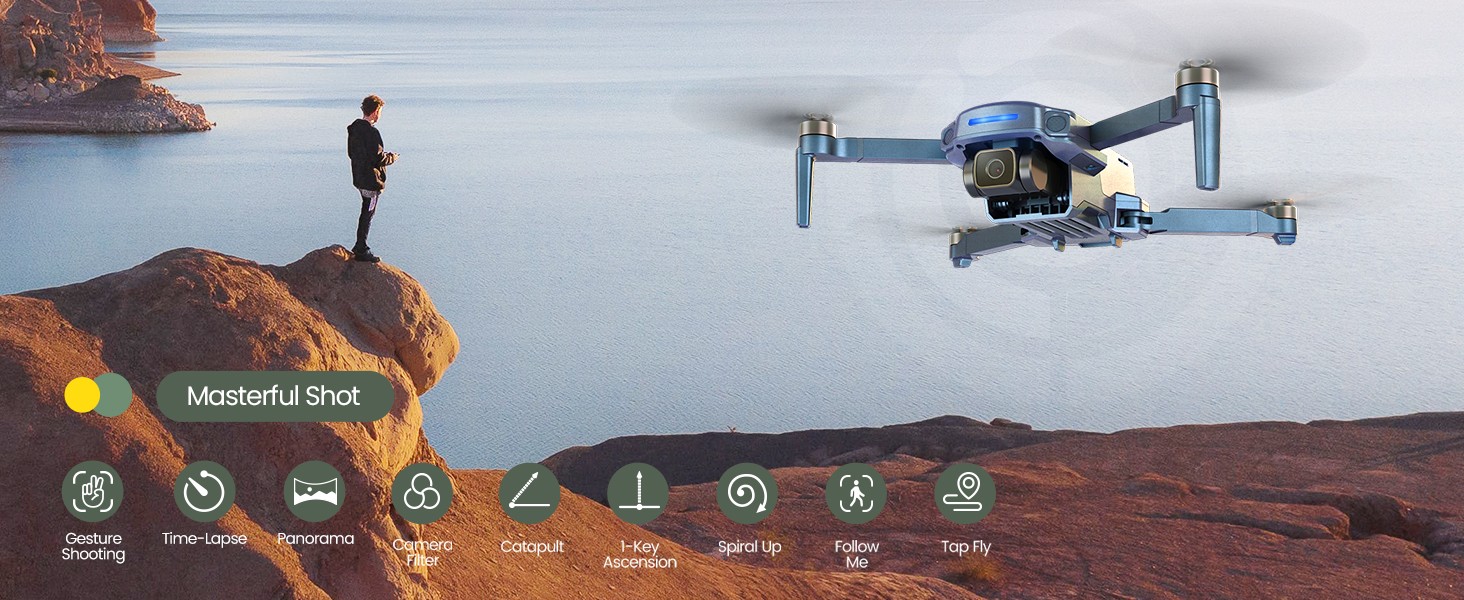
Masterful Shot Modes · One Tap, Many Creations
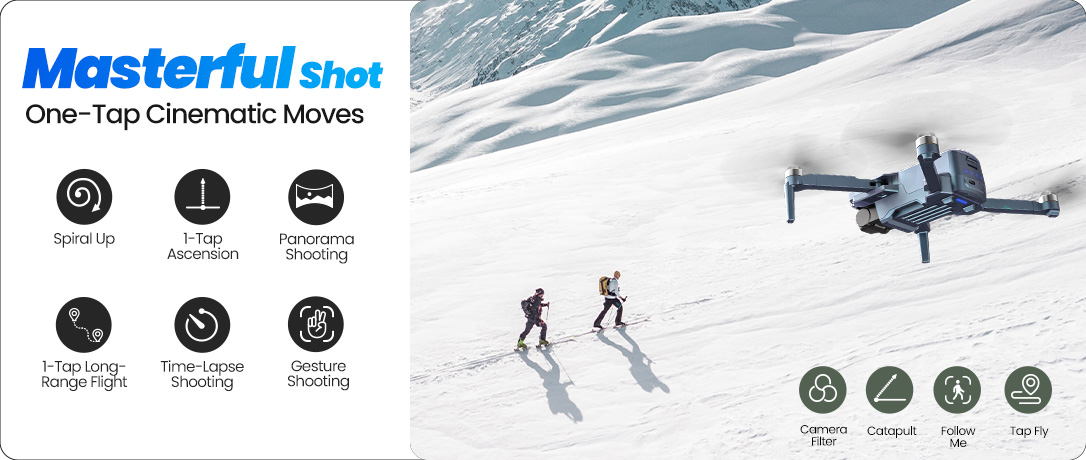
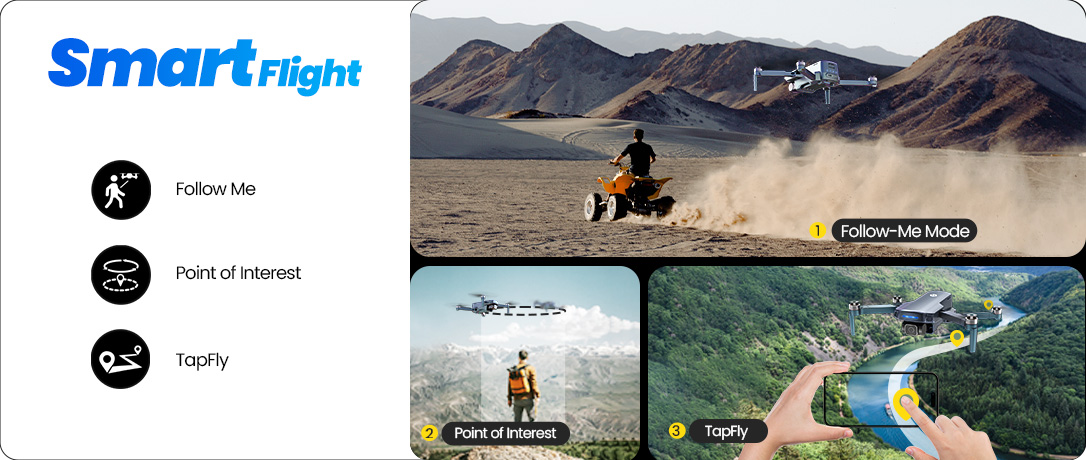
Explore built-in smart shooting modes that help you capture cinematic moments without manual control — perfect for travel, scenery, and everyday adventures.
From Gesture Shooting and Time-Lapse to Tap Fly, Follow Me, Spiral Up, Catapult, and 1-Key Ascension, HS360S turns your flight into ready-to-share shots in seconds.
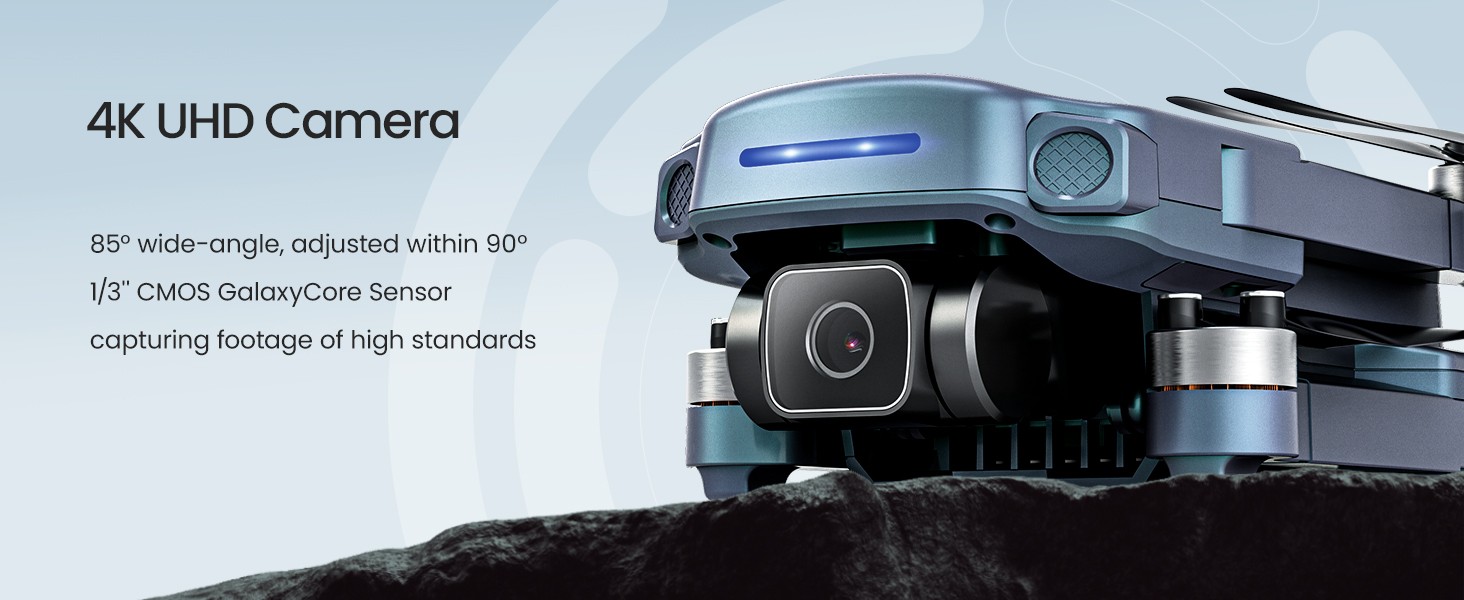
4K UHD Camera · Wide View, Flexible Angles
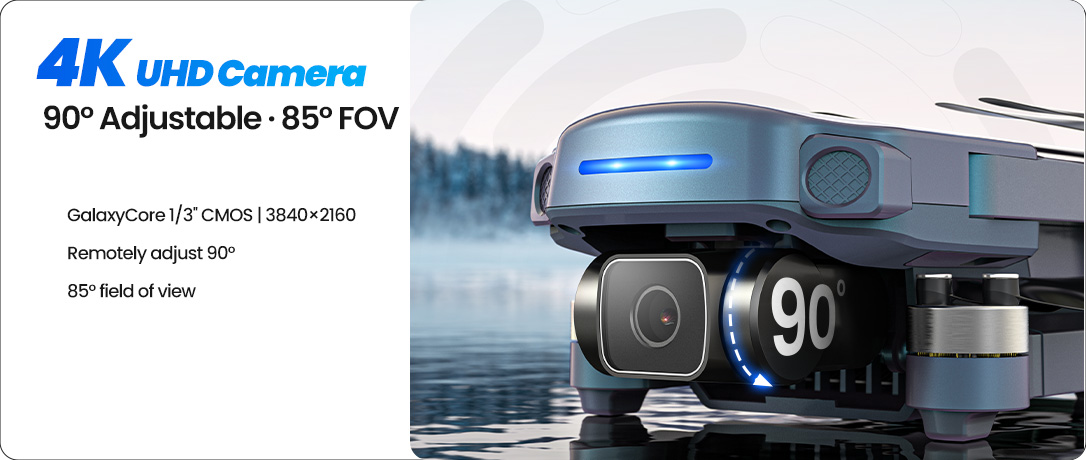
Capture crisp aerial photos and videos with a 4K UHD camera and an 85° wide-angle view — designed for clean details and natural-looking landscapes.
The camera angle is remotely adjustable within 90°, so you can frame high, low, or forward scenes smoothly while you fly.
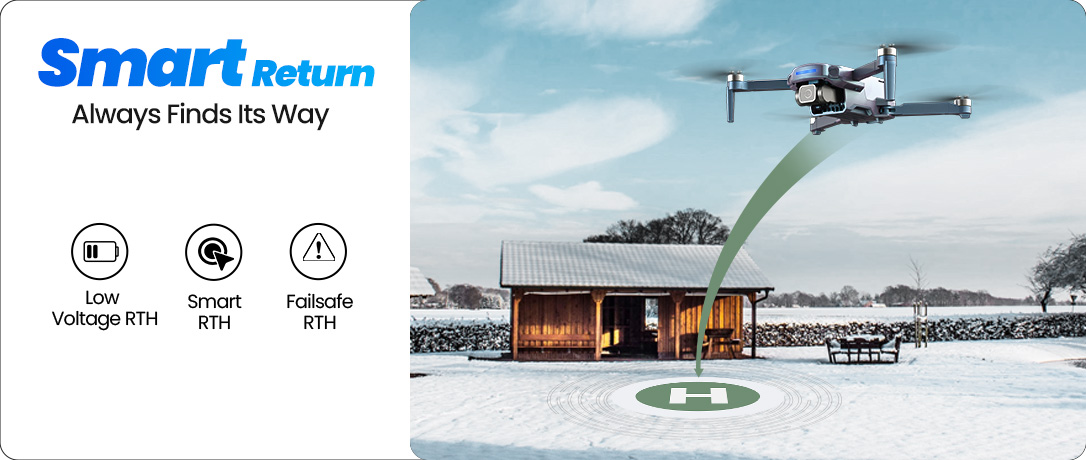
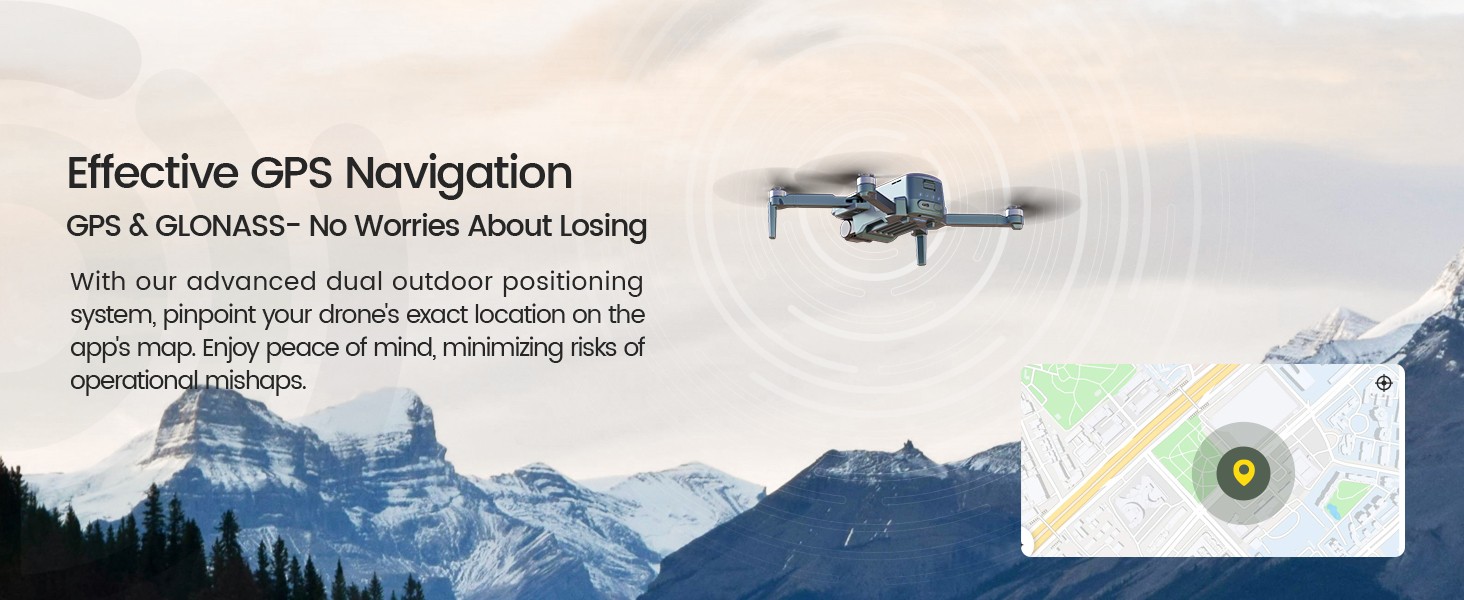
Effective GPS Navigation · GPS & GLONASS, Less Worry
With GPS & GLONASS dual positioning, you can pinpoint the drone’s location on the app map and keep your flight more stable and trackable outdoors.
It helps reduce the risk of losing direction during outdoor flights, giving you more confidence to explore farther and fly smarter.
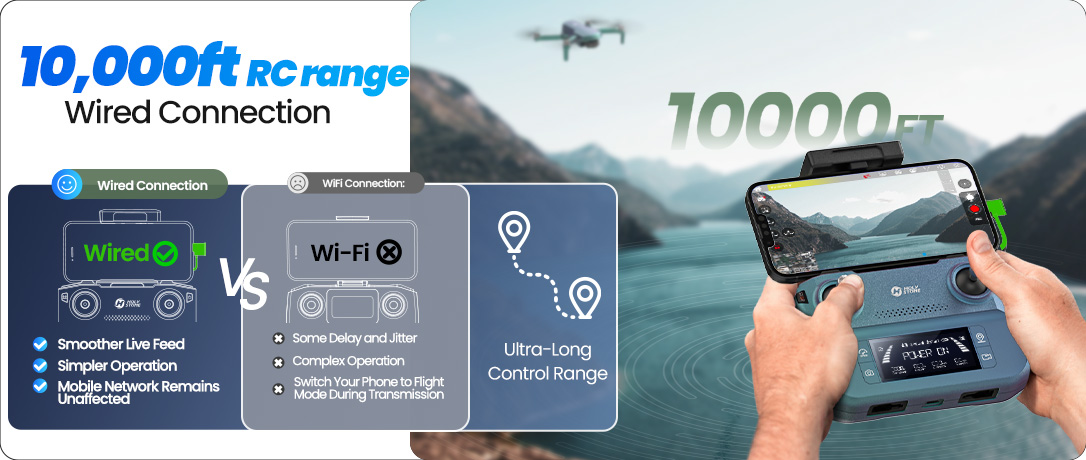
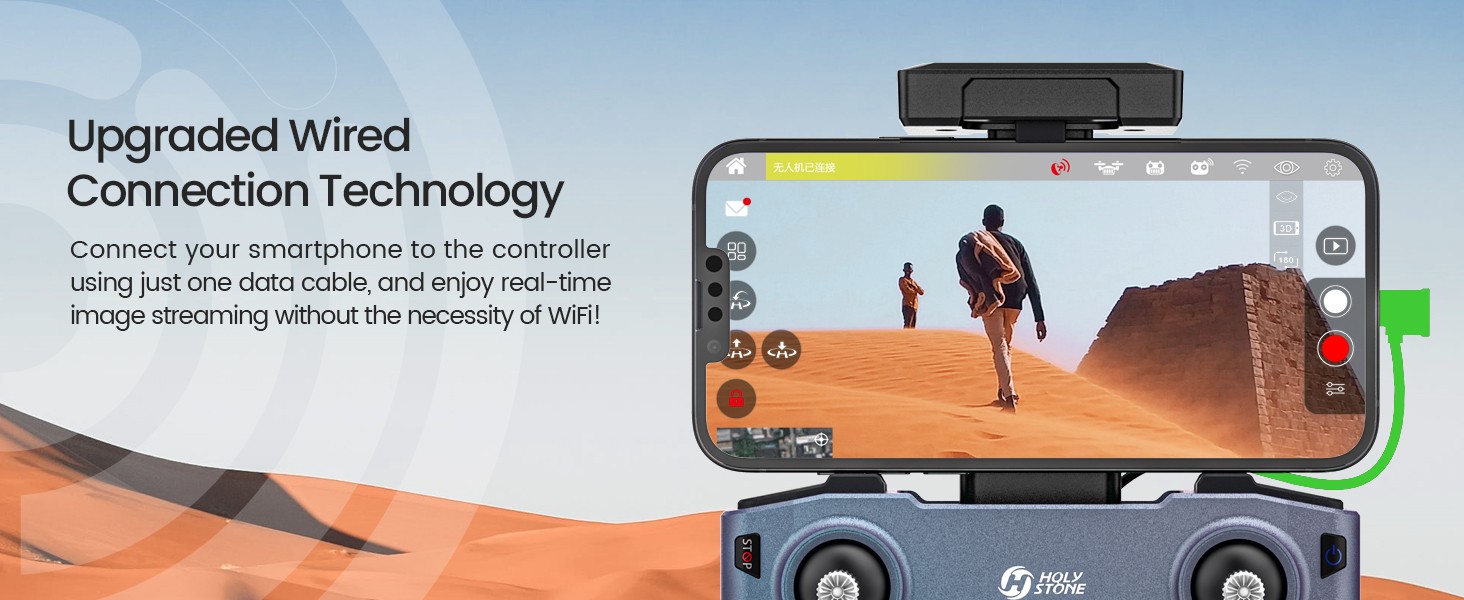
Upgraded Wired Connection · Real-Time FPV Without Wi-Fi
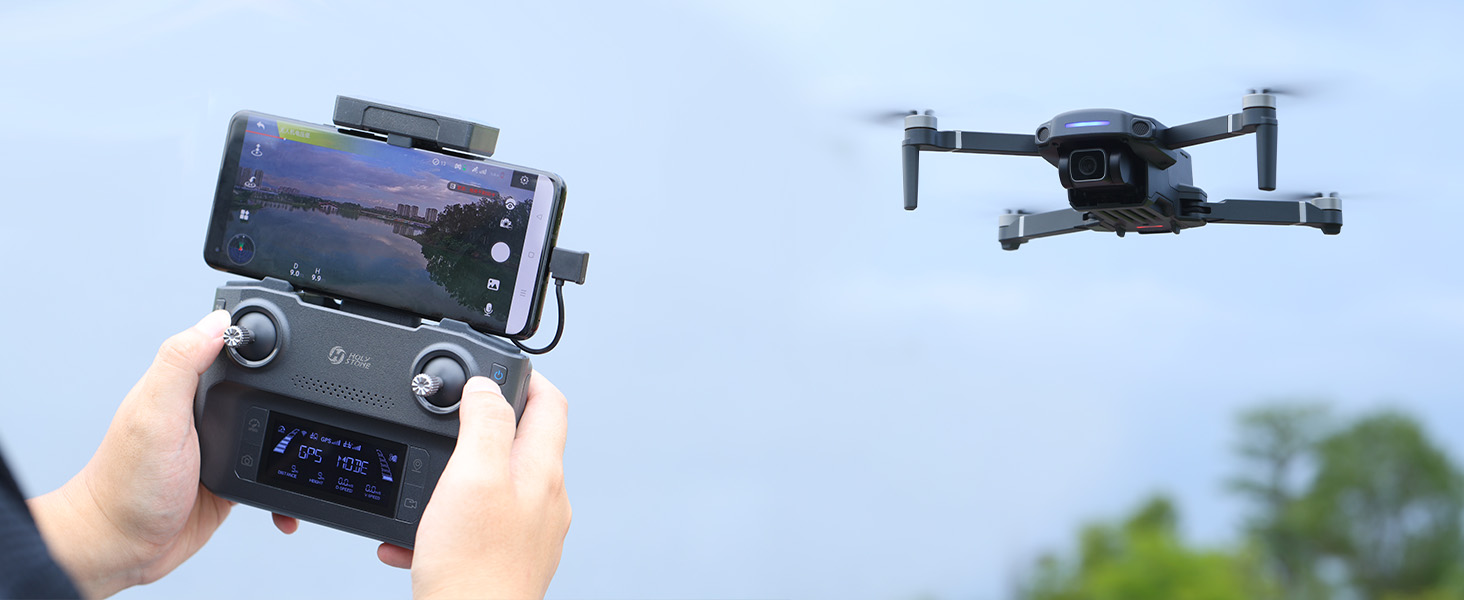
Connect your smartphone to the controller with a single data cable and enjoy real-time image streaming — no need to connect to the drone’s Wi-Fi.
It’s a smoother, more convenient setup for everyday flying: plug in, open the app, and you’re ready for stable FPV viewing.
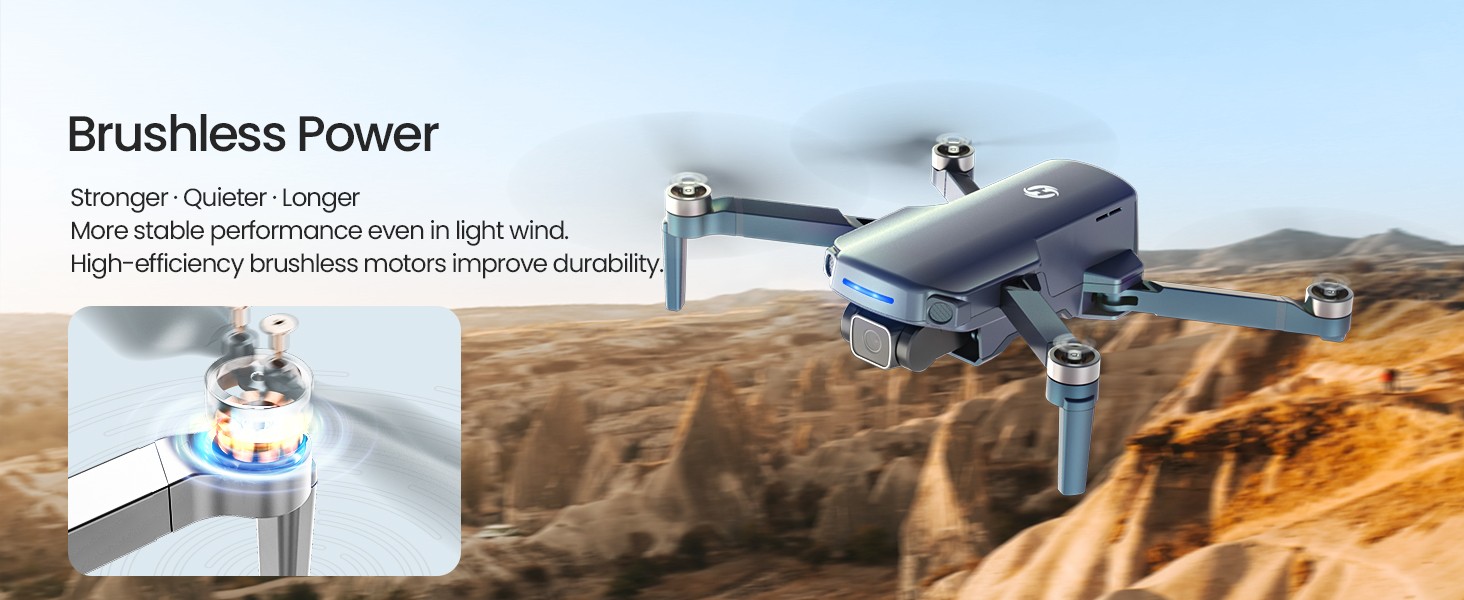
Brushless Power · Stronger, Quieter, Longer
High-efficiency brushless motors deliver stronger thrust and smoother response, helping the drone perform more steadily even in light wind.
Built for durability, brushless power reduces wear over time — giving you more reliable flights and better long-term performance.
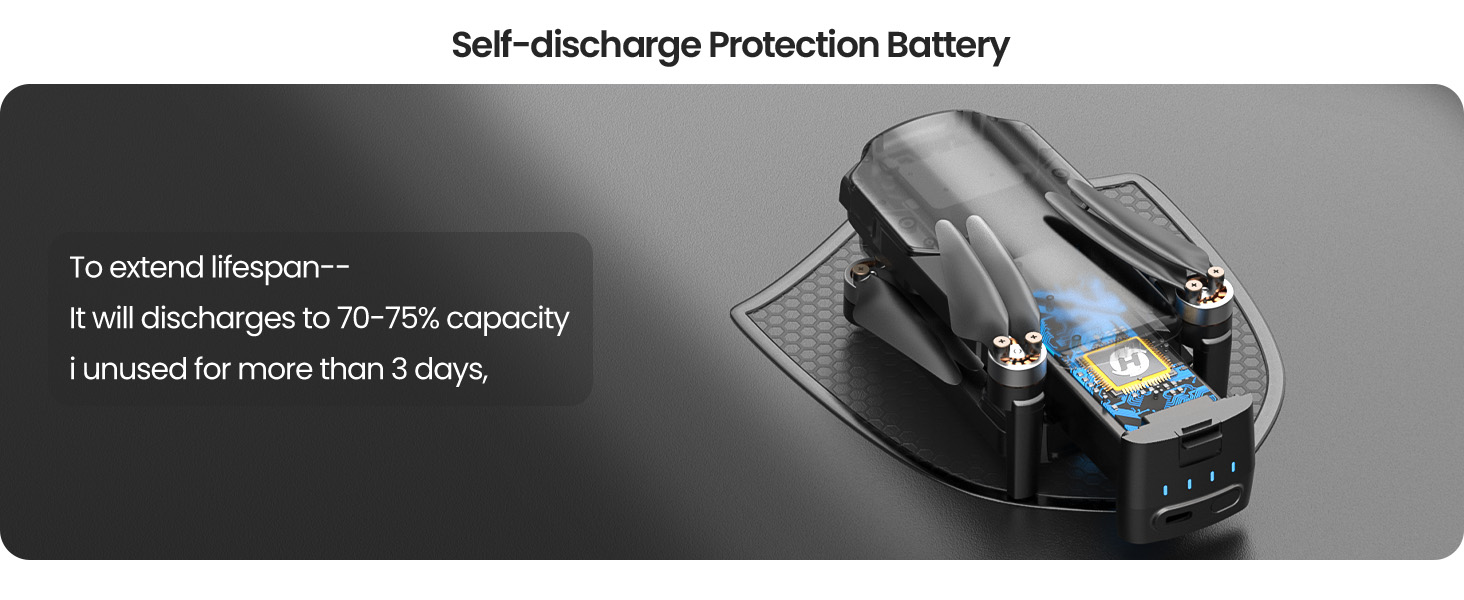
Self-discharge Battery Protection · Your Battery Care Manager
HS360S battery protection technology helps extend battery longevity by automatically discharging to about 70–75% if left unused for more than three days after a full charge.
This is designed to support healthier long-term storage — since keeping charge between 20% and 80% is typically better for battery lifespan.
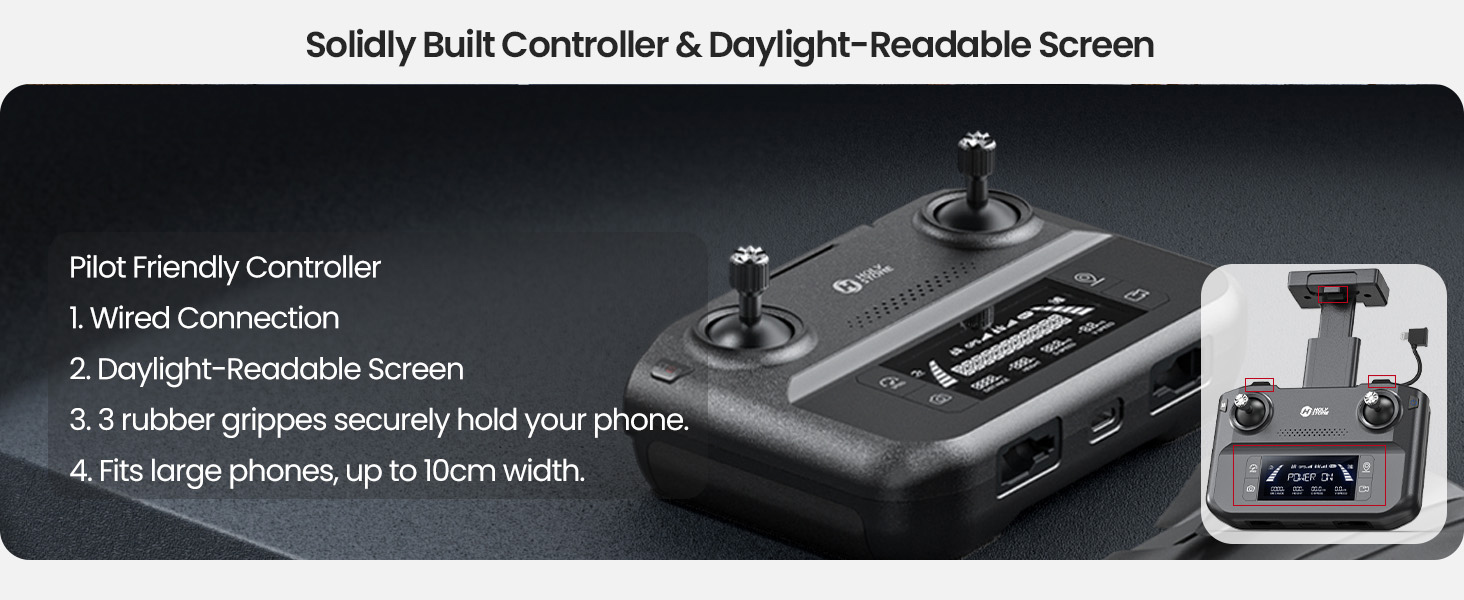
Pilot-Friendly Controller
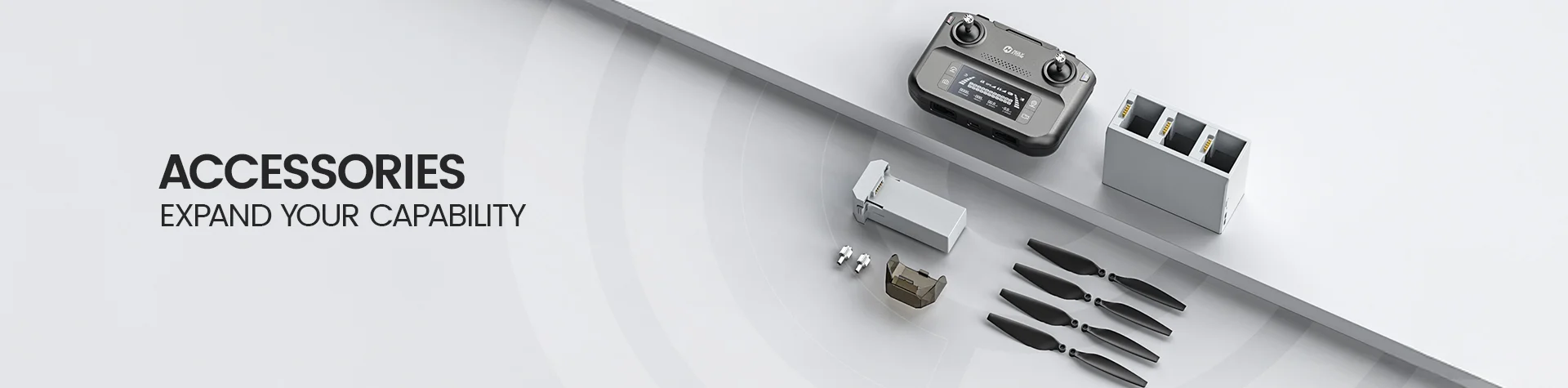
Built for durability, the controller features a solid construction and a daylight-readable screen to keep key flight info easy to see.
Three rubber grips securely hold phones up to 10cm wide, helping ensure a stable, comfortable flying experience.
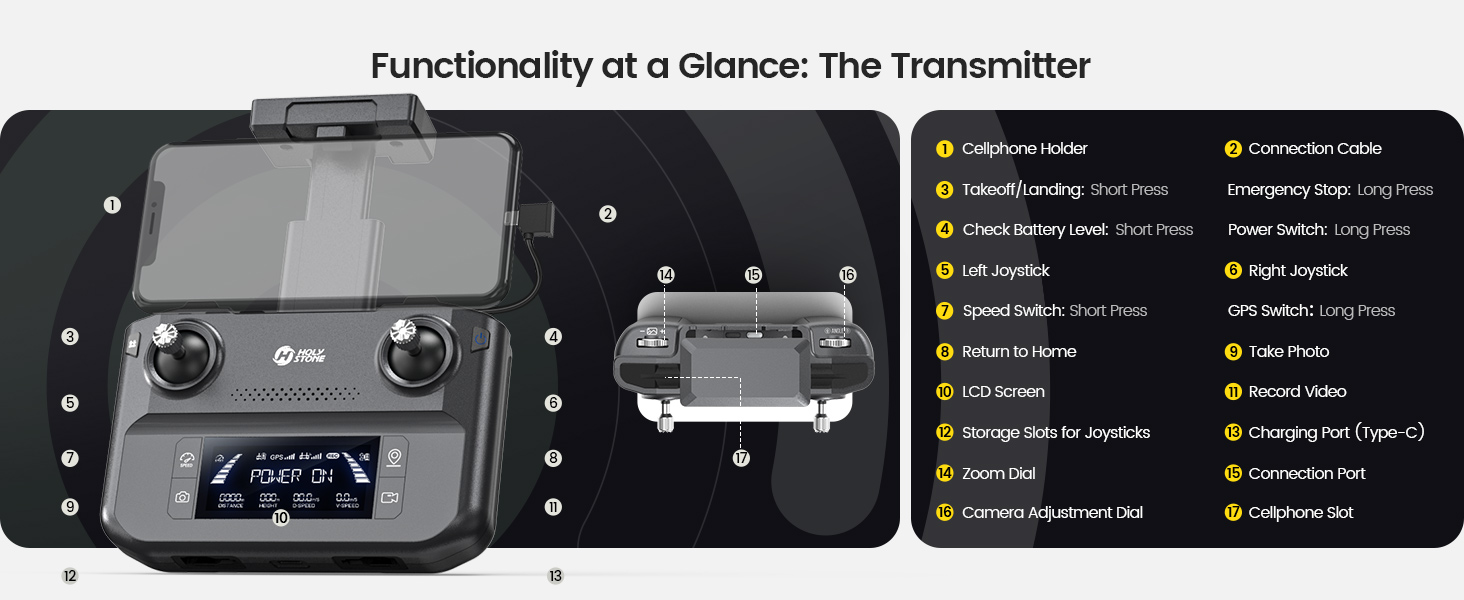
Controller Functionality · Quick Access, Clear Control
Designed for intuitive operation, the layout helps you switch key functions quickly while keeping your focus on safe flight.
With clear buttons and a practical grip, it supports smoother learning and more confident flying over time.
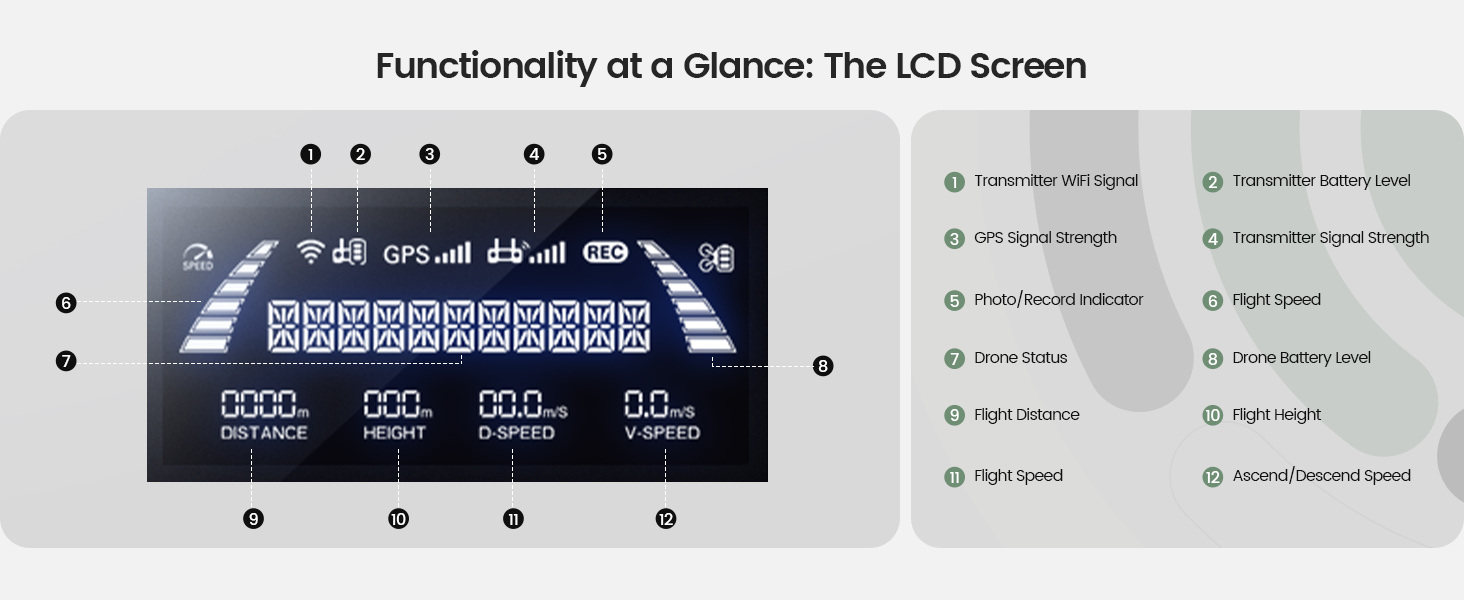
Daylight-Readable Screen · Flight Info at a Glance
The built-in screen helps you monitor key flight status clearly, even in brighter outdoor conditions — so you can stay informed while flying.
Pair it with the live FPV feed for a more confident, connected flying experience.
App Interface · Smart Shooting, Simple Control
Use the app to access intelligent shooting modes and flight features with a clean interface designed for everyday users.
From creative captures to guided functions, everything stays straightforward — so you can focus on flying and filming.

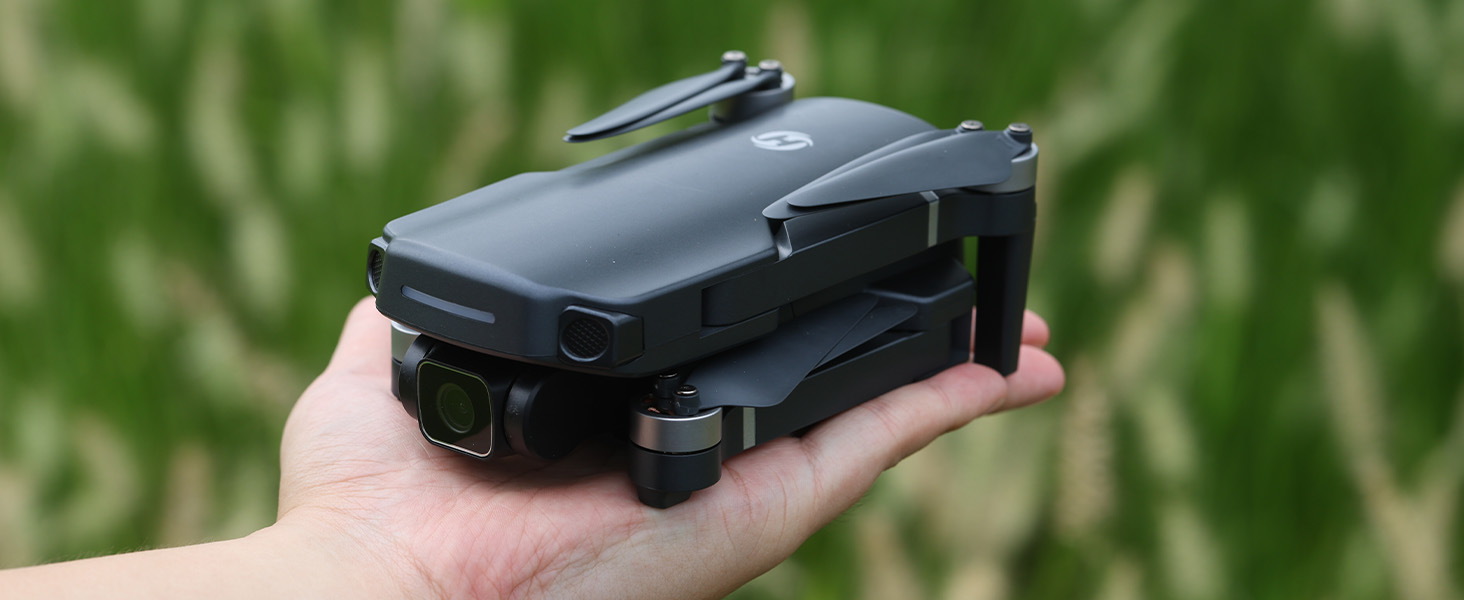
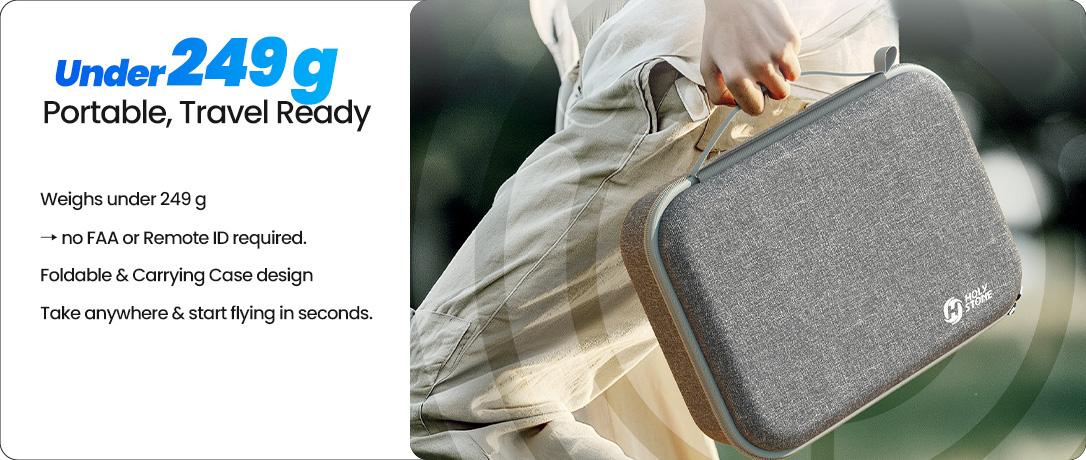
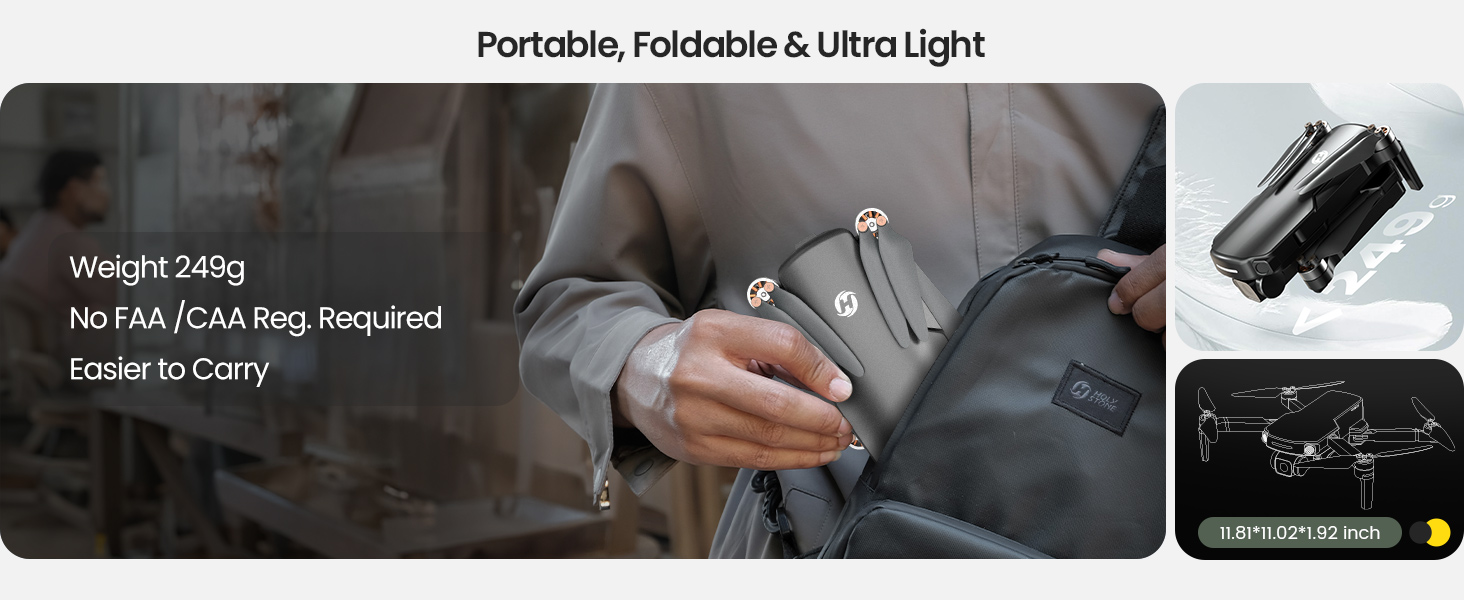
249g Class · Travel-Ready and Easy to Carry
With a lightweight, portable design, HS360S is easy to pack for trips and weekend exploration — a great companion for casual aerial photography.
Always check and follow local drone rules and registration requirements before you fly.
24/7 Customer Support · Help When You Need It
Need setup help or flight guidance? Our support team is here to assist with quick answers and reliable service.
Fly with more confidence knowing help is available whenever you need it.
Masterful Shot Modes for Every Occasion
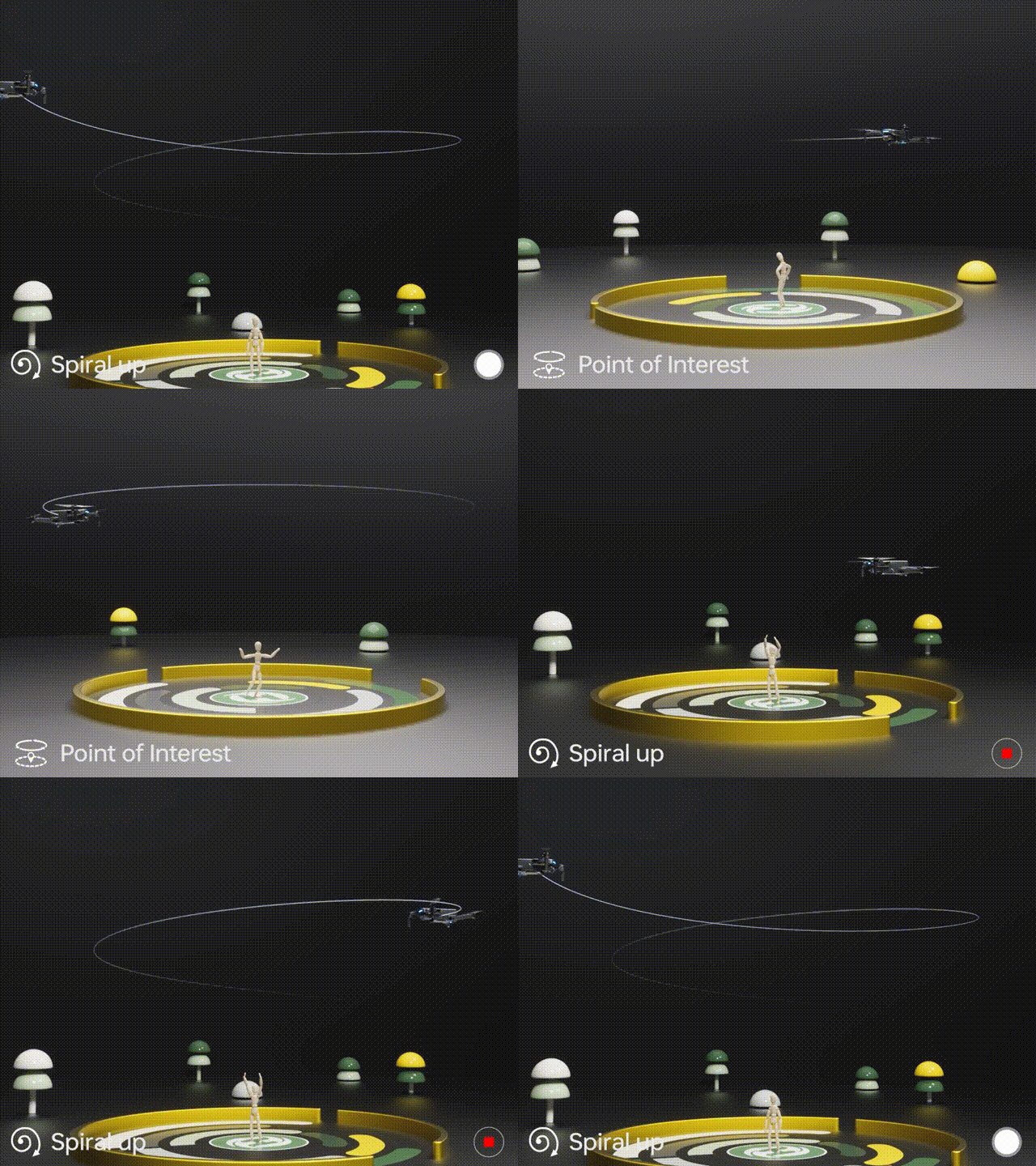
Point of Interest
Tap the (Multi-functions) icon first, select the ( Point of Interest ) icon, and follow the prompts to activate (Set the circling radius in the prompt box),the drone will record its current flight position as the "point of interest",then it will continuously circle that point clockwise. (default radius: 16 ft)
To exit, tap (Point of Interest) again.
Spiral Up
Ensure the drone is about 16 ft from the target.
Adjust the camera angle towards the target. Tap (Multi-functions), then (Spiral Up). Swipe to confirm, and the drone ascends and circles (max. radius: about 49 ft), recording along the way. It will return to the starting point.
To exit, tap (Spiral Up) or push the right joystick.
Ensure no obstacles are in the flight path. In emergencies, push the right joystick to exit Spiral Up.

Tap Fly
When using Tap Fly, enlarge the map before drawing the flight path.
Tap the (Multi-functions) icon, then (Tap Fly). Tap on the phone screen up to 16 times to create a flight path. Hit "GO" to submit the route.
The drone will fly along the path created by connecting the tapped points.
Exit TapFly by tapping (Tap Fly) again or pushing the right joystick in any direction.
Avoid flying towards people, animals, or small/thin objects (e.g., tree branches and power lines)or transparent objects (e.g., glass or water).
Note: The actual flight path and the path you draw may not align perfectly.
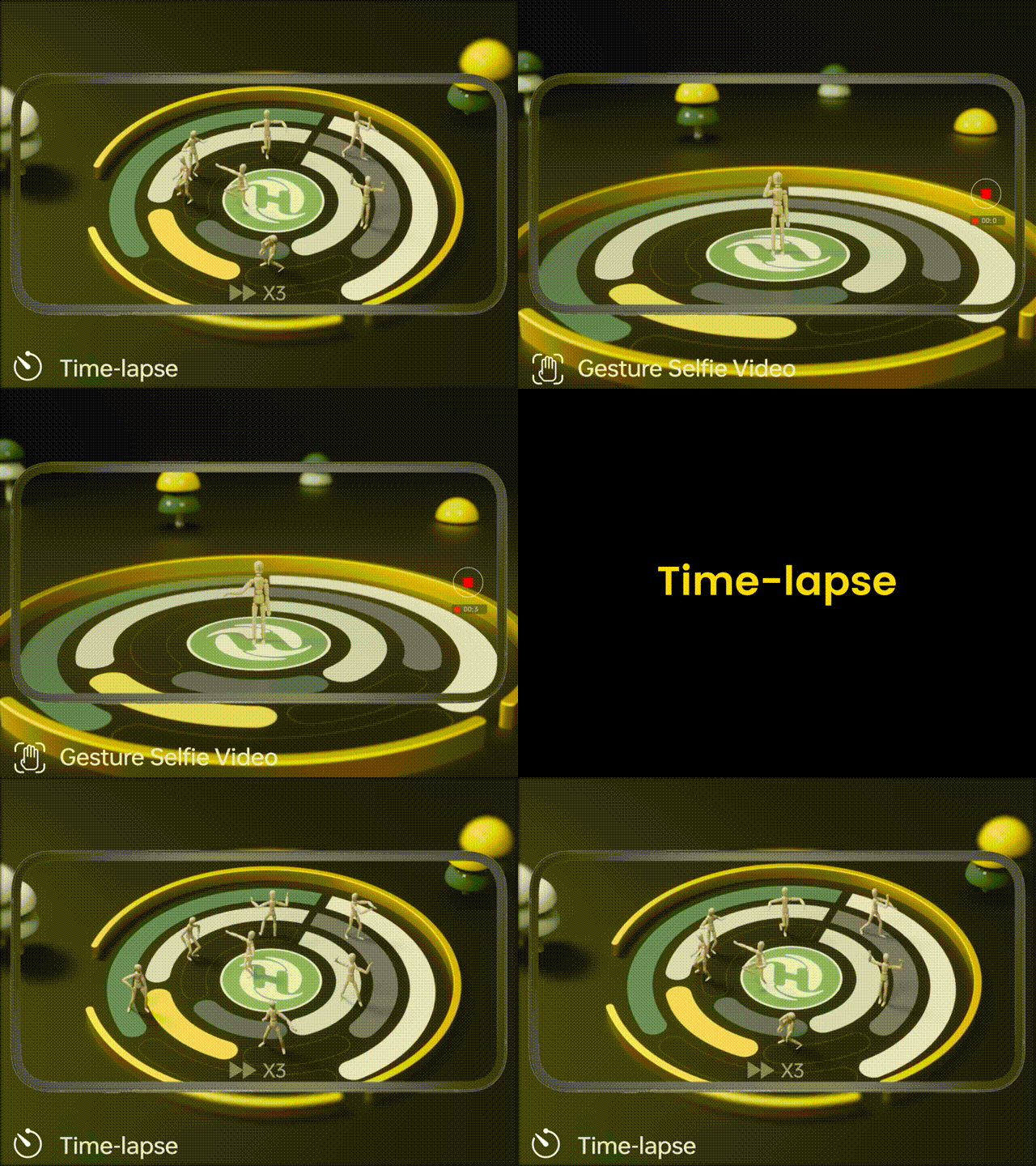
Gesture Selfie
Tap the (Multi-functions) icon, then tap (Gesture Selfie) icon to enter the Gesture Selfie Mode.
Gesture Selfie: Trigger the drone camera shutter by holding a 'V' sign near your face.
Gesture Selfie Video: Trigger the drone camera shutter in this mode by holding your palm near your face.
Ensuring the drone camera points towards you.
Time-lapse
Tap the Shooting Mode Icon, then tap the Time-lapse icon for time-lapse shooting. Swipe to select playback speed and tap to confirm.
Tap the shutter icon to start the time-lapse recording.
Tap the shutter icon again to stop recording.
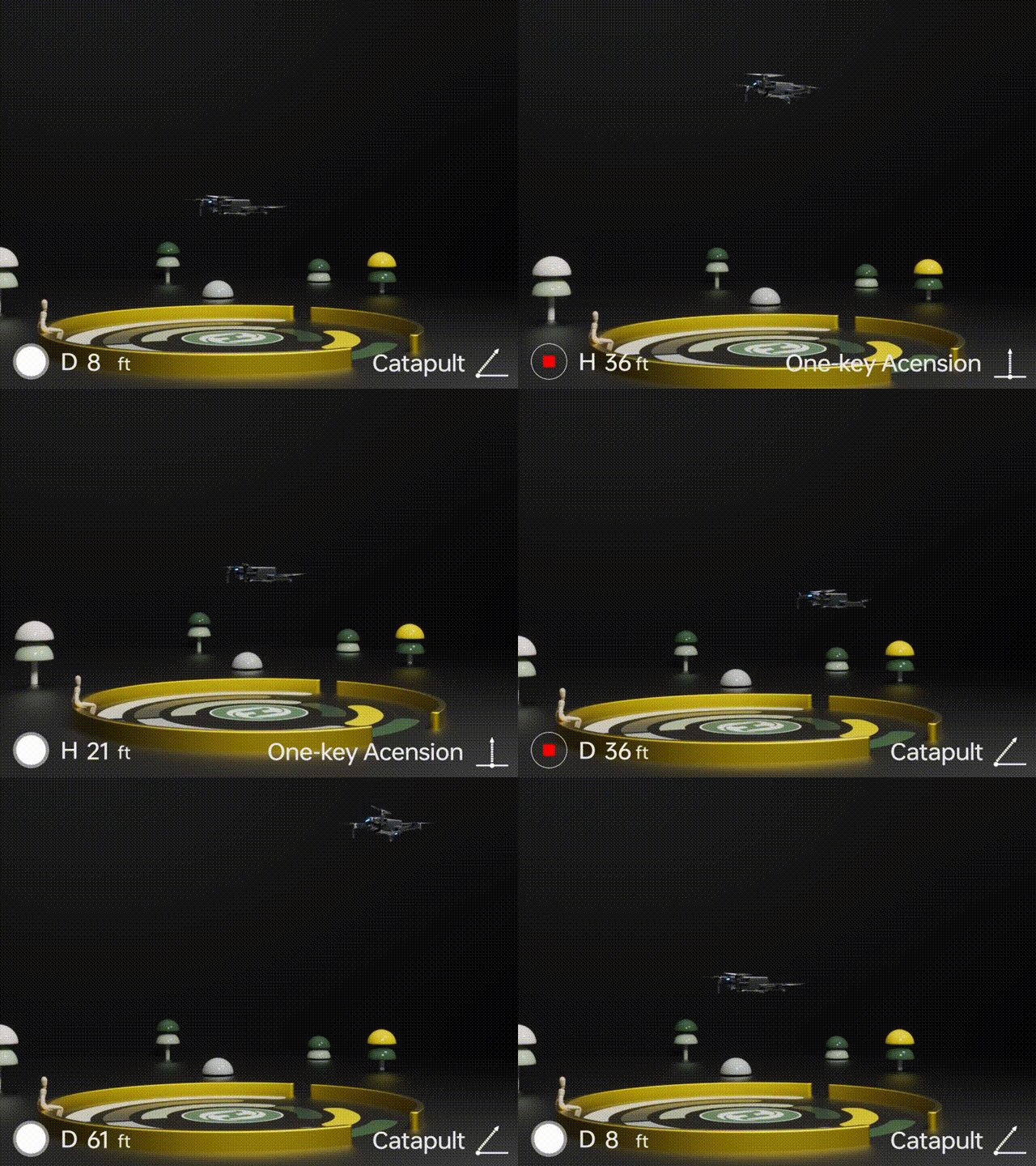
One-key Ascension (bird's eye) & Catapult
Ensure the drone is at least 7 ft away from the target. Adjust the camera angle to point directly at the target.
Tap (Multi-functions), then (One-key Ascension). Swipe in the prompt box to confirm. The drone will start recording and ascend to 49 ft. Afterwards, it will fly back to the starting point.
To Exit: Tap (One-key Ascension) again or push the right joystick.
Catapult
Ensure the drone is at least 7 ft away from the target. Adjust the camera angle to point directly at the target.
Tap the (Multi-functions) icon, then the (Catapult) icon. Swipe in the prompt box to confirm. The drone will automatically start recording and fly about 82 ft away from the target. Afterwards, it will return to the starting point.
To Exit: Tap the (Catapult) icon again or push the right joystick to exit this function.
HS360S Real Shots