
 Sign in
 Sign up


A Comprehensive Guide to Drone Remote ID Setup for FAA Compliance
Table of Contents(Continuously Updating)
Need a Remote ID module for your Holy Stone drone?
Choose the compatible Holy Stone Remote ID module and complete your FAA compliance setup.
Beginning September 16, 2023, all drone pilots who are required to register their UAS must operate in accordance with the rule on Remote ID.
Remote ID Enforcement Date Extension:
Please Note: FAA Extends Remote ID Enforcement Date Six Months
Drone pilots who are unable to comply with the broadcast requirement of the Remote ID Rule will now have until March 16, 2024,to equip their aircraft. After that date, operators could face fines and suspension or revocation of pilot certificates. In making this decision, the FAA recognizes the unanticipated issues that some operators are experiencing finding some remote identification broadcast modules.
It's when your flying drone sends out a signal revealing its identity and location to others. Like a drone's way of saying, "Hey, I'm here!"
Now, there will be two types of drones that fit the bill:
A. Standard Remote ID drone: The drone with built-in Remote ID broadcast.
B. Drone with a Remote ID broadcast module: An upgrade for your existing bird.
【Who has to use Direct / Broadcast Remote ID?】
For us in the U.S.: If your drone is more than 249 grams (0.55 pounds), you're joining the RID party starting March 16, 2024.
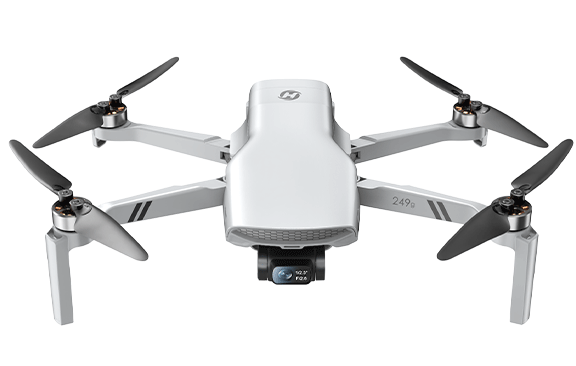
Drones under 250g—like the HS900 Pro, HS900, HS360S, HS360E, HS360D, HS175G and HS175D are the carefree flyers.
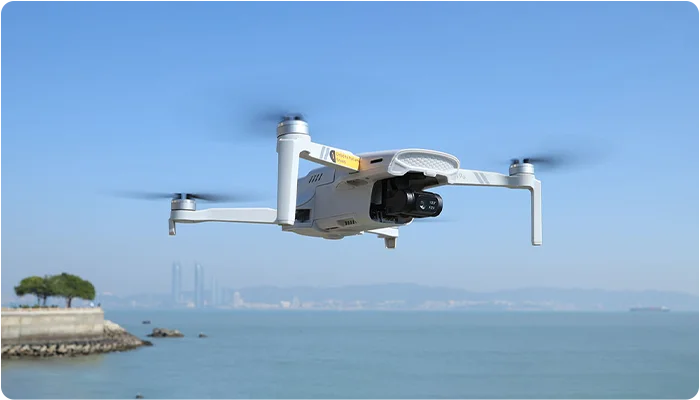
HS900 Pro, High-Performance Camera Drone
Travel & Aerial Storytelling
3-Axis Gimbal | 48MP Camera | 4K Video
AI Tracking | Smart Shots | Long-Range Flight
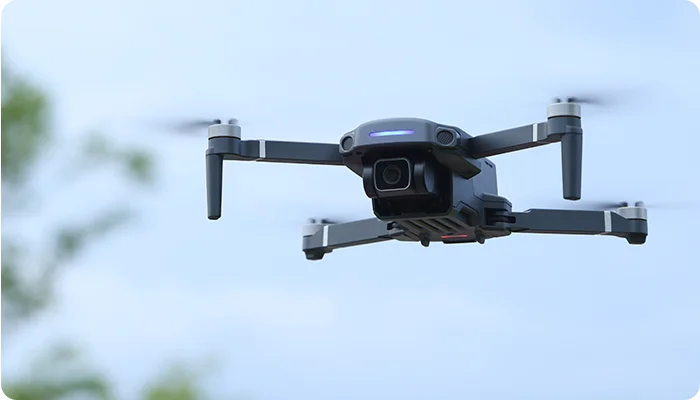
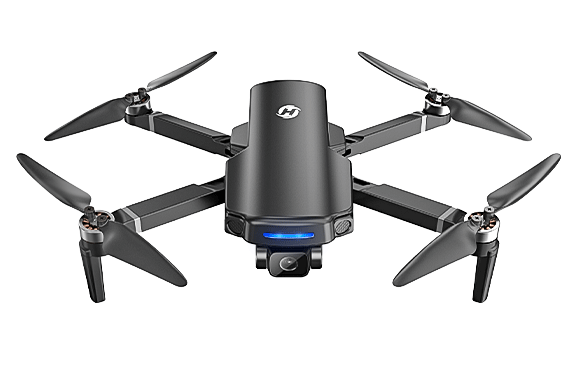
HS360S, 4K Long-Range FPV Camera Drone
Outdoor Enthusiasts
4K UHD Camera | GPS Flight | Brushless Motor
3KM Control | 3KM FPV | Under 250g
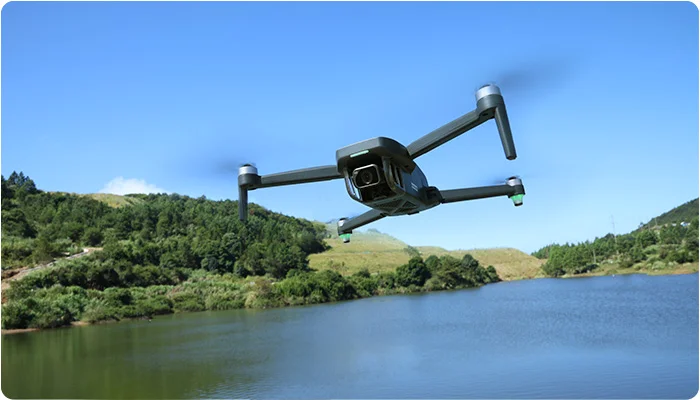
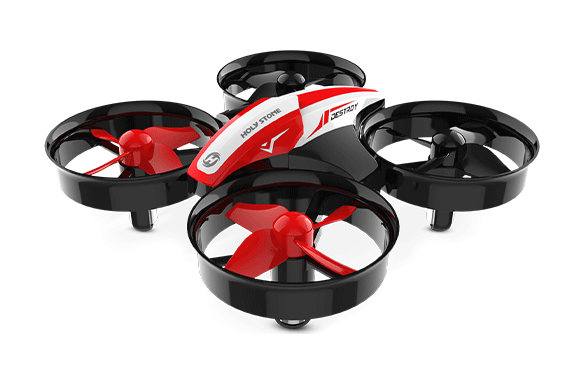
HS175G, GPS Drone for Beginners
Beginner Drone Hobbyists
4K Photos | EIS Anti-Shake | GPS Return
Brushless Motor | Dual Batteries | Under 250g
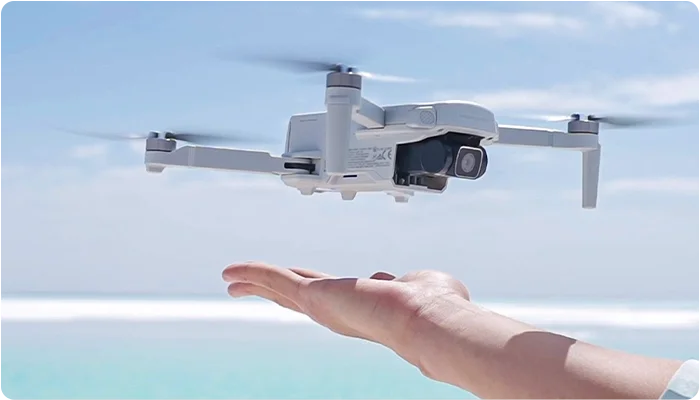
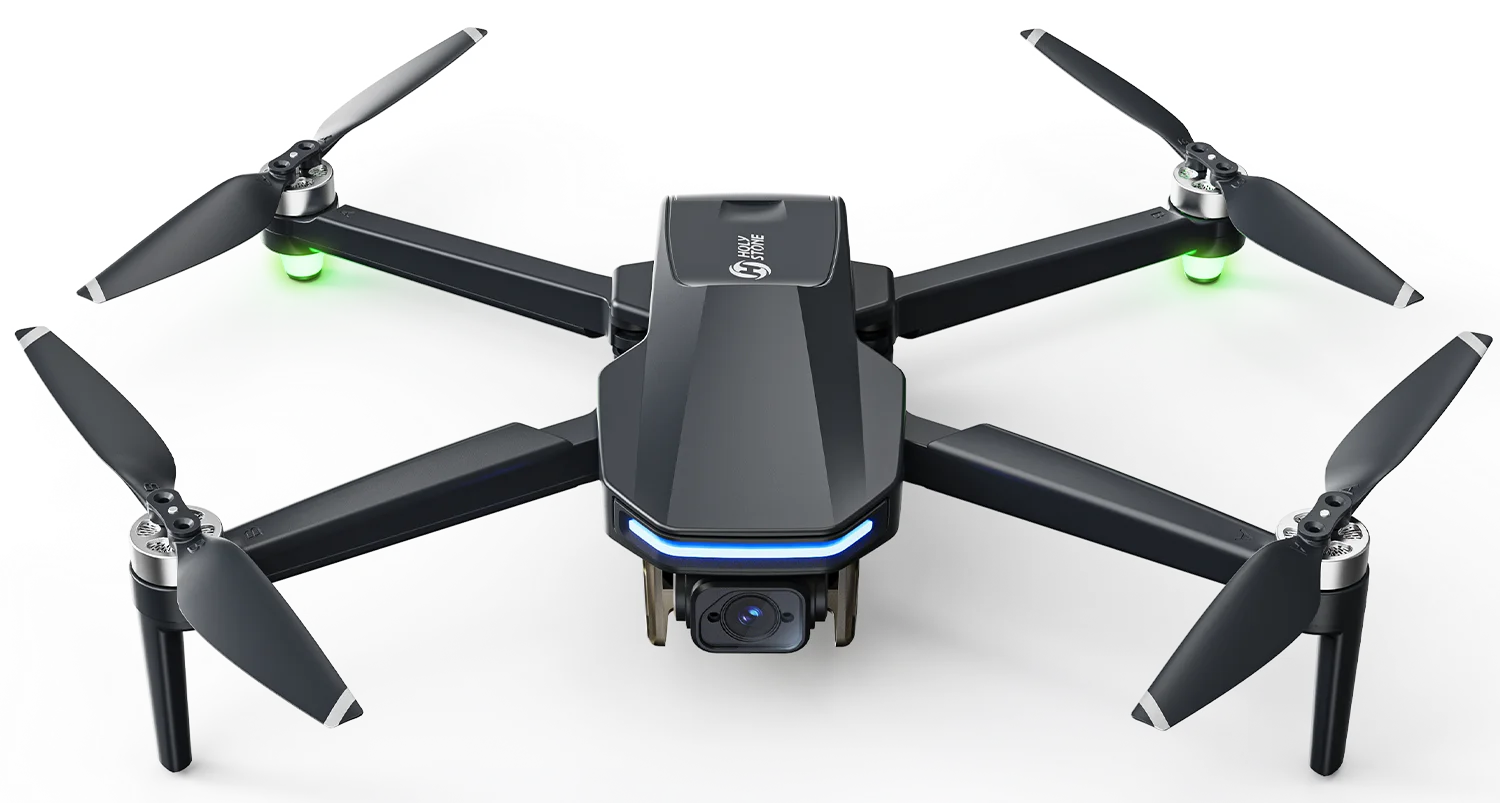
HS360E, Long-Range GPS Drone with EIS
First-Time GPS Drone Pilots
4K CMOS Sensor | EIS Anti-Shake | GPS Flight
20,000ft RC Range | Smart Shots | Under 250g
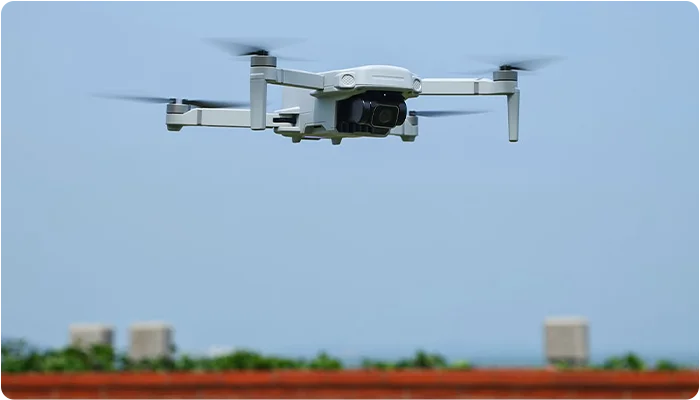
HS360D, Expedition Utility Drone
Outdoor Exploration & Inspection
4K Sony CMOS Sensor | GPS Flight | Camera Filter
20,000ft RC Range | Brushless Motor | Under 250g
【Holy Stone Drones with Built-in Remote ID】
Some Holy Stone drones over 250g are designed with built-in Standard Remote ID, so you do not need to attach an additional Remote ID broadcast module. These models are suitable for pilots who want an FAA-ready setup with the Remote ID function built into the drone.
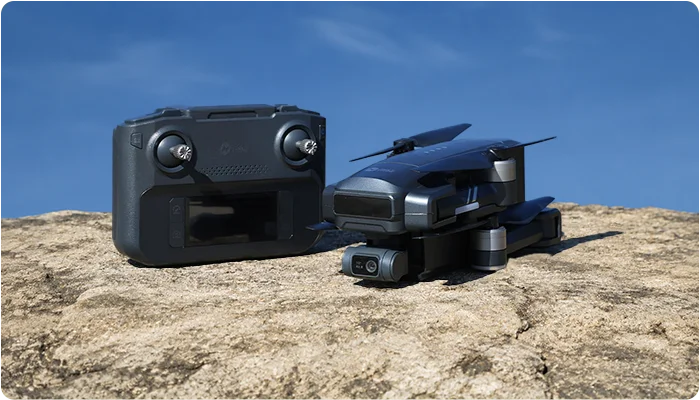
HS600D, GPS Camera Drone with Built-in Remote ID
Outdoor Stability & Clear 4K Flights
Built-in Remote ID | 603g / 21.3oz | 3-Axis Gimbal
4K/30fps Video | 8000 × 6000 Photo Resolution
19,685ft / 6,000m Max Transmission | 7.9m/s Wind Resistance
40 Minutes Max Flight Time per Battery | 3500mAh Battery
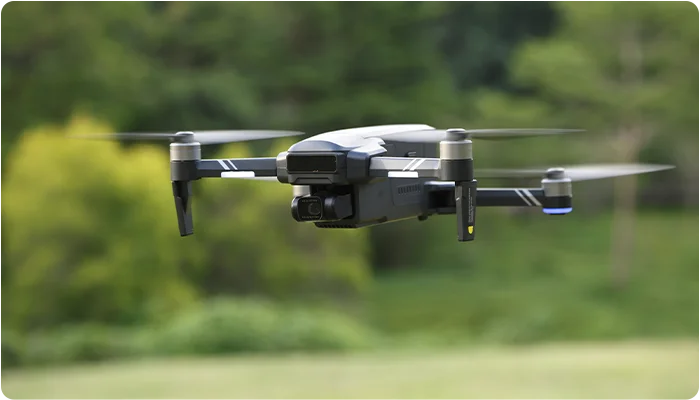
HS600, 4K GPS Drone with Built-in Remote ID
Outdoor Flying & Long-Range Practice
Built-in Remote ID | 603g / 21.3oz | 2-Axis Gimbal
4K/30fps Video | 3840 × 2160 Photo Resolution
19,685ft / 6,000m Max Transmission | 7.9m/s Wind Resistance
40 Minutes Max Flight Time per Battery | 3500mAh Battery
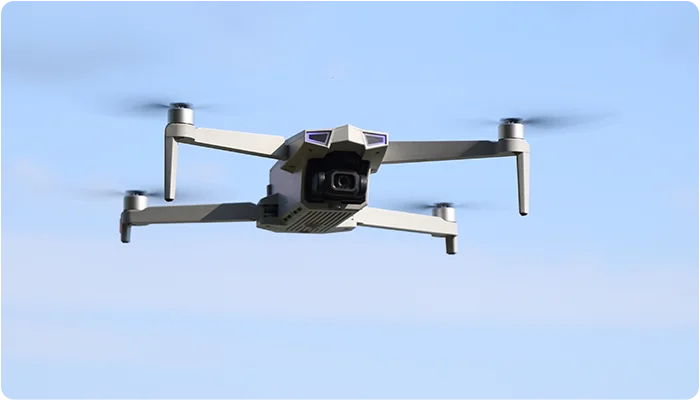
HS790, GPS Camera Drone Kit with Built-in Remote ID
Complete Outdoor Flying Setup
Built-in Remote ID | 377g / 13.3oz | 3-Axis Gimbal
4K/30fps Video | 5700 × 3200 Photo Resolution
About 30 Minutes Max Flight Time | 8m/s Wind Resistance
3200mAh Battery | Supports TF Card up to 256GB
Note: Specifications may vary by product version, firmware, region, or test environment. Please refer to the product page and user manual for the latest information.
【Drones that need a Remote ID module】
Of course, for most of us who love flying, snapping pics, and just soaking in the skies, those 249g+ drones are like the real deal. If you're using compatible models without built-in Standard Remote ID, such as HS700E and certain HS720 series models, just pop on the HSRID, Holy Stone Remote ID Module, and you're good to go.
As information can change, feel free to comment with any updates, and we'll update it after verification.
【Holy Stone Remote ID Modules Are Available Now】
Holy Stone HSRID02 and HSRID03 Remote ID modules are now available on the Holy Stone Official Store.
Buy HSRID03 Remote ID > | Buy HSRID02 Remote ID >
【Details, Installation Location and Installation of Holy Stone Remote ID】
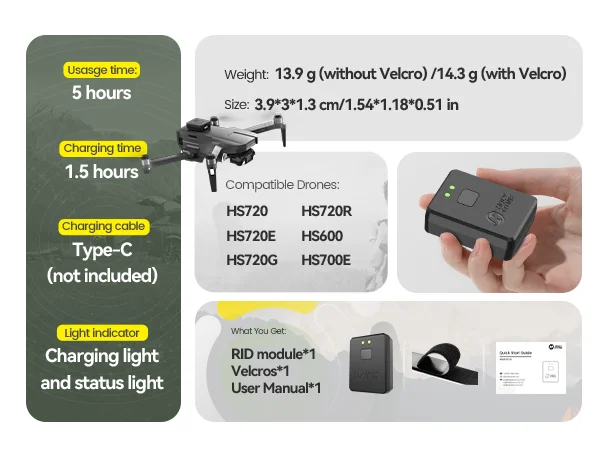
HSRID Basic Information
Compatible Drones: HS720G, HS720E, HS720, HS700E, and HS600 models without built-in Standard Remote ID, if applicable
Charging Time: 1.5 hours
Usage Time: 5 hours
Weight: 14g
Size: 3.9 x 3 x 1.3 cm
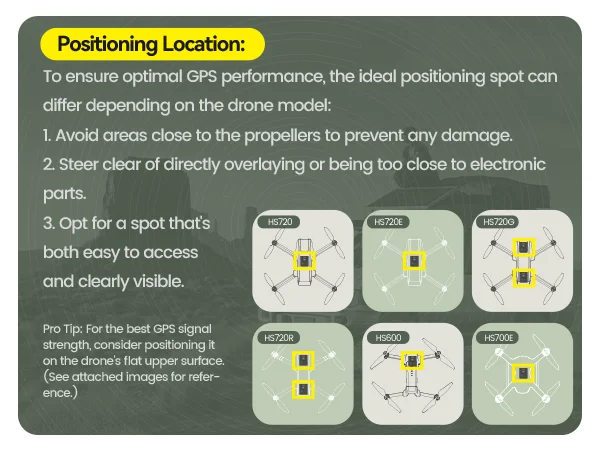
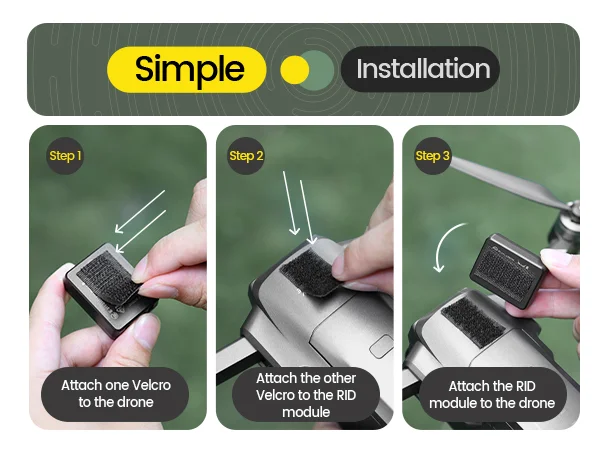
Optimal Remote ID Placement for Enhanced GPS Performance
To ensure the best GPS performance, the ideal placement spot for your drone may vary depending on the model. Here are some guidelines:
1. Avoid Areas Close to Propellers: Prevent potential damage by keeping the GPS module away from the drone's propellers.
2. Stay Clear of Electronic Parts: Avoid overlaying or getting too close to electronic components to maintain signal integrity.
3. Choose an Accessible and Visible Spot: Opt for a location that is easy to access and clearly visible for setup and maintenance.
Pro Tip: For optimal GPS signal strength, consider placing the module on the flat upper surface of the drone. Keep in mind that the optimal placement for the RID varies by model.
HS700E/HS700D: In the middle
HS720/HS720E: In the middle
HS720G: Near either end
HS600: In the front
Tip: If using a different drone brand, reach out to the manufacturer or seller to confirm the GPS module's location. When installing the Remote ID module, avoid proximity to the GPS module to prevent signal interference and potential disruptions.
【Holy Stone Remote ID Setup and Updates】
Initial Setup:
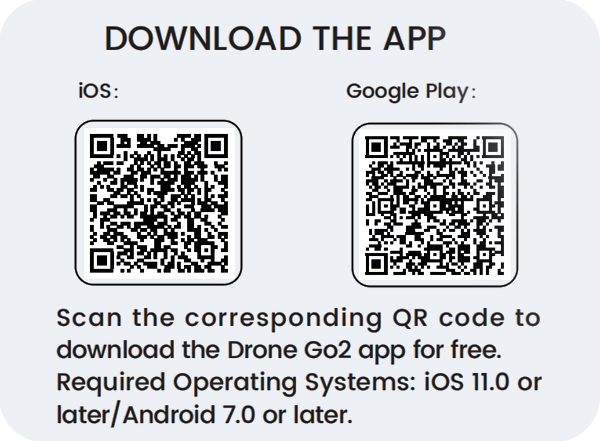
→1. Download Drone Go2 app, iOS 11.0+ or Android 7.0+
→ 2. Turn on Remote ID, 2-second hold
→ 3. Enable phone's Bluetooth
→ 4. Open the app, and tap "+" to find Remote ID
→ 5. Select Remote ID
→ 6. Fill in info
→ 7. Tap "SAVE”, then turn off the Remote ID
→ 8. Restart Remote ID: Status Indicator Flashes Slowly: Broadcasting Information!
To alter identity information:
→1.Press the power switch for 2s to activate Remote ID. The status light blinks rapidly and presses again within 5s, the status light stays on
→ 2. Enable the phone's Bluetooth
→ 3. Open the app, tap "+" to find and select Remote ID
→ 4. Tap on the series number of your Remote ID in the list
→ 5. Tap "DELETE" to erase the saved identity information and confirm the deletion
→ 6. Fill in info
→ 7. Tap "SAVE”, then turn off the Remote ID
→ 8. Restart Remote ID: Status Indicator Flashes Slowly: Broadcasting Information!
How do I know if my Remote ID is broadcasting?
There is no official channel for the public from the FAA to check the broadcasting status so far. As shown in the manual, when the function indicator light on the RID module flashes slowly, it means that the module is broadcasting signals.
Why Can't I Receive Remote ID Broadcast Information? Exploring Compatibility Issues
Due to third-party APP compatibility, some mobile phones may not receive the signal from the RID module. We have tried to test the compatibility on one of the third-party applications—— OpenDroneID with some phones. Here are the results:
Compatible Models:Xiaomi12/ SamsungS10/ Realme GT Neo2/ OPPO Reno10Pro plus
Incompatible Models:Googles Pixel 3A/ Googles Pixel 6/ Sony Xperia I/ Huawei Mate10Pro/ Redme Note9/ Huawei Nova 5Z
You can try to download the DroneOpenID APP to check the broadcasting status of the RID if you use the above compatible phones. If not, please rest assured that the RID module is broadcasting if the status indicator light flashes slowly on the RID module and your flying experience won't be affected in any way.
Before You Begin: Register as a drone operator:
To complete the app, both US and European consumers must first register as drone operators and obtain an operator ID. For European customers, providing the operator ID is a mandatory step when filling out the app. Below are the registration links for obtaining the operator ID:
For the US:FAA DroneZone Registration
For Europe:GermanyFranceItalySpain
It's a straightforward process. Taking the USA as an example, here's how to register your drone:
→Visit the FAA DroneZone website: FAA DroneZone Registration.
→Follow the step-by-step instructions to create an account and complete the registration.
→Pay the $5 registration fee for recreational users, this fee covers all drones owned by you for three years.
Information required for registration:
Physical address and mailing address, if different
Email address
Phone number
Make and model of your drone
Specific Remote ID serial number provided by the manufacturer, if applicable
Credit or debit card for payment
After getting your unique registration number, print a label and stick it on your drone where it's easy to find. The FAA mandates that all drones must display this registration number before you can use them.We value your commitment to safe drone operation. If you have any questions or need assistance with registration, please feel free to contact our customer support team.
Can I use one Remote ID module for multiple drones?
Recreational drone pilots can use one Remote ID module for multiple drones by listing serial numbers during registration. Part 107 pilots must register each device separately, receiving unique registration numbers.
FAA regulations state: "Recreational drone pilots may register once and apply their registration number to all the devices listed within their inventory. During registration, you must list the serial number(s) of each Standard Remote ID drone and/or the Remote ID broadcast module. If you use a Remote ID broadcast module, the Remote ID serial number attached to the module must be listed for each non-Standard Remote ID drone you add to your inventory. This will permit you to move the module from one non-Standard Remote ID drone to another so long as each of the drones make/model are listed within the same inventory. This is not the case for Part 107 pilots who must register each individual device, Standard Remote ID drone or Remote ID broadcast module, separately within their inventory and each device will get a unique registration number."
【Holy Stone Remote ID Setup and Updates Tutorial】
【Do any other countries request remote ID?】
In the EU, if you're flying a drone heavier than 249 grams, mark your calendar for January 1, 2024.
And across the Pacific in Japan, they've been on it since June 20, 2022. Anything over 100 grams needs to have those Remote ID skills. So, yeah, it's not just US.
1. Rock a Standard Remote ID drone: Comes with that built-in broadcast charm.
2. Opt for a Remote ID broadcast module for your drone: Upgrade, baby!
Or, if you're chilling at an FAA-recognized identification area, FRIA, sponsored by community-based organizations, CBOs, or educational institutions, you can roll without Remote ID gear. FRIAs are the spot for drones and radio-controlled airplanes to do their thing, no Remote ID broadcast is needed.
【Where can I find FRIA locations?】
You can find the locations of approved FRIAs on the FAA’s UAS Data Delivery Service, UDDS, website.
FRIA applications are limited to FAA-recognized Community Based Organizations, CBOs, and educational institutions, which include primary and secondary schools, trade schools, colleges, and universities.


COMMENTS