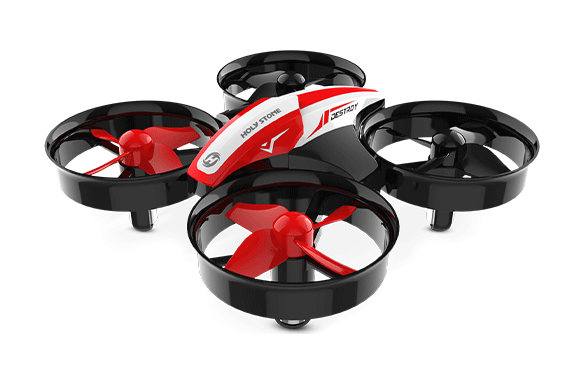

HS180, Eye-Friendly LED Toy Drone for Kids
HS180 LED drone for kids with colorful lights for indoor flying


HS180 LED Drone for Kids

Model No.: HS180, Size: 112×112×35 mm, Weight: 48 g

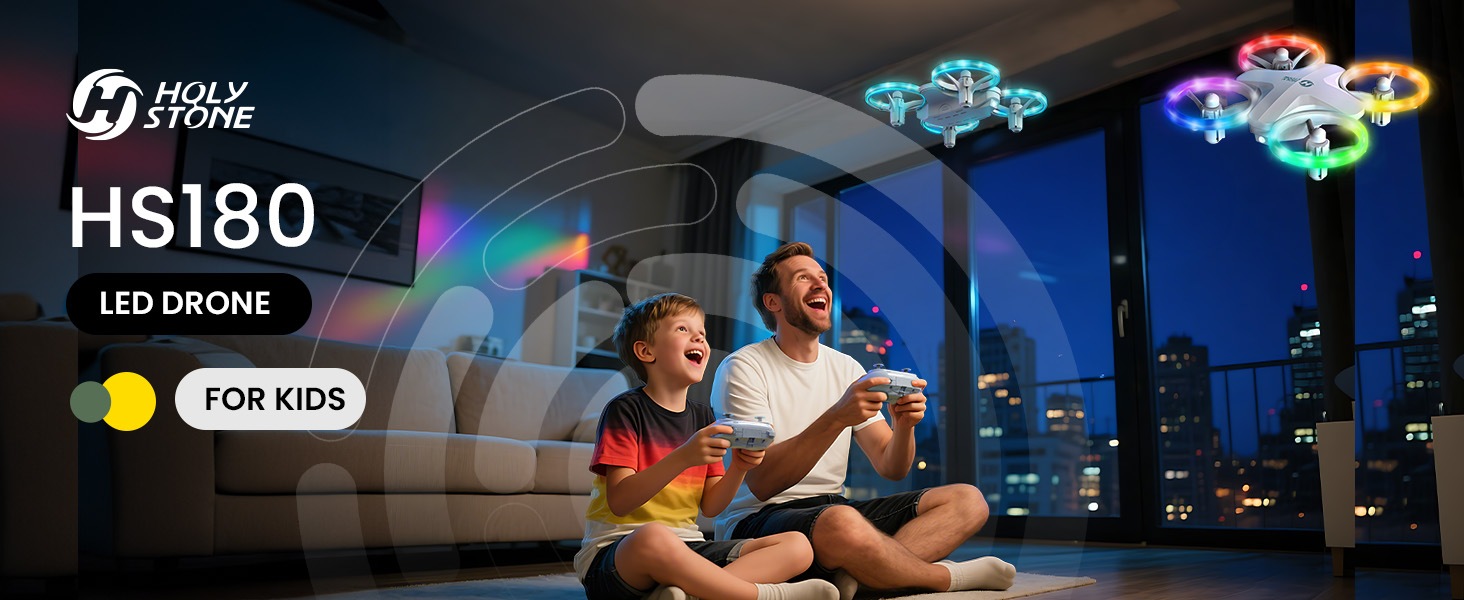
Colorful lights, simple controls, and safer indoor flying that turns family playtime into a glowing little celebration.


6 LED Light Modes Family Play Moments One-Key Takeoff Altitude Hold Full Propeller Guards 3 Modular Batteries
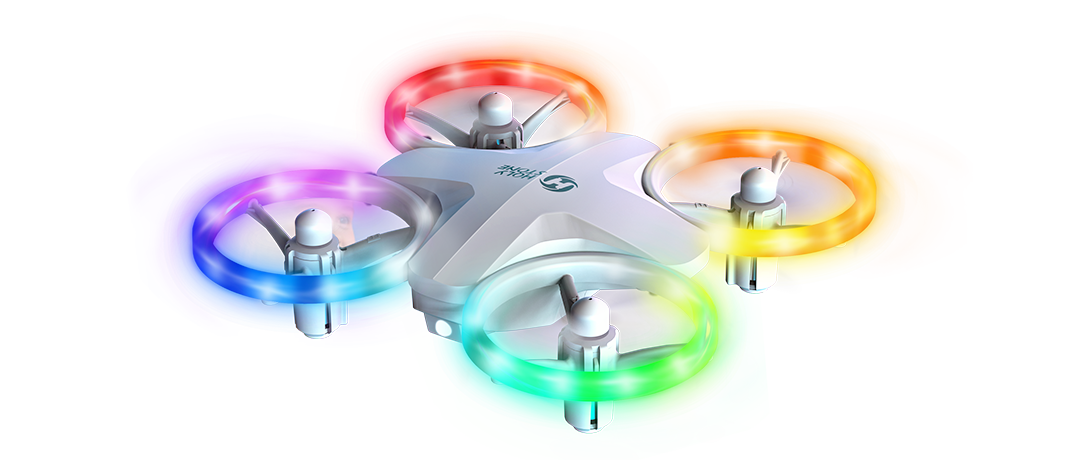
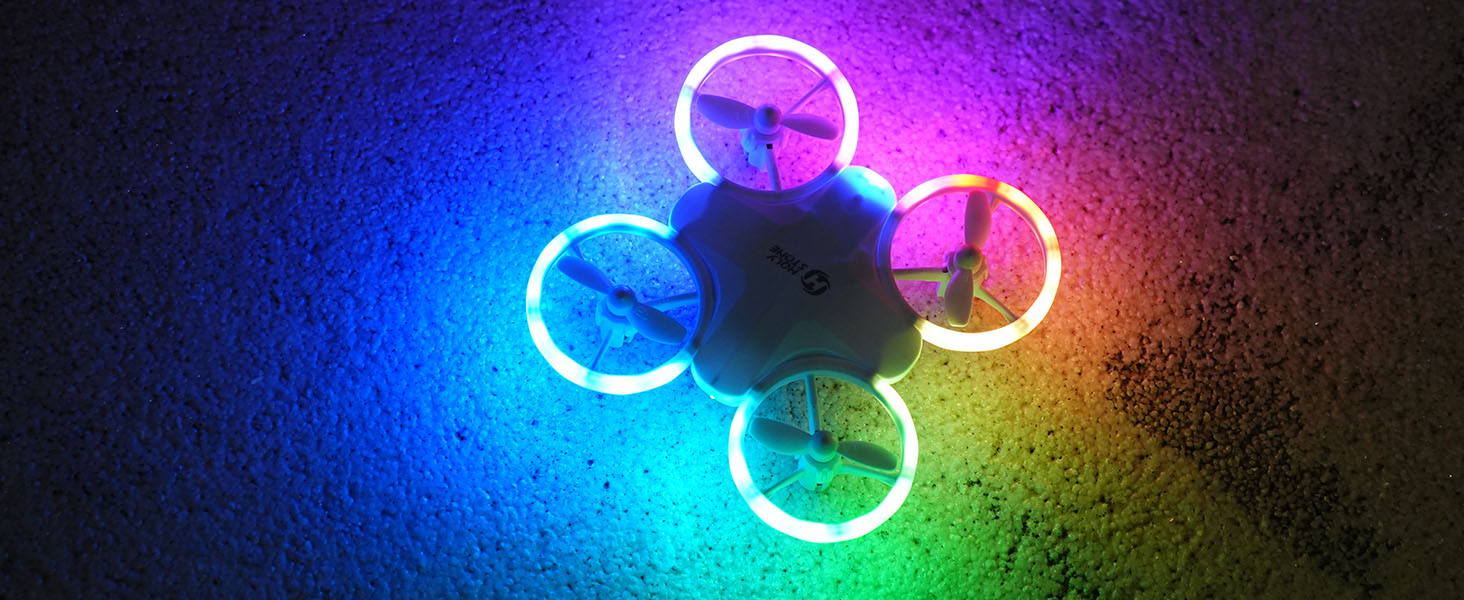
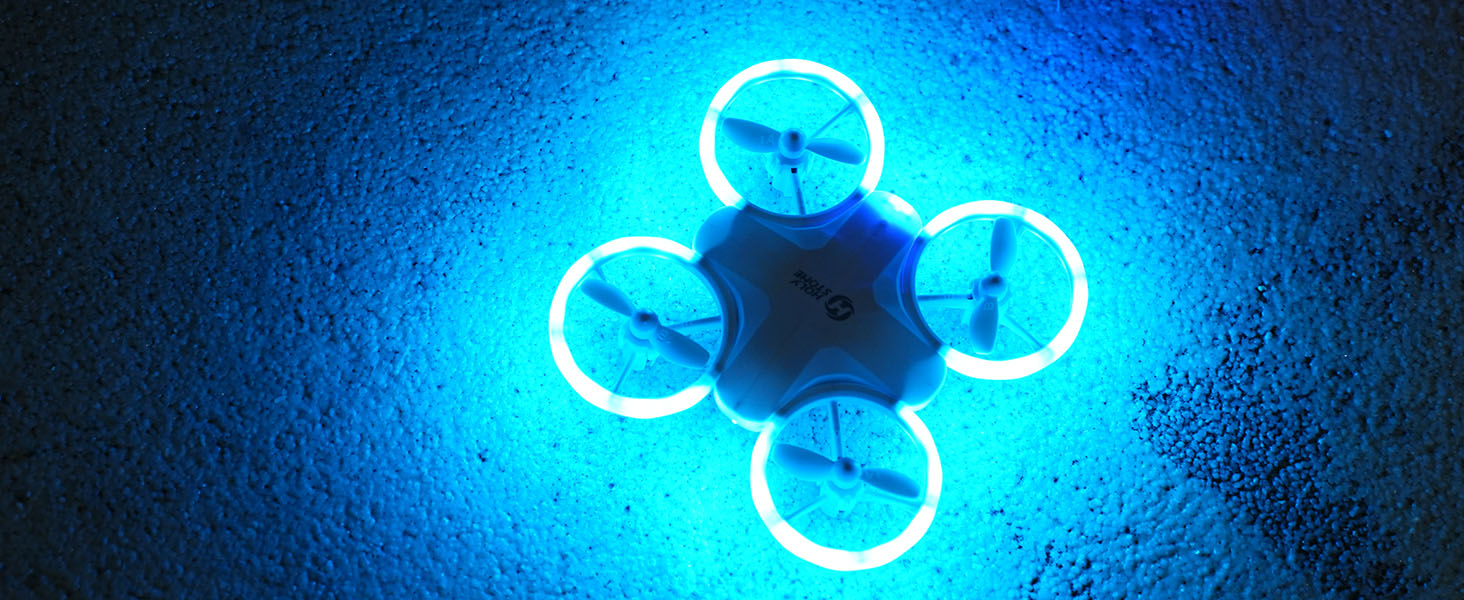
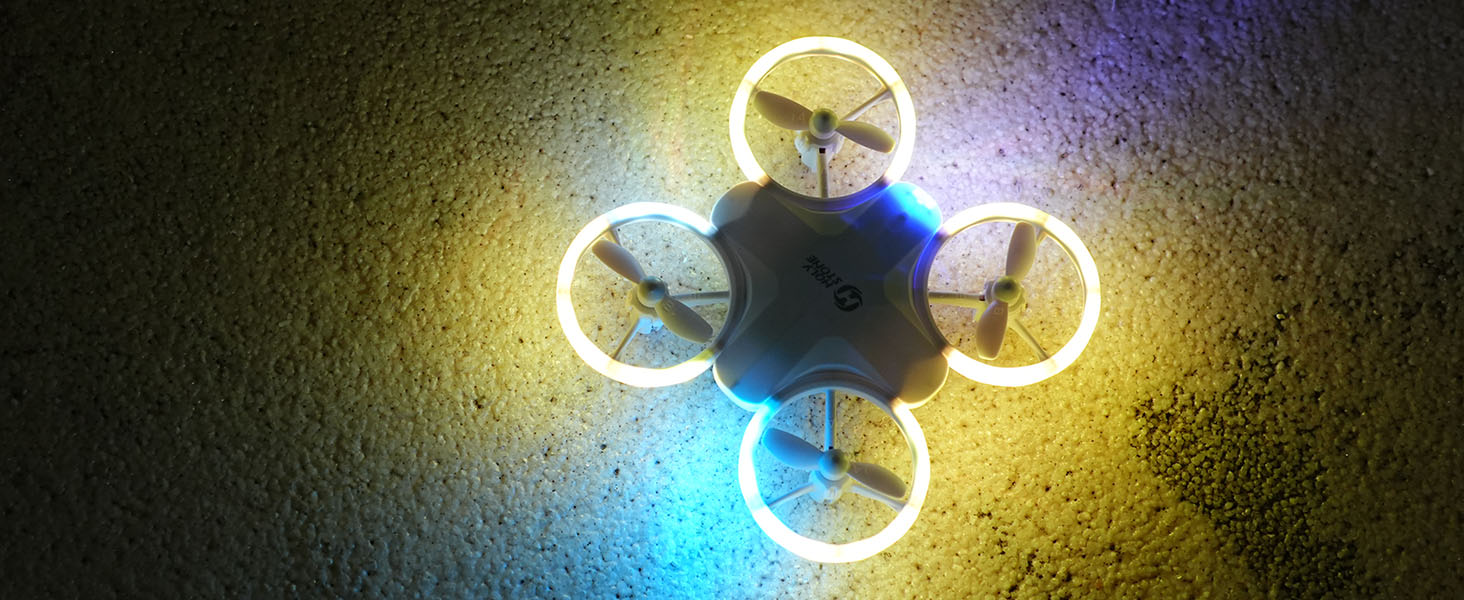
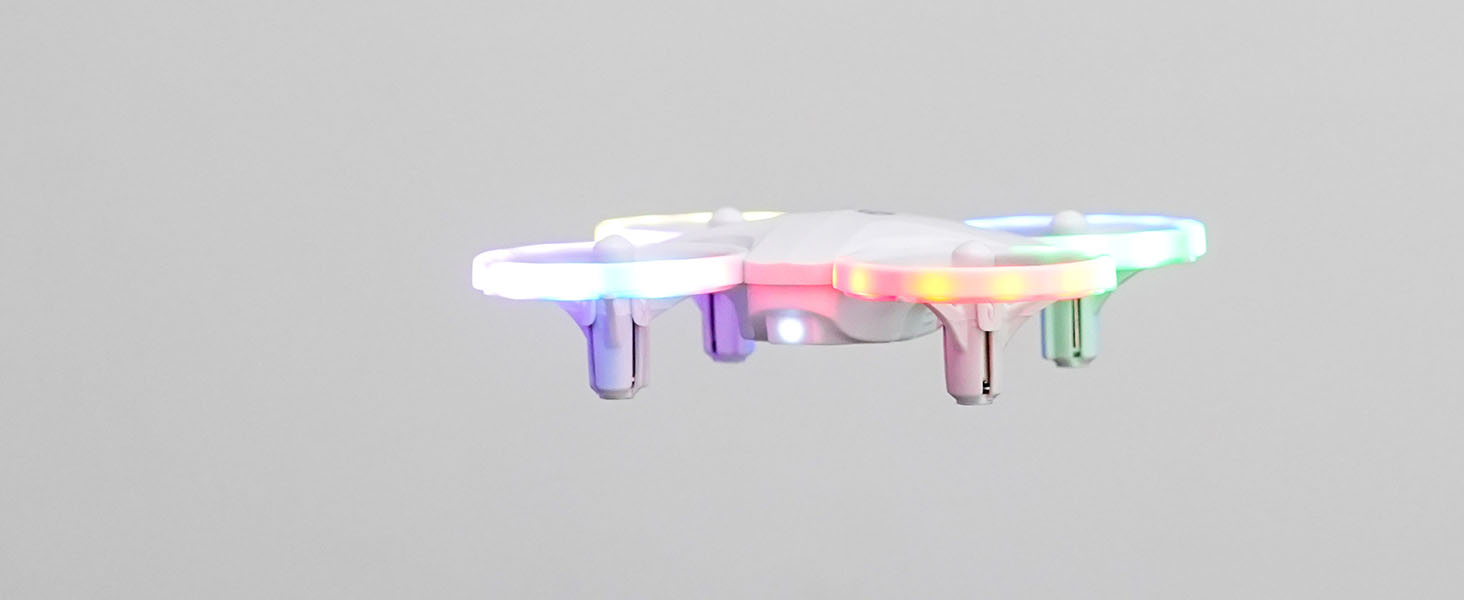
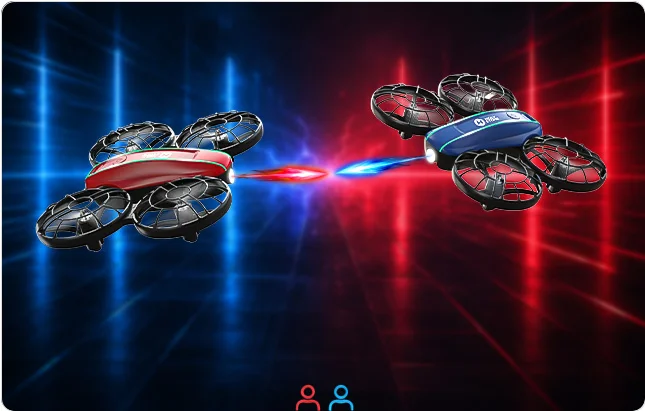
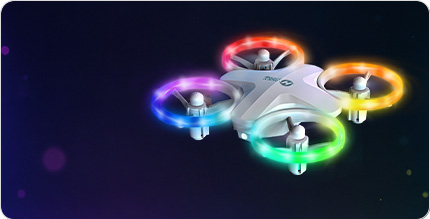
HS180 6 colorful LED light modes for kids
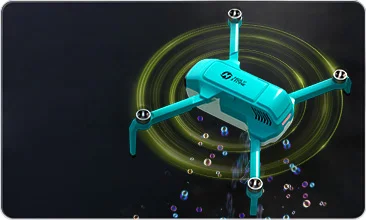
HS180 beginner friendly drone controls with one key takeoff and altitude hold
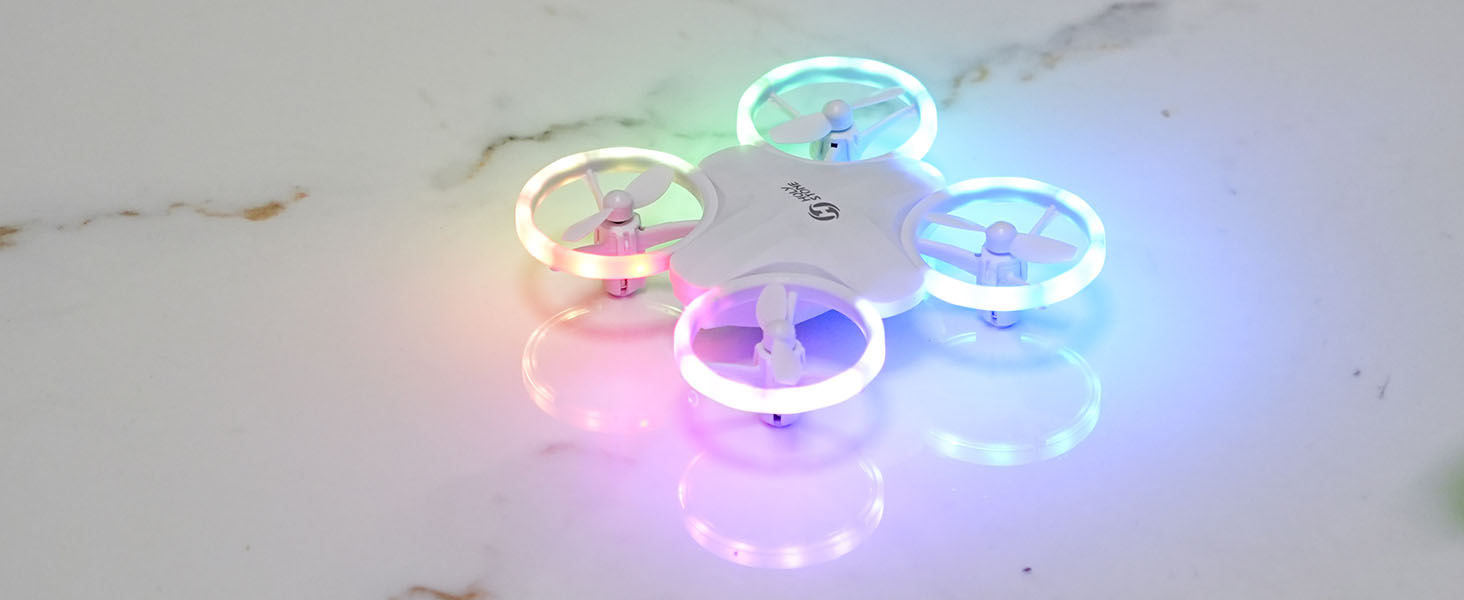
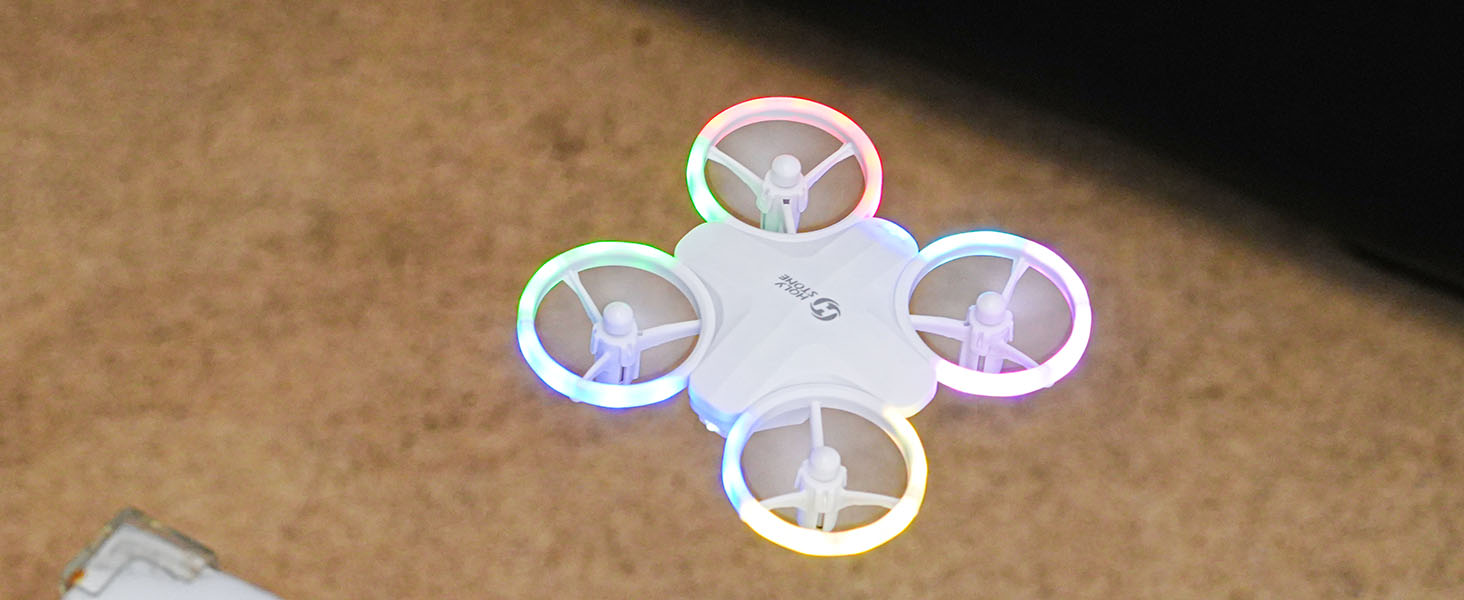
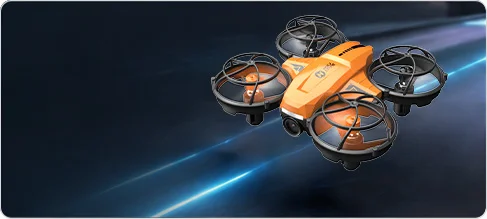
HS180 mini LED drone with full propeller guards and colorful lights

Why Parents Choose HS180

HS180 is built for families who want a fun first drone for kids: easy to start, colorful to watch, safer for indoor practice, and bright enough to add a little celebration atmosphere to birthdays, holidays, sleepovers, and everyday family play.

Light Up Family Moments

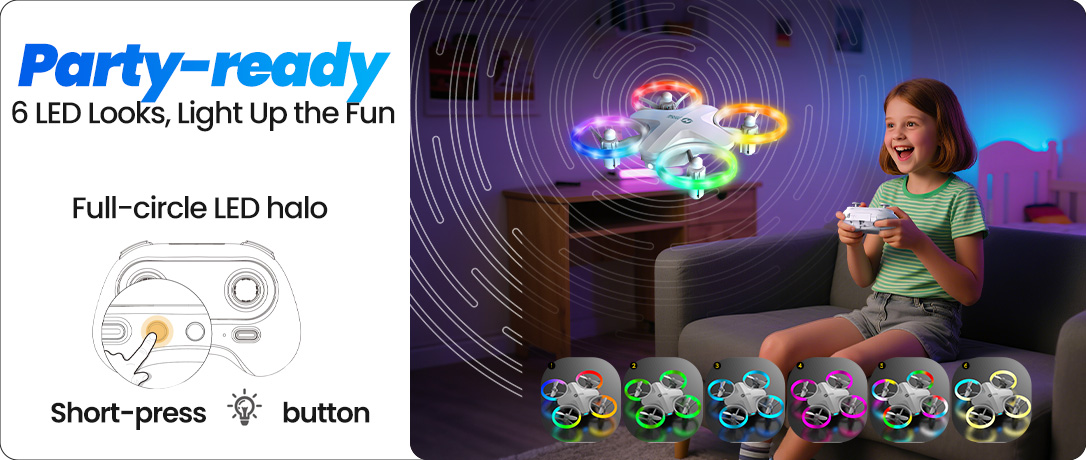
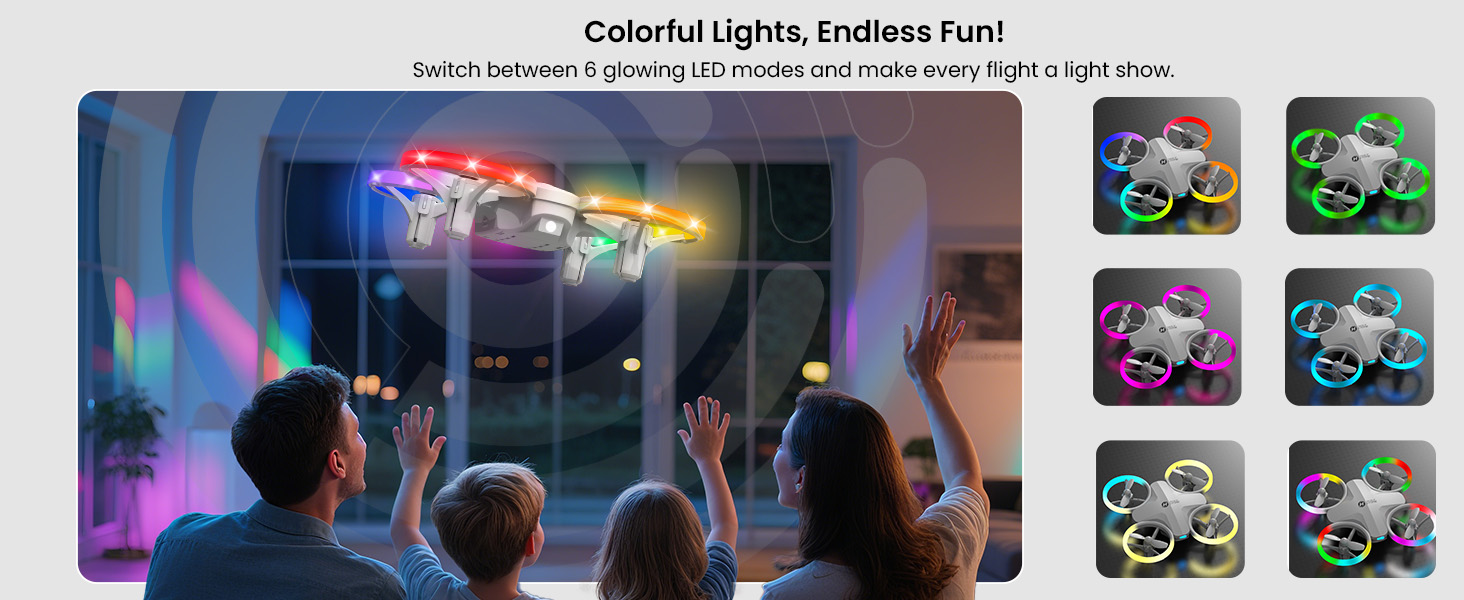
Six LED light modes make every flight easier to see and more exciting to share, turning living rooms, bedrooms, evening play, and family gatherings into colorful mini celebration moments.

Easy First Controls

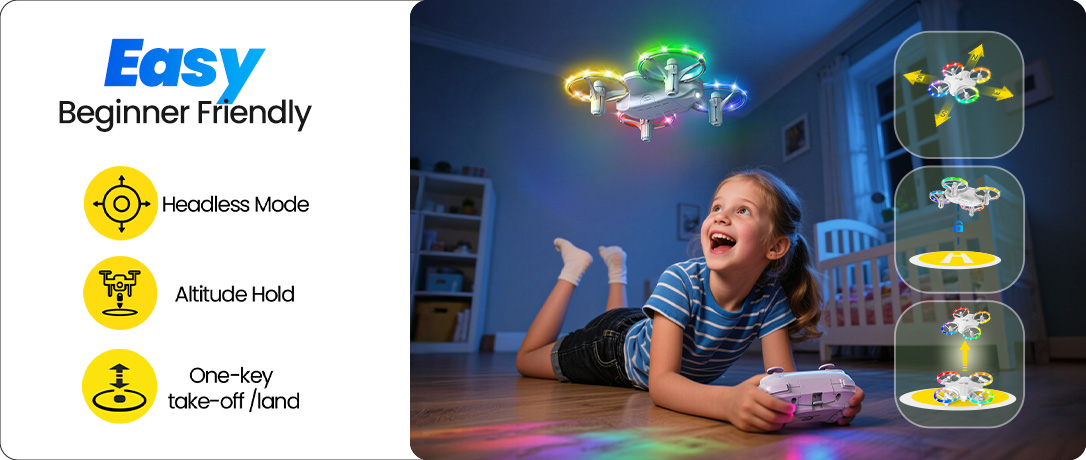
One-key takeoff/landing, altitude hold, headless mode, and two speed modes help beginners build control step by step.

Safer Indoor Play

Full propeller guards help reduce direct contact with spinning blades and make HS180 more suitable for supervised family play spaces.

More Playtime

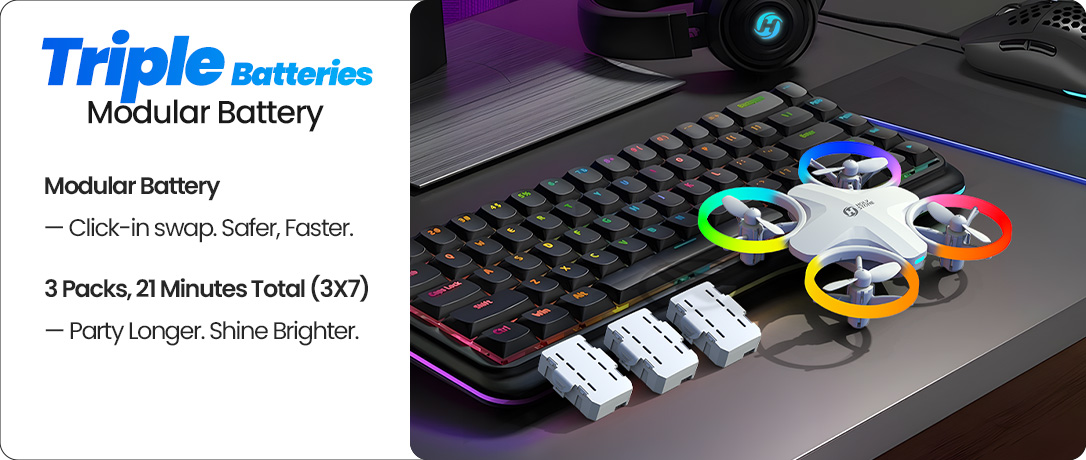
Three modular batteries give kids repeated short flights, so the fun does not stop after only one practice session.
HS180 6 LED light modes for colorful indoor play
HS180 two speed modes for beginner and confident flying
HS180 3 modular batteries for up to 21 minutes total flight time
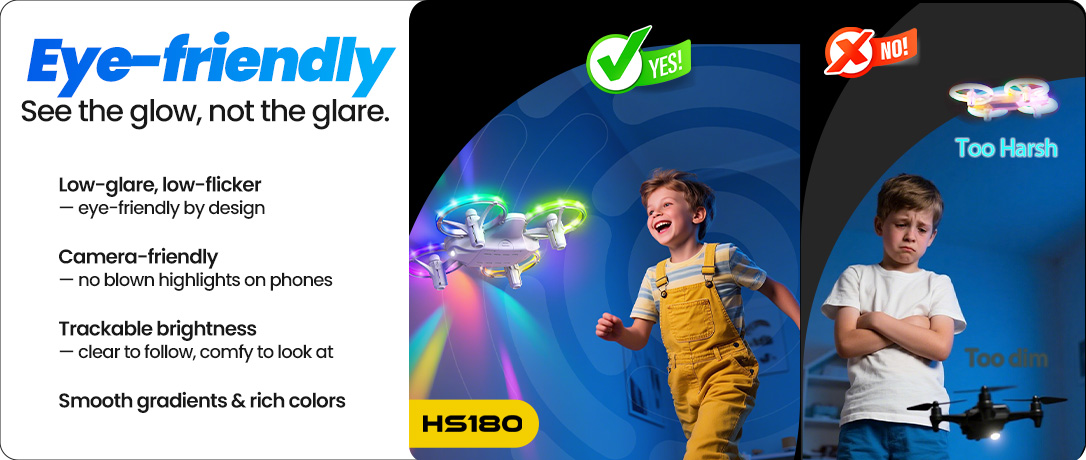
HS180 eye friendly LED glow for kids and family play
HS180 one key takeoff altitude hold and headless mode for beginners
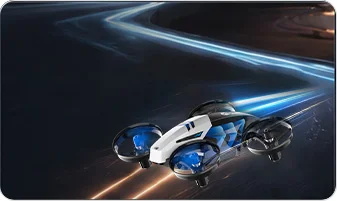
HS180 360 degree flips circle fly and high speed rotation for stunt play
HS180 full propeller guards for safer indoor drone play

See HS180 in Action

Watch how HS180 turns simple flying into a colorful mini show, with LED light effects, easy controls, and stunt moves that make family playtime feel more lively and shareable.
HS180 colorful LED toy drone for indoor family play

Why HS180 Is a Better First Toy Drone

HS180 gives kids the features they usually need for a successful first drone experience: colorful LED flight, one-key takeoff and landing, altitude hold, headless mode, full propeller guards, stunt modes, and three modular batteries.

It is not positioned as a camera drone or an outdoor performance drone. It is made for children and beginners who want a simple, light-up flying toy for close-range play, indoor practice, and cheerful family moments where the lights make the room feel more alive.

6 LED Light Modes | One-Key Takeoff/Landing | Altitude Hold | Headless Mode | 2 Speed Modes | 360° Flips | Circle Fly | High-Speed Rotation | Full Propeller Guards | 3 Modular Batteries

Built Around the Questions Parents Actually Ask

Will it be hard for my child to control?

One-key takeoff/landing, altitude hold, headless mode, and two speed modes help kids learn basic flying step by step instead of fighting the controls from the first minute.

Is it safe enough for indoor play?

The full propeller guard design helps make HS180 more suitable for supervised indoor flights around family spaces such as living rooms, bedrooms, and hallways.

Will kids get bored quickly?

Colorful LED modes, 360° flips, circle fly, and high-speed rotation give kids more ways to play after they learn basic control, so the drone can become part of parties, family nights, and shared play moments instead of a toy that is used once and forgotten.

Why Kids Love the Colorful LED Flight Atmosphere

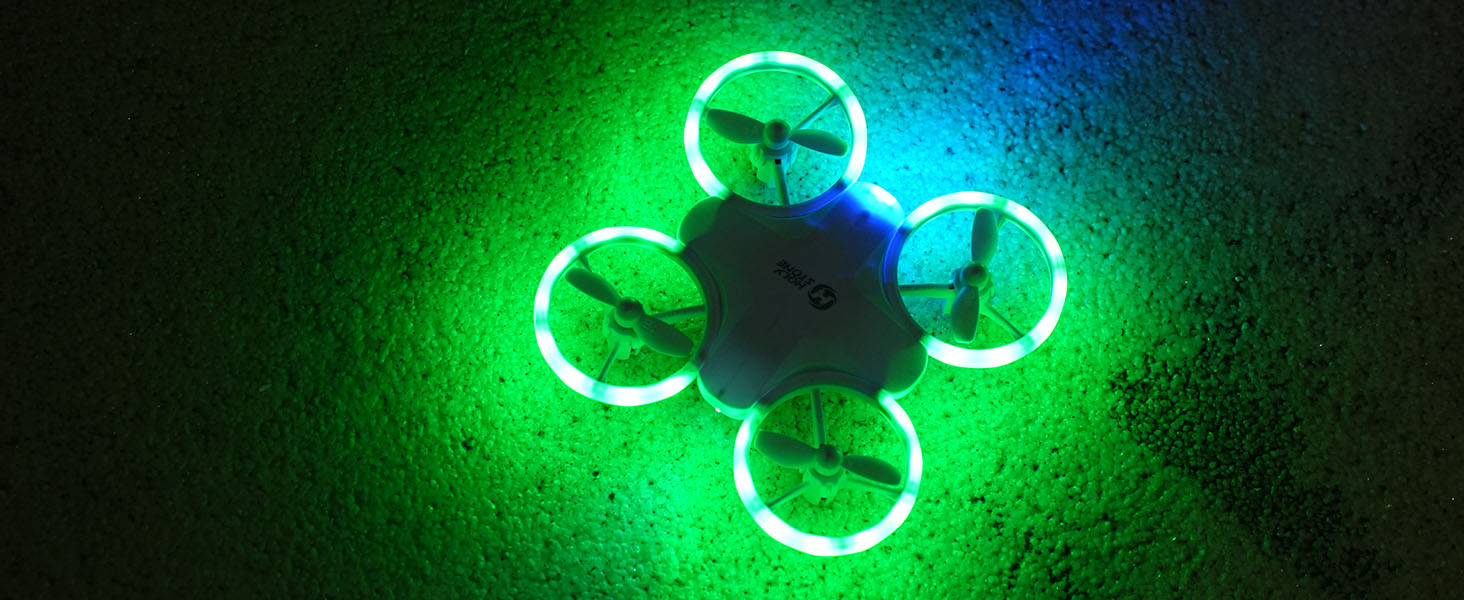
HS180 is designed around the excitement of light, movement, and control. With 6 colorful LED modes, every flight feels like a glowing mini performance in the living room, hallway, bedroom, or backyard.

For kids, the lights make flying more exciting and easier to follow. For families, the soft LED glow adds a warm gathering atmosphere to birthdays, holiday evenings, sleepovers, and casual indoor play — the drone becomes something everyone can watch, react to, and enjoy together.

HS180 colorful LED light modes for indoor family play

Start Slow, Then Fly Faster with 2 Speed Modes

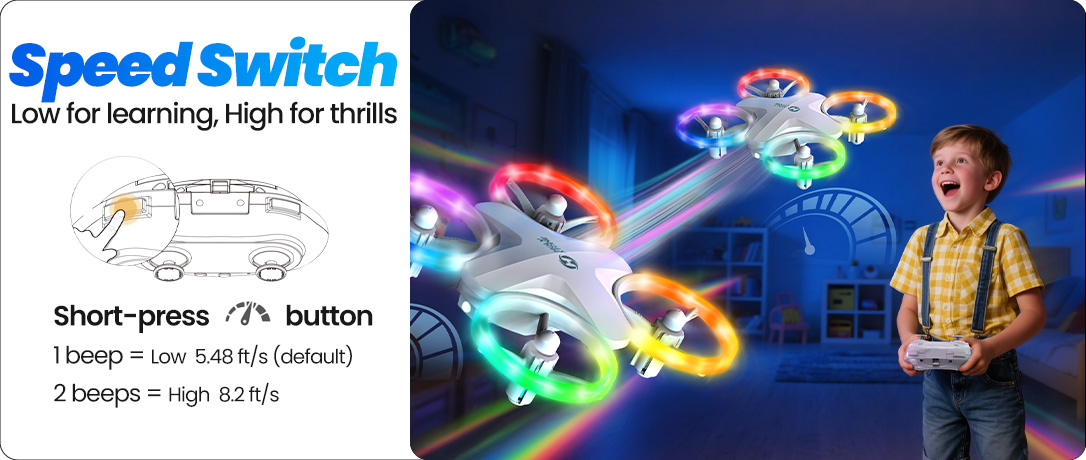
First flights should feel fun, not stressful. HS180 lets beginners start with Low Speed for calmer control, then switch to High Speed when they are ready for more energetic flying.

This step-by-step design helps children build confidence gradually. Parents can let kids practice slowly first, then enjoy more dynamic play as their control improves.
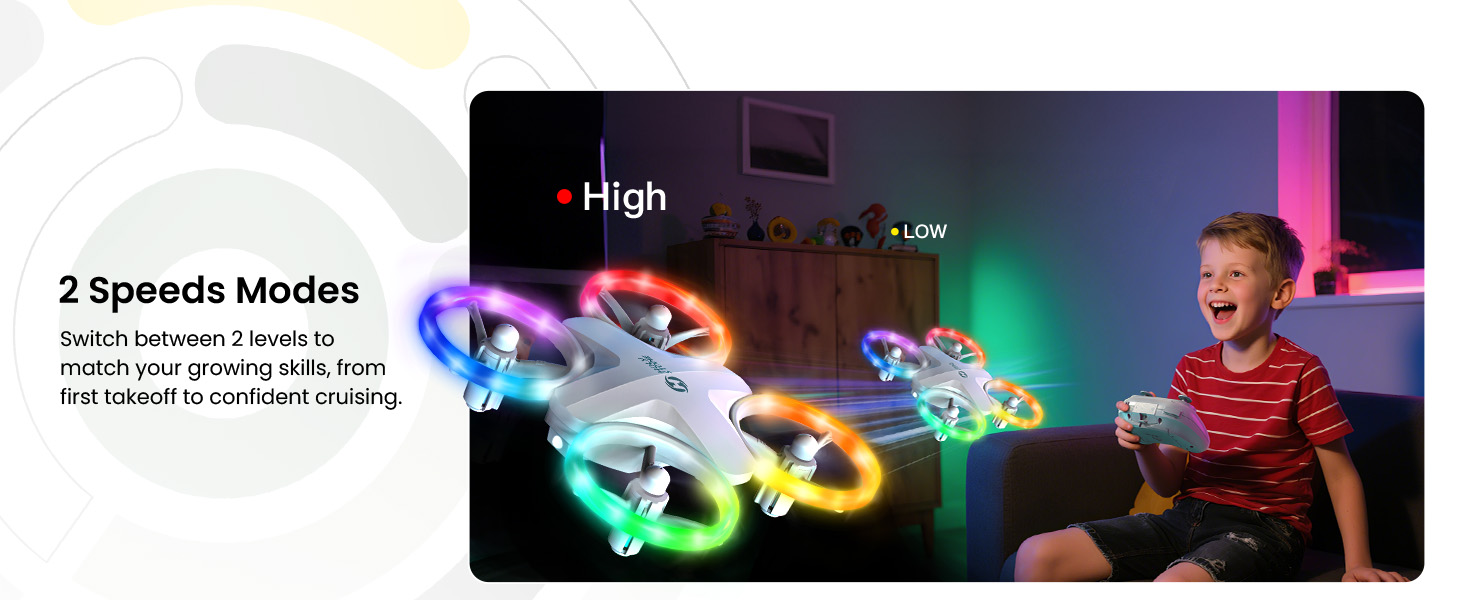
HS180 two speed modes for kids learning to fly

Easy First Flights with One-Key Takeoff and Altitude Hold

HS180 is built for children and beginners who may be flying a drone for the first time. One-key takeoff and landing help simplify the hardest part of getting started, while altitude hold keeps the drone steadier in the air.

Headless Mode also helps reduce direction confusion, so kids can focus more on flying and less on figuring out which side is the front.
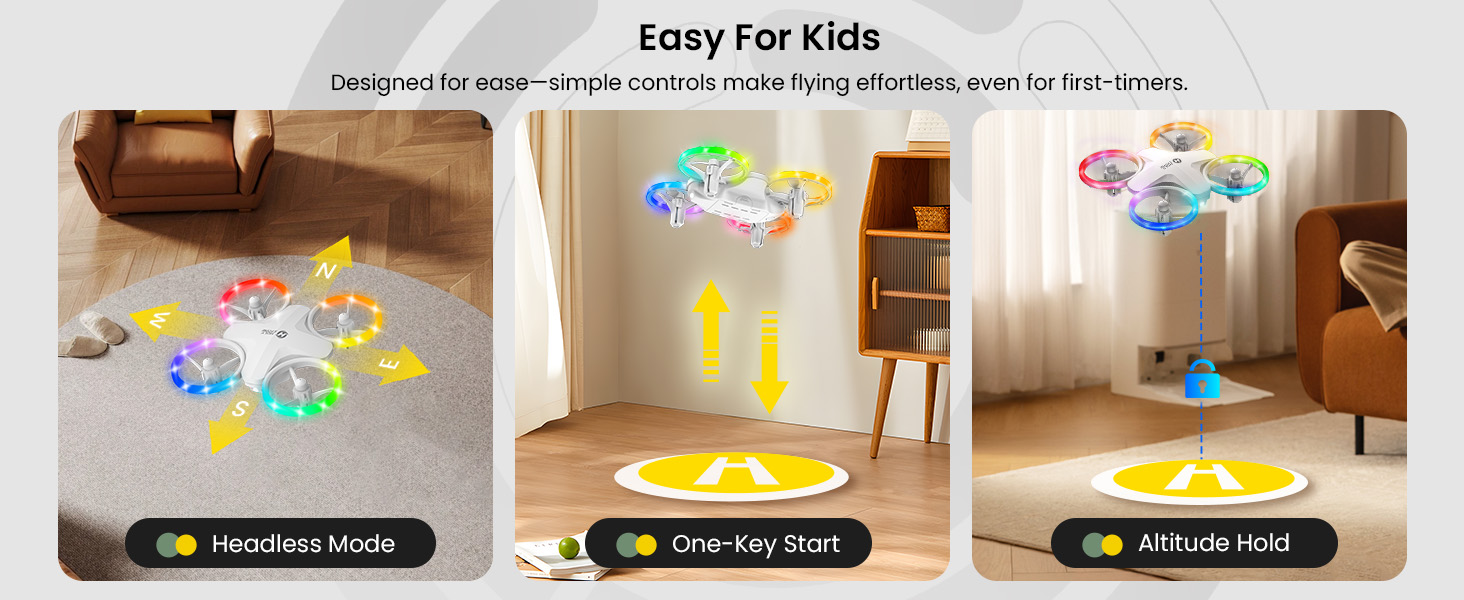
HS180 beginner drone with one key takeoff altitude hold and headless mode

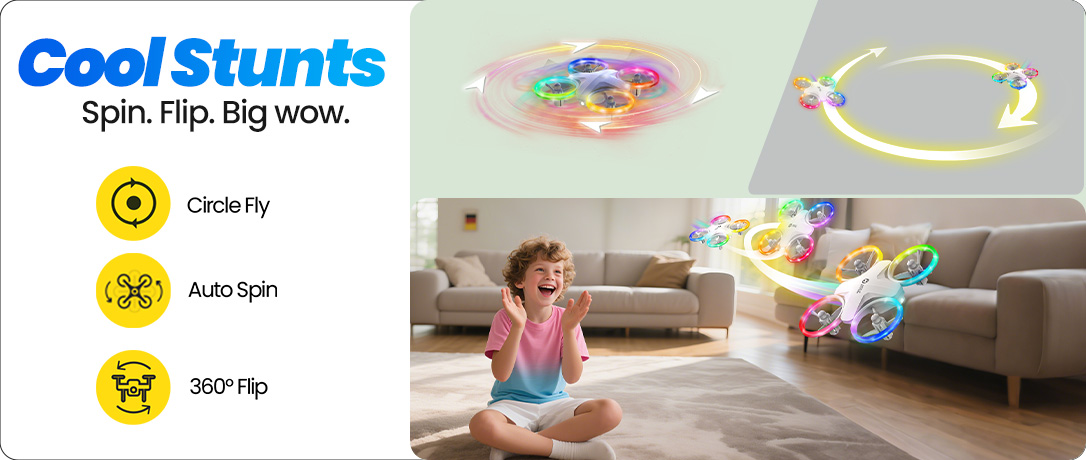
Stunts That Turn Flying into a Mini Show

Once kids get comfortable with basic flying, HS180 adds more fun with 360° flips, circle fly, and high-speed rotation. These playful stunt modes make every flight feel more interactive and rewarding.

It is not just about flying from one side of the room to another. HS180 gives children simple ways to show off, laugh, practice timing, and create a small performance that brings family members together around the moment.
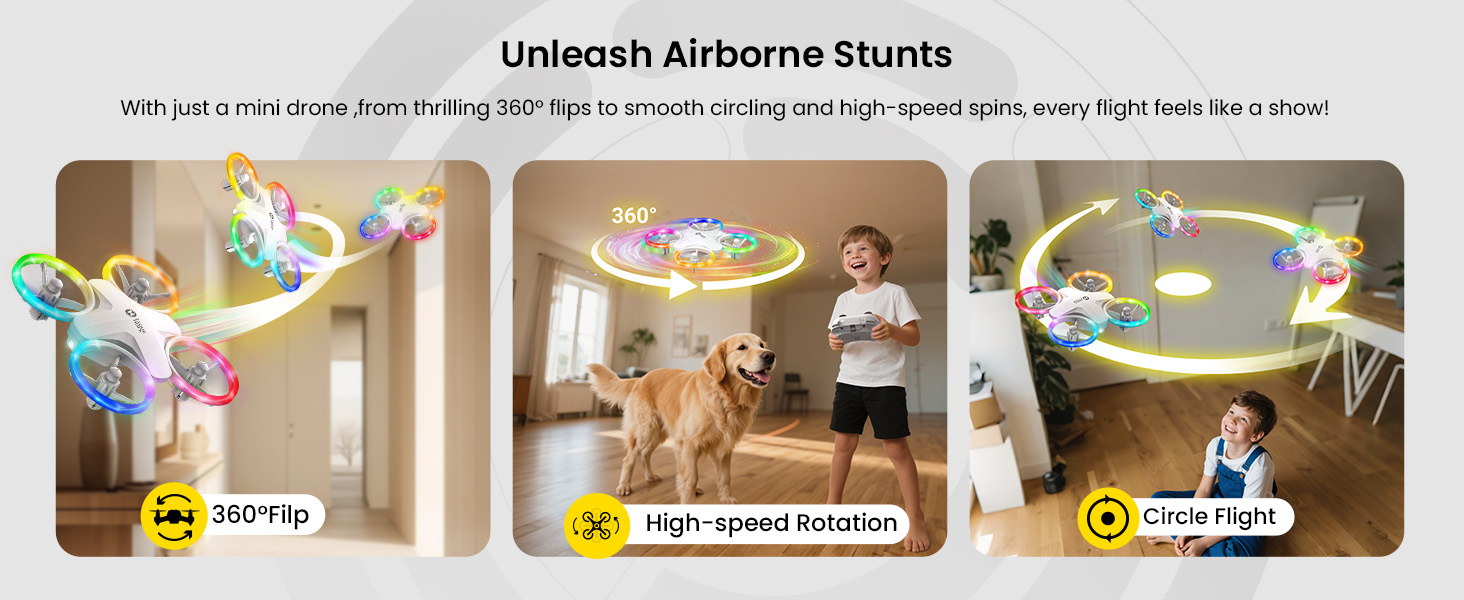
HS180 stunt drone for kids with 360 flips circle fly and high speed rotation

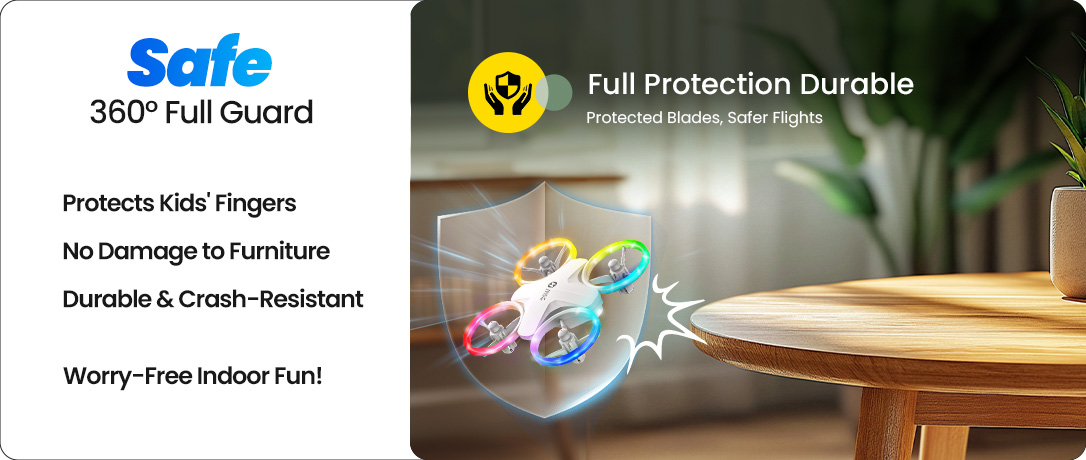
Safer Indoor Play with Full Propeller Guards

Kids’ first drone flights usually happen close to people, furniture, walls, and floors. That is why HS180 uses full propeller guards to help reduce direct contact with spinning propellers and protect the drone during small bumps.

It is a better fit for indoor practice than an open-prop drone, especially when children are still learning how to control height, direction, and speed. Adult supervision is still recommended for younger pilots.
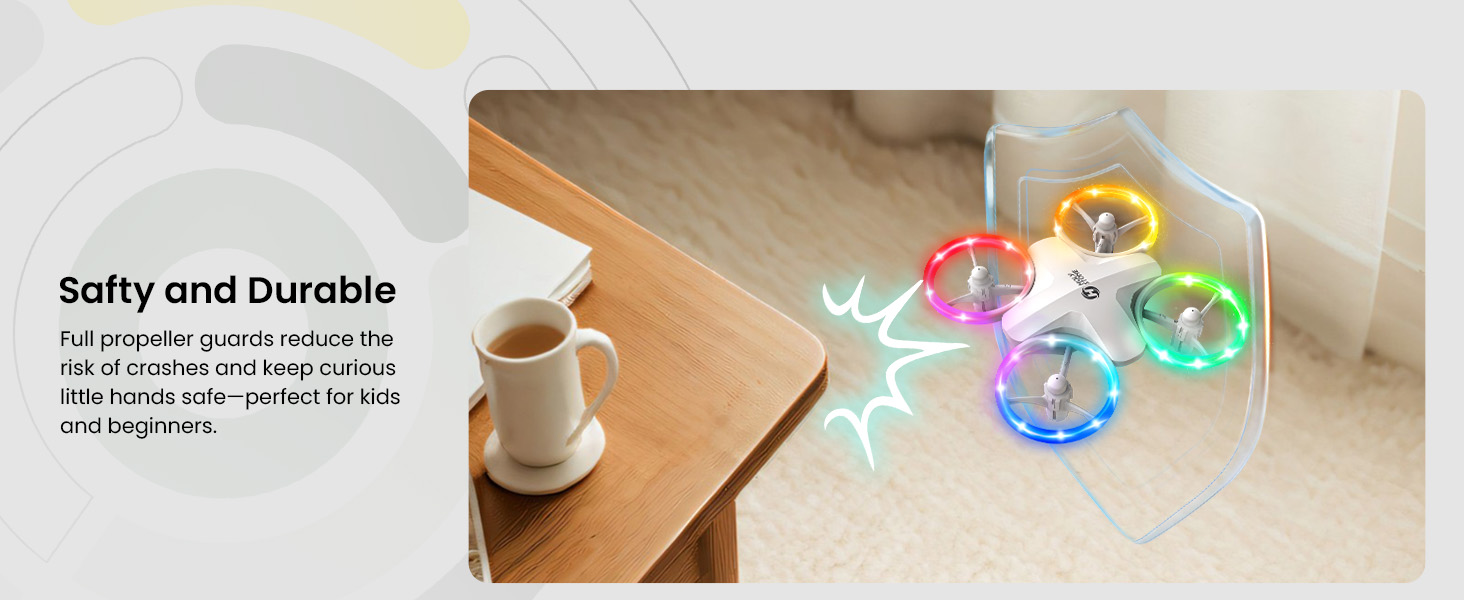
HS180 full propeller guards for safer indoor drone play

More Playtime with 3 Modular Batteries

A great toy should not stop too soon. HS180 includes 3 modular batteries, with each battery offering about 7 minutes of flight time, giving kids up to 21 minutes of total flying fun.

The modular design makes battery changes easier for families. When one battery runs low, swap in the next one and keep the play session going.
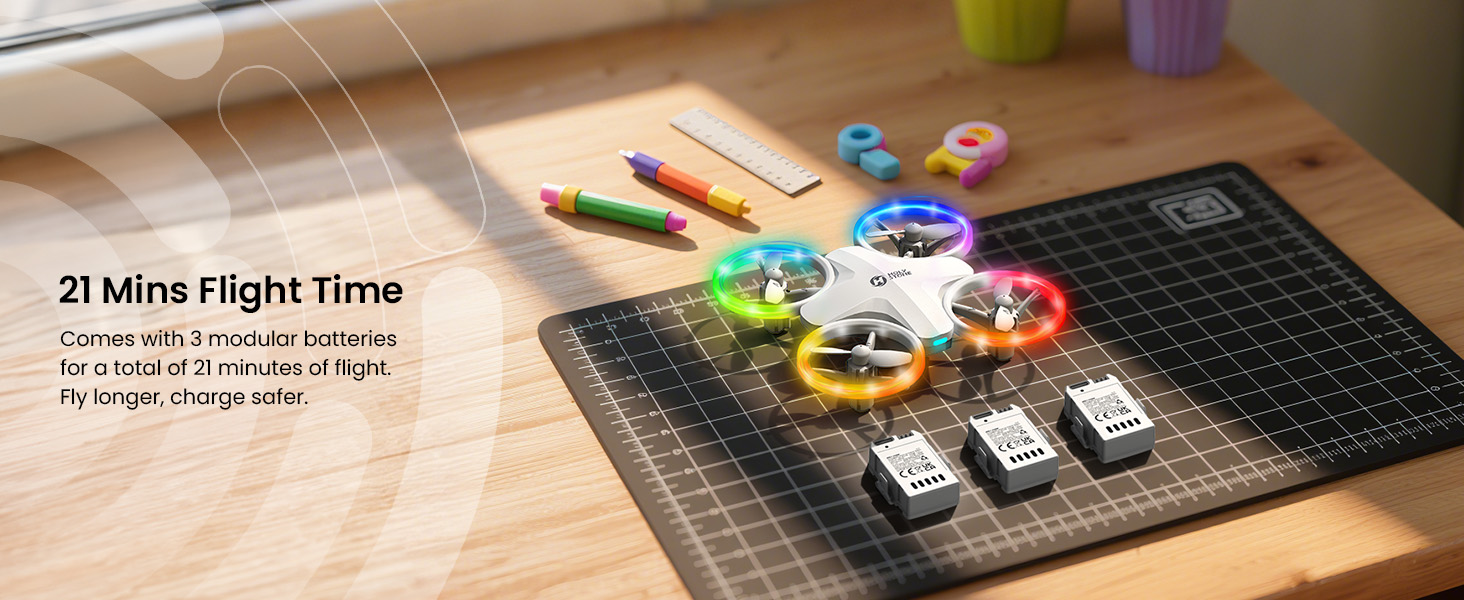
HS180 3 modular batteries for up to 21 minutes total flight time

A Gift-Ready Drone for Birthdays and Holidays

HS180 works well as a first drone gift because it feels exciting right away: colorful lights, simple controls, stunt moves, and a compact size that fits everyday family spaces. The LED glow also makes it especially suitable for birthdays, holiday nights, and cheerful indoor gatherings.

For gift buyers, it offers a clear promise: something more surprising than a normal toy, but easier and safer to start with than a camera drone or outdoor performance drone — a toy that can help create a shared family moment as soon as it takes off.
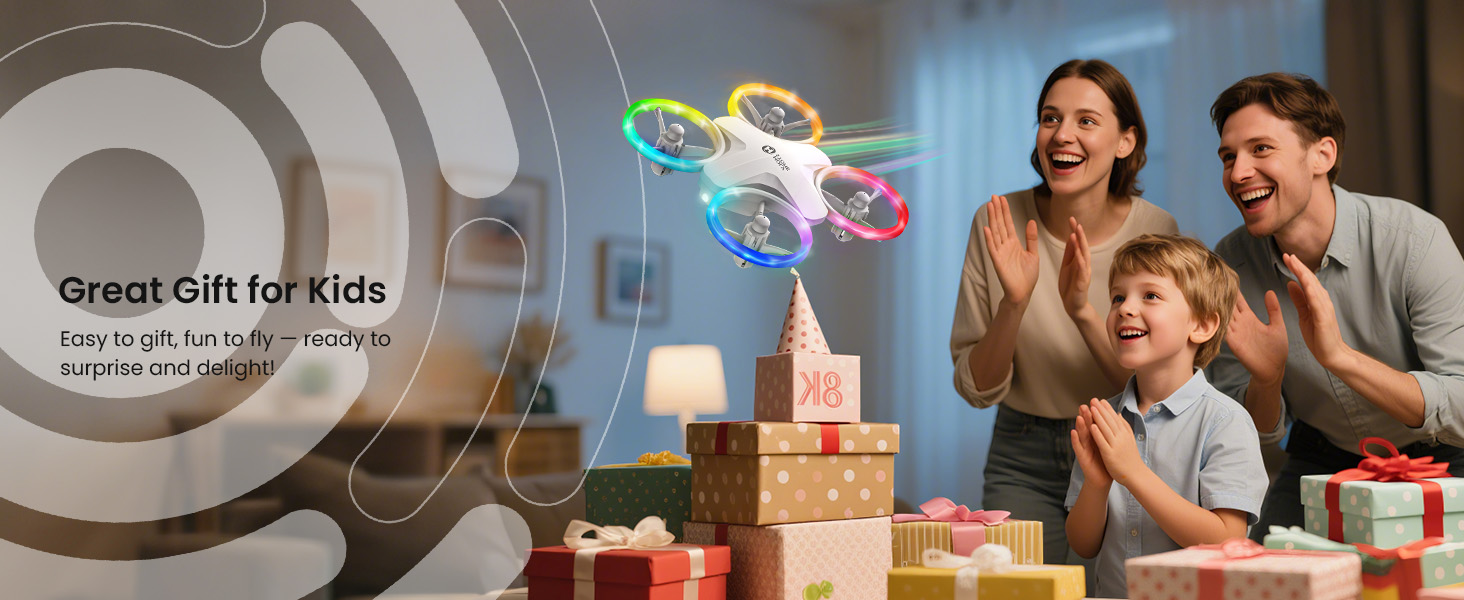
HS180 LED drone gift for kids birthdays and holidays

Everything Included to Start Flying

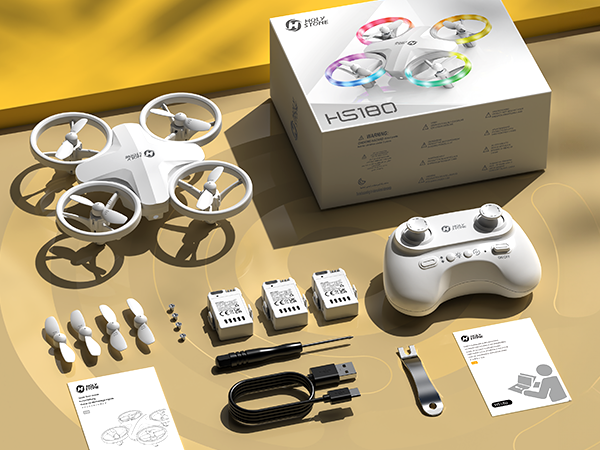
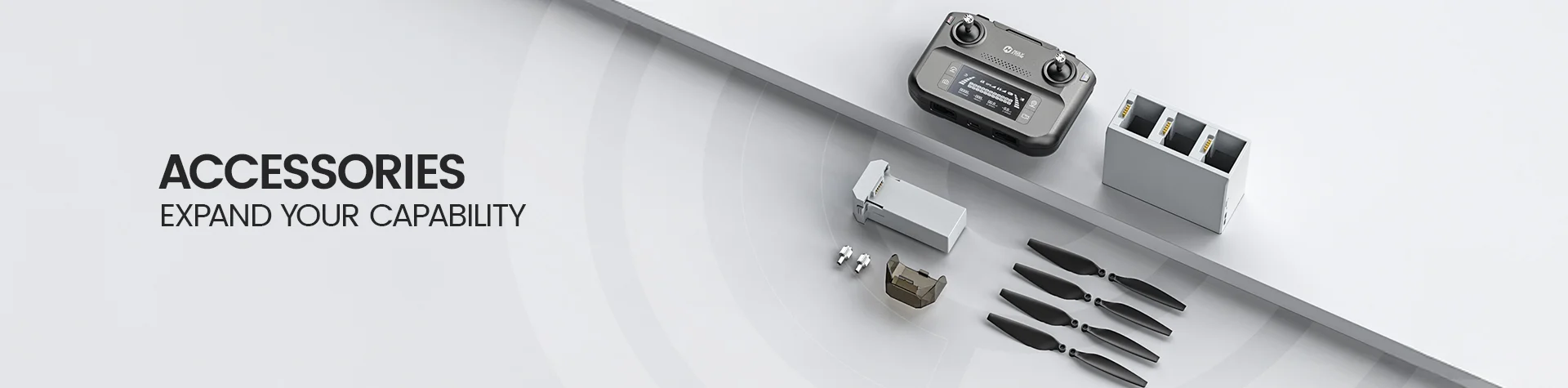
The HS180 set includes the drone, transmitter, 3 drone batteries, USB charging cable, spare propellers, screwdriver, propeller spanner, and user manual. The transmitter uses 3 AAA batteries, which are not included.

This complete package makes HS180 practical for families and easier to give as a gift, with the essential accessories ready in the box.
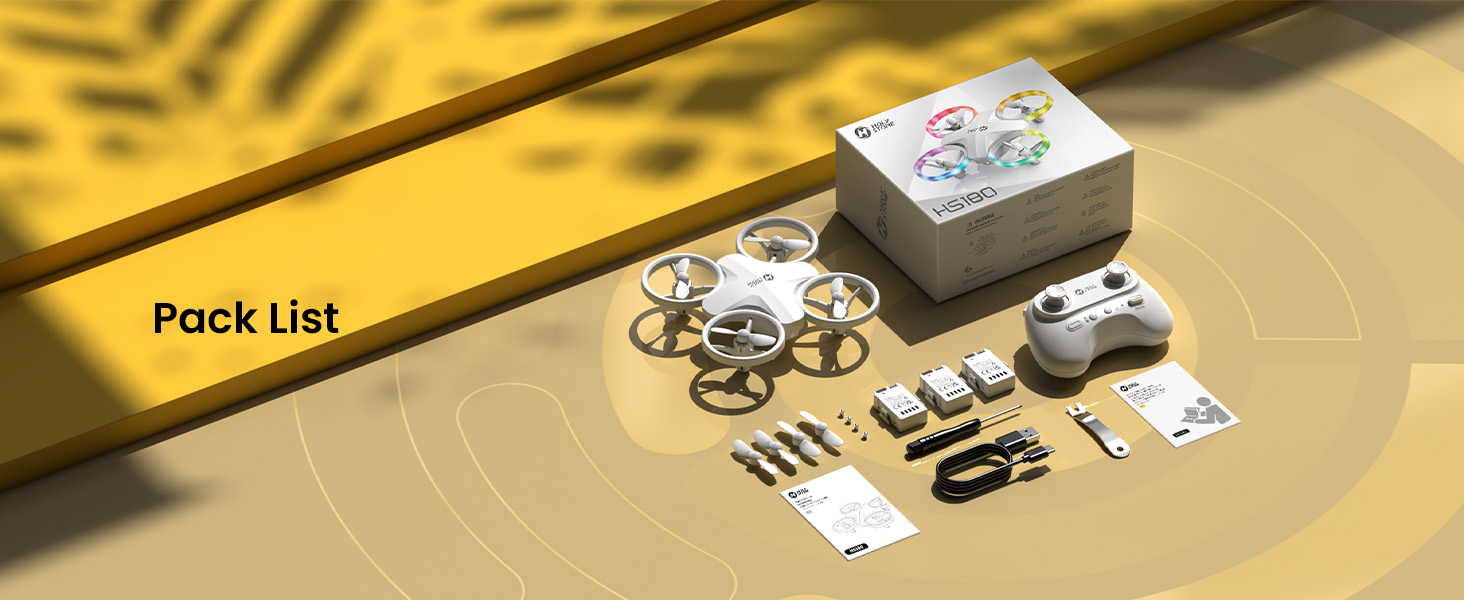
HS180 package contents with drone transmitter batteries charging cable tools and propellers

Is HS180 Right for Your Child?

Choose HS180 if you want:

  • A colorful LED toy drone for kids and family gatherings

  • An indoor-friendly first drone

  • One-key takeoff and beginner controls

  • Full propeller guards for safer family play

  • A gift-ready drone for birthdays, holidays, and cheerful indoor play

HS180 Real Shots

Real product views of HS180, showing its compact body, full propeller guards, and colorful LED flying effect.
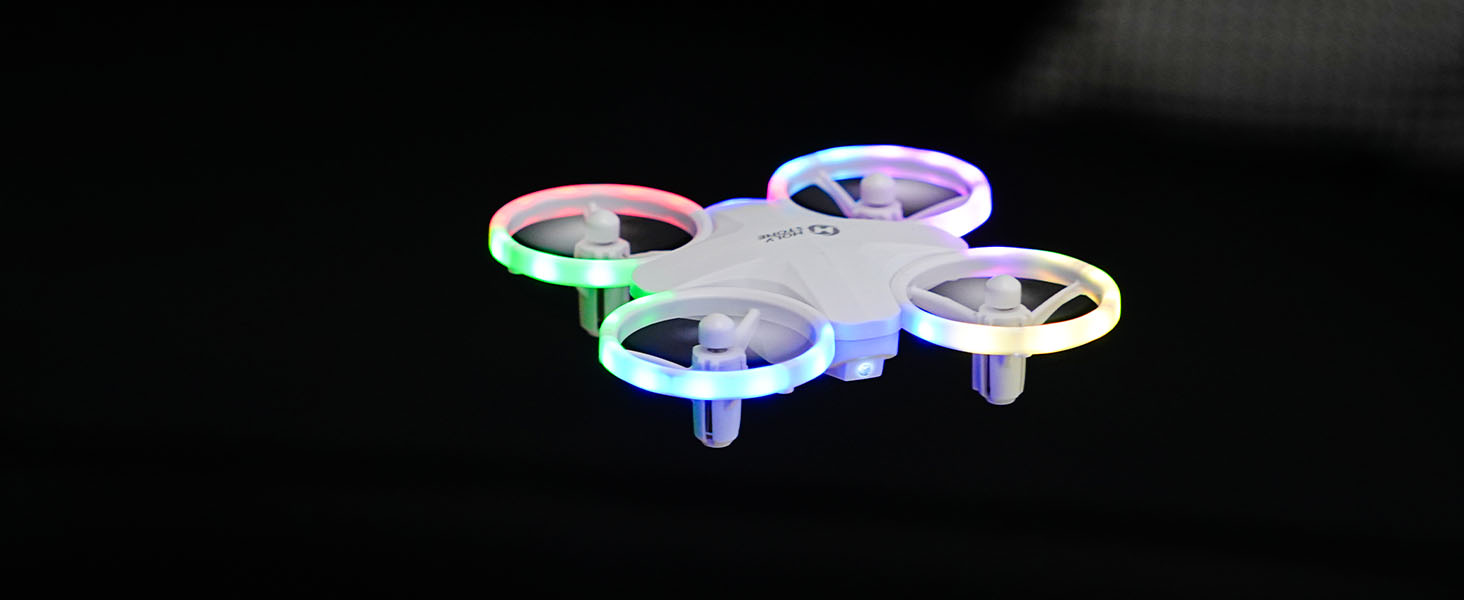
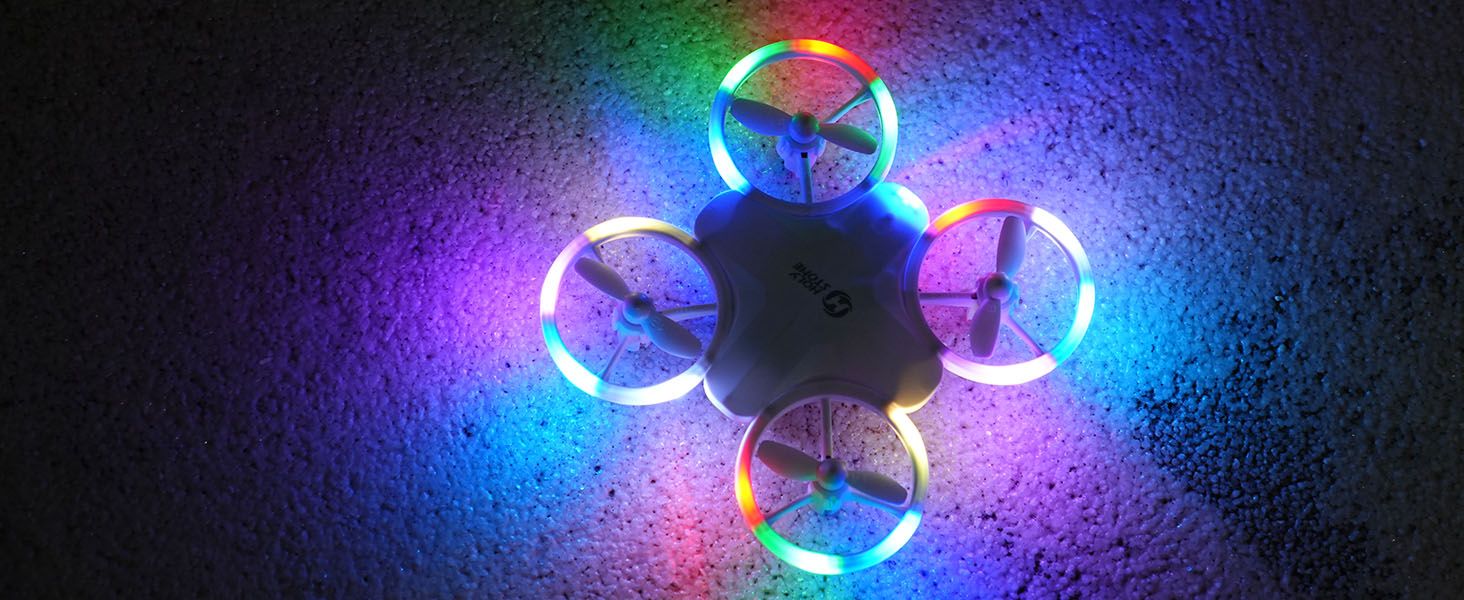
HS180 real shot with colorful LED lights in flight
HS180 LED drone real product photo
HS180 mini drone real shot for indoor play
HS180 colorful LED drone real shot
HS180 kids LED drone real shot
HS180 real shot with propeller guards
HS180 compact toy drone real shot
HS180 LED toy drone close up real shot
HS180 colorful lights real shot for kids drone page
HS180, Eye-Friendly LED Toy Drone for Kids SPECS
DRONE
Model:
HS180
Weight:
48 g / 1.69 oz
Max Flight Height:
131 ft / 40 m
Max Flight Speed:
8.2 ft/s
Max Flight Time:
7 minutes (in a windless environment)
Max Wind Speed Resistance:
5.25 ft/s
Operating Temperature Range:
32° to 104°F (0° to 40°C)
Size:
112 × 112 × 35 mm

DRONE BATTERY

Model:
SDL-851740
Capacity:
500 mAh
Voltage:
3.7 V
Max Charging Voltage:
4.34 V
Battery Type:
Lithium-ion Polymer Battery
Energy:
1.85 Wh
Charging Temperature Range:
41° to 104°F (5° to 40°C)
Charging Time:
about 50 minutes

TRANSMITTER

Operating Frequency:
2416–2475 MHz
Max Flight Distance:
131 ft / 40 m (outdoor and unobstructed)
Battery Type:
3 × AAA Battery (not included)
Operating Temperature Range:
32° to 104°F (0° to 40°C)

USB CHARGING CABLE

Input:
5V/2A
Rated Power:
≤10 W
HS180, Eye-Friendly LED Toy Drone for Kids IN THE BOX
HS180 package contents with drone transmitter battery propellers and accessories

*Accessories configuration may vary depending on the purchase channel. Please refer to the actual product package on the purchasing platform for final confirmation.*

Package Content

  • 1× Drone HS180

  • 1× Transmitter

  • 1× Drone Battery

  • 1× USB Charging Cable

  • 1× Screwdriver

  • 4× Propellers (including the installed set)

  • 1× Propeller Spanner

  • 1× User Manual

HS180, Eye-Friendly LED Toy Drone for Kids DOWNLOAD

User Manual

Setup & Flight Guide

Download the official HS180 user manual for battery preparation, transmitter controls, flight functions, safe operation, and troubleshooting.

Download HS180 Manual (PDF)
HS180, Eye-Friendly LED Toy Drone for Kids FAQ

Buying Decision

Is HS180 a good drone for kids and beginners?

Yes. HS180 is a good choice for kids and first-time flyers who want a small, colorful, easy-to-control toy drone for indoor fun and supervised family play.

It combines 6 LED light modes, one-key takeoff and landing, altitude hold, headless mode, two speed modes, full propeller guards, and fun stunt functions.

For younger children, adult guidance is recommended, especially during first flights, indoor practice, speed switching, and stunt play.

Who is HS180 best for?

HS180 is best for kids, beginners, families, and gift buyers looking for a fun LED toy drone rather than a camera drone.

It is especially suitable for living rooms, bedrooms, family nights, birthdays, holidays, sleepovers, and cheerful indoor play moments where colorful lights make the experience feel more festive.

It is a better fit for playful flying, light shows, simple control practice, and shared family entertainment than for outdoor photography or long-distance flying.

Is HS180 a camera drone?

No. HS180 is not a camera drone. It is a colorful LED toy drone designed for easy flying, indoor play, stunt fun, and family entertainment.

Choose HS180 if you want a light-up flying toy for kids. Choose a camera drone if you need aerial photos, video recording, GPS positioning, app live view, or outdoor filming.

Is HS180 suitable as a birthday or holiday gift?

Yes. HS180 is a strong gift choice for kids who enjoy lights, movement, remote-control toys, and interactive play.

The LED effects help create a small flying light show, making HS180 feel more exciting during birthdays, holidays, family gatherings, and indoor play nights.

Compared with a basic remote-control toy, HS180 offers more ways to play: flying practice, light switching, flips, circle fly, high-speed rotation, and family watching moments.

What makes HS180 different from a regular toy drone?

HS180 is built around the fun of LED atmosphere and easy first flight. The colorful lights make it feel more like a shared family play experience than a simple flying toy.

Its key differences are 6 LED light modes, beginner-friendly controls, full propeller guards, two speed modes, altitude hold, headless mode, and stunt functions.

It is designed to help kids feel quick achievement while giving parents a more controlled and supervised indoor play option.

LED & Play Experience

How many LED light modes does HS180 have?

HS180 supports 6 LED lighting modes.

Short-press the Light button to cycle through the lighting modes. The transmitter beeps once each time the light mode changes.

These colorful LED effects are one of HS180’s main fun features, helping turn ordinary indoor flying into a glowing family play moment.

Why are LED lights important on a kids drone?

LED lights make the flying experience more visible, more playful, and more exciting for kids.

Instead of only watching a small drone move through the air, children and family members can enjoy a colorful flying light show in the room.

This is why HS180 works well for family nights, indoor games, birthdays, sleepovers, and moments when several people gather around to watch and play together.

What stunt functions does HS180 support?

HS180 supports 360° flips, Circle Fly, and High-Speed Rotation.

For 360° flips, short-press the Flip button and push the right joystick in the direction you want the drone to flip. Use flips only with enough open space and safe height.

Circle Fly and High-Speed Rotation can make the drone feel like a mini indoor performance, especially when combined with colorful LED effects.

Does HS180 have different speed modes?

Yes. HS180 has two speed modes: Low Speed and High Speed.

Low Speed is the default mode and is better for first practice. High Speed gives more dynamic flying once kids become more confident.

Short-press the Speed button to switch modes. One beep means Low Speed, and two beeps mean High Speed.

Indoor Flying & Safety

Can HS180 be flown indoors?

Yes. HS180 can be flown indoors when there is enough open space, adult supervision, and no fragile objects nearby.

The full propeller guard design helps make HS180 more suitable for indoor play than exposed-propeller drones, but it should still be flown carefully.

Avoid flying near people’s faces, pets, ceiling fans, curtains, glass, lamps, water, or crowded areas.

Is HS180 safe for kids to use?

HS180 is designed as a kids-friendly toy drone with full propeller guards and beginner-friendly controls, but it is still a flying product and should be used responsibly.

Adult supervision is recommended, especially for younger children, first-time users, indoor flying, high-speed mode, flips, and emergency stop practice.

Start with low speed, fly in an open area, and make sure children understand not to fly near faces, pets, or fragile items.

Where is the best place to fly HS180?

For first flights, choose a spacious indoor room or an open outdoor area with little wind and no obstacles.

Indoors, clear away fragile items and give the drone space to hover. Outdoors, keep the drone within visual line of sight and avoid windy conditions.

HS180 is best for close-range fun, not long-distance flying.

Can HS180 fly outside?

Yes, HS180 can fly outside in open, calm, unobstructed areas.

Because HS180 is a lightweight toy drone, it is better to avoid windy outdoor conditions. Wind can make small drones drift and become harder for kids to control.

For the best experience, use HS180 in low wind, keep it close, and avoid roads, trees, water, power lines, and crowds.

First Flight & Controls

How do I pair HS180 with the transmitter?

Long-press the drone power button, place the drone on a level surface with the head facing away from you, then short-press the transmitter power button.

Pairing is successful when the indicator lights on the drone and transmitter turn solid.

If pairing fails, restart both the drone and transmitter, place the drone flat, and try again in an open area away from interference.

How does one-key takeoff and landing work?

Unlock the motors first, then short-press the One-Key Start/Takeoff/Landing button. The drone will take off automatically and hover at about 5 ft.

Short-press the same button again to make HS180 land automatically.

One-key takeoff and landing help beginners start and stop flights with less stress, especially during early practice.

What is Headless Mode on HS180?

Headless Mode helps beginners control the drone without worrying too much about which direction the drone nose is facing.

In Headless Mode, pushing the right joystick forward makes the drone fly forward relative to the pilot, regardless of the drone’s nose direction.

Long-press the Headless button to enter or exit the mode.

Can HS180 hold altitude?

Yes. HS180 supports altitude hold.

When you release the left joystick, it springs back to the center and the drone helps keep its current altitude more steadily.

Minor drifting may still happen indoors because of airflow, wall effects, battery level, propeller condition, or small bumps.

What should beginners do before the first HS180 flight?

Fully charge the drone battery, insert fresh AAA batteries into the transmitter, check the propellers, and place the drone on a level surface.

Start in low speed, use one-key takeoff, keep the drone close, and practice simple hovering before trying flips or high-speed rotation.

For kids, the first few flights should be guided by an adult until they understand basic direction control and safe landing.

Battery & Charging

How long can HS180 fly?

HS180 can fly for about 7 minutes per battery in a windless environment.

Actual flight time may vary depending on speed mode, stunt use, LED mode, temperature, battery condition, and flying environment.

How far can HS180 fly?

HS180 supports a maximum flight distance of about 131 ft / 40 m in outdoor and unobstructed conditions.

For safer flying, keep HS180 close, maintain visual line of sight, and avoid obstacles or interference.

It is designed for short-range play and beginner practice, not long-distance outdoor flight.

How do I charge the HS180 battery?

Remove the drone battery and connect it to the original USB charging cable. Use a 5V/1–2A USB power source.

The battery indicator is red while charging and turns off when fully charged. Typical charging time is about 50 minutes.

Let the battery cool down after flying before charging it again.

What happens when the HS180 battery is low?

When the drone battery is low, the indicator lights flash quickly and the transmitter may beep continuously.

Land promptly and recharge the battery before flying again.

Some stunt functions may be unavailable when the battery is low, so do not force flips or high-speed rotation during low-battery warnings.

What batteries does the HS180 transmitter use?

The HS180 transmitter uses 3 × AAA batteries, which are not included.

When the transmitter power indicator flashes rapidly, replace the AAA batteries.

Troubleshooting

Why is HS180 drifting or not hovering steadily?

Minor indoor drift can happen because of airflow, uneven surfaces, wall effects, propeller condition, low battery, or calibration needs.

Use trim adjustment to correct small drift. Hold the Trim button and nudge the right joystick opposite to the drift direction.

After bumps or crashes, place the drone on a level surface and complete gyro calibration before flying again.

How do I calibrate HS180 after a bump or crash?

Place HS180 on a level surface, then move both joysticks to the bottom-left until the LEDs blink and turn solid.

Calibration helps reset the drone’s attitude and can improve hovering stability after impacts.

Also check whether the propellers are bent, loose, or installed in the wrong A/B position.

What should I do if HS180 hits the ground and the LEDs flash quickly?

Place the drone on a level surface and push the left joystick down until the LEDs turn solid.

After the reset, check the propellers, make sure the drone is level, and try flying again carefully.

When should I use Emergency Stop?

Use Emergency Stop only in real emergencies, such as when the drone may hit a person, pet, or dangerous object.

Emergency Stop stops the motors immediately and the drone will drop. Do not use it for normal landing.

Why are some stunt functions unavailable?

Some stunt functions may be unavailable when the battery is low, when there is not enough space, or when the drone is not flying steadily.

Recharge the battery, fly in a more open area, and avoid flips or high-speed rotation close to people, pets, walls, ceilings, or furniture.